PicWish: AI Photo Editor

Published by Wangxu Technology Co., Ltd on Mar 09, 2022
PicWish: AI Photo Editor icon

Genre: Graphics & Design

Ratings: 4.30

Version: 1.7.6

Updated: Sep 18, 2024

Downloads: 816

PicWish: AI Photo Editor is a graphics & design app developed by Wangxu Technology. Available as a free download, it was updated to v1.70 on September 18, 2024, and currently holds a 4.3 out of 5 rating based on 214 reviews. Before downloading, make sure your device has at least 146 MB of free space and runs Android 12+ or iOS 13.0+.

Eraser Remove Photo Editor

Video: PicWish: AI Photo Editor Overview

Description

Try the easiest AI photo editing app! Remove background and unblur photo to make your products stand out! 100% automatic.
Show more

Available In-App Purchases

1000 images

$20.99

10000 images

$139.99

20 images

$4.99

300 images

$9.99

50 images

$5.99

5000 images

$89.99

Download PicWish: AI Photo Editor

Scan to Get the App! QR code for PicWish: AI Photo Editor

Using PicWish: AI Photo Editor on PC or Mac

PicWish: AI Photo Editor may be playable on Windows and macOS using Android emulators such as BlueStacks. Follow our BlueStacks installation guide to get started. Looking for PicWish: AI Photo Editor APK? Visit our forums for help finding authorized downloads, installing APK files, and troubleshooting installation issues.

User Reviews and Ratings

★★★★★ Great
Very great, very nice quality is key . I do digital selling and this enhancement work magic. i love it
★★★★☆ No logo removal on videos
I downloaded it specifically for the logo removal on videos and it wasn’t there
★★★★★ 5 stars
This app is a game changer. You can do anything with this app. This app is a miracle worker. I highly recommend
★★★★★ Photo Editor
Best app/website to edit photos and enhance them!
★★☆☆☆ Issues with Membership
I pay for a Pro membership, and every time I go to remove a background it tells me to upgrade to pro, and idk if this is charging me every time I hit ok. Now it’s not even going to the background remove tool after I select the image. Needs work. Great tool when it actually does work though.
Read all reviews

Similar Graphics & Design Apps

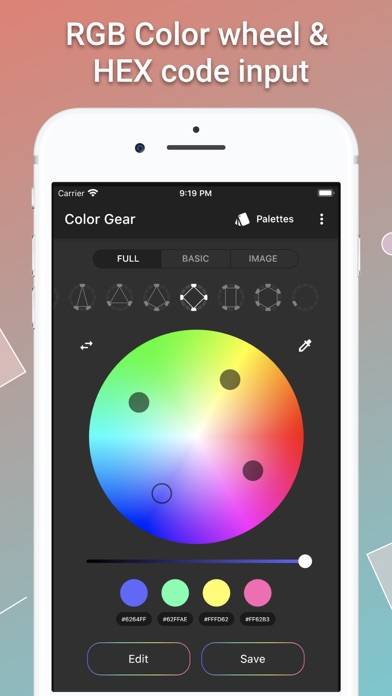
Color Gear - Palettes creator screenshot
Color Gear - Palettes creator
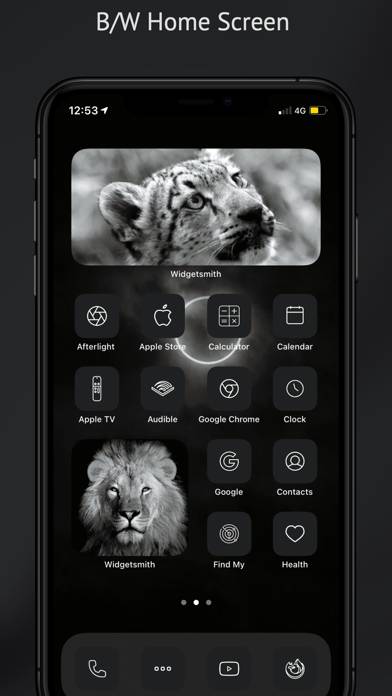
Aesthetic App Icon Changer Kit screenshot
Aesthetic App Icon Changer Kit
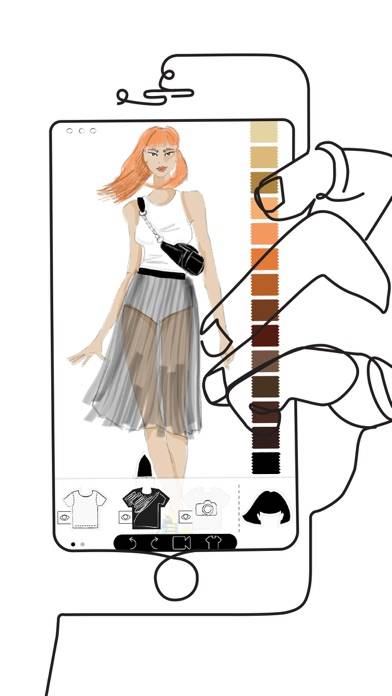
Prêt-à-Template screenshot
Prêt-à-Template
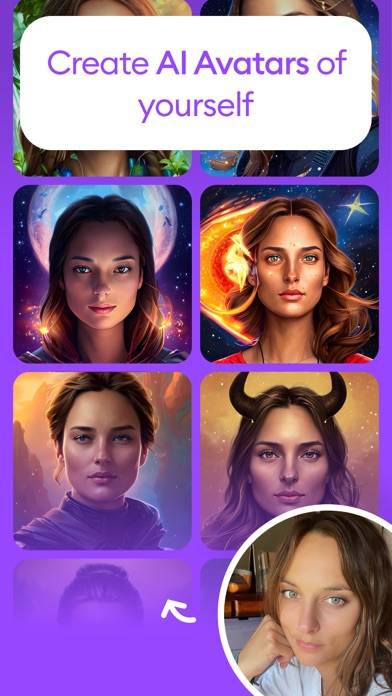
Dawn - AI Generated Art screenshot
Dawn - AI Generated Art
Top #41 in Graphics & Design Apps
Обои на айфон темы для iPhone screenshot
Обои на айфон темы для iPhone
NEXT - Wallpapers & Widgets screenshot
NEXT - Wallpapers & Widgets
Top #96 in Graphics & Design Apps