Photomator – Photo Editor is a photo & video app developed by Pixelmator Team. Available as a free download, it was updated to v3.30 on September 19, 2024, and currently holds a 4.55 out of 5 rating based on 2.4K reviews. Before downloading, make sure your device has at least 776 MB of free space and runs Android 15+ or iOS 16.0+.
Enhance, adjust, retouch
Video: Photomator – Photo Editor Overview
Description
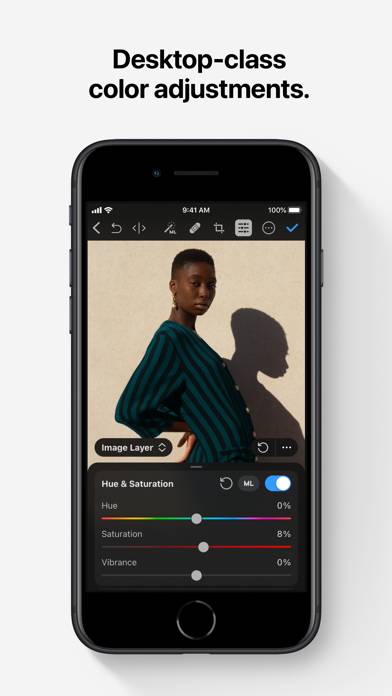
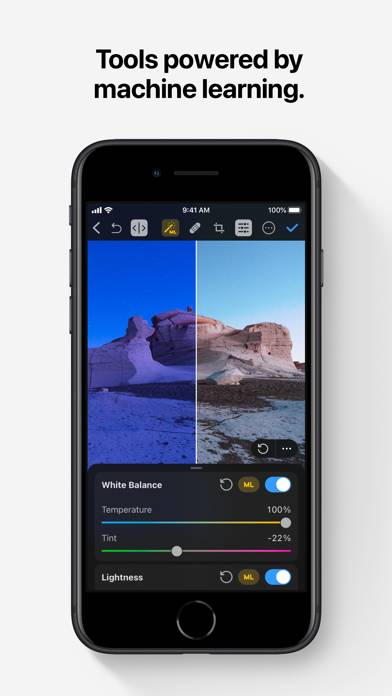
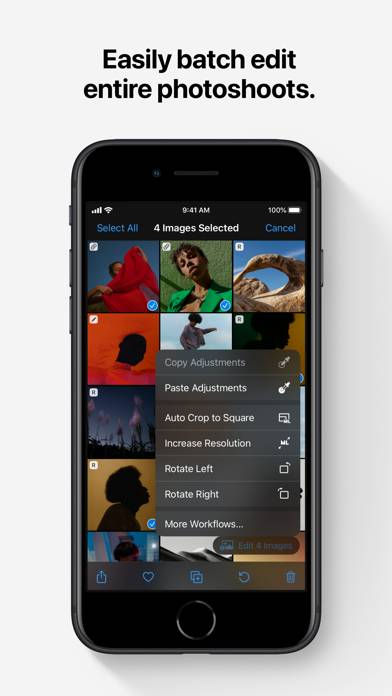
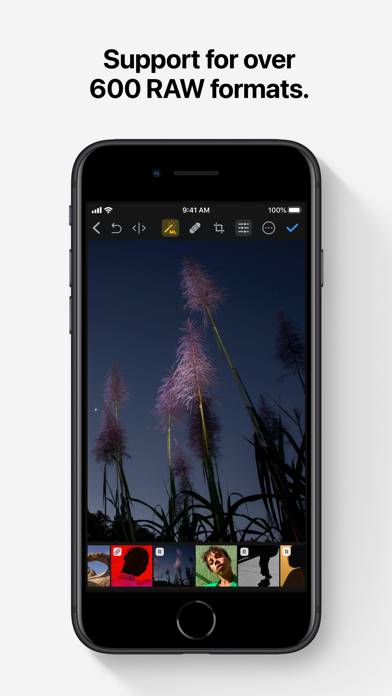
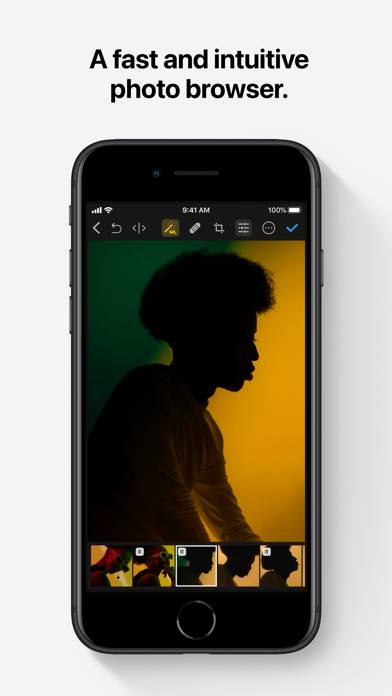
Photomator is the most powerful photo editing app ever designed for a mobile device. It includes an extensive collection of cutting-edge color adjustments, automatic selections powered by AI, support for over 750 RAW image formats, a magical Repair tool for removing unwanted objects, and many more powerful features, letting you enjoy pro photo editing anyplace, anytime.
Photomator – Photo Editor can be played on Windows and macOS using Android emulators such as BlueStacks. Download an APK version and follow our BlueStacks installation guide to get started. For help with downloading or installing APK files, visit our forums.
User Reviews and Ratings
★★★★★FOTOTKR
The editor I’ve been searching for. Simple, free, and loaded with features. Machine Language makes editing so easy and rich results
★★★★★My current go-to image editor
While I prefer Darkroom’s interface, Pixelmator is great, far less buggy, and far less expensive. My feature suggestions:
-Ability to only show raw photos in the photo browser
-Ability to blur the background by selecting the subject, for example in apps like Focos
-Ability to clear the app’s cache. It’s currently taking up 800MB on my phone and I don’t see a way to clear that without deleting the app and reinstalling
★★★★★Great app but still needs some updates to compete with Lightroom.
Hopefully Apple start adding some clue features to get even closer to Lightroom such as Lens Correction. The app has great potential and having the chance to buy the app using a single payment its really nice, considering how tired we are of subscription models.
★★★★☆Could you please add settings to mirror interface for lefties?
Photomator is powerful photo editing tool, covering almost all use cases. But for lefties it not handy. Leading left hand covers up image itself, especially when I editing image with pencil.
★★★★★One suggestion- otherwise it’s the best
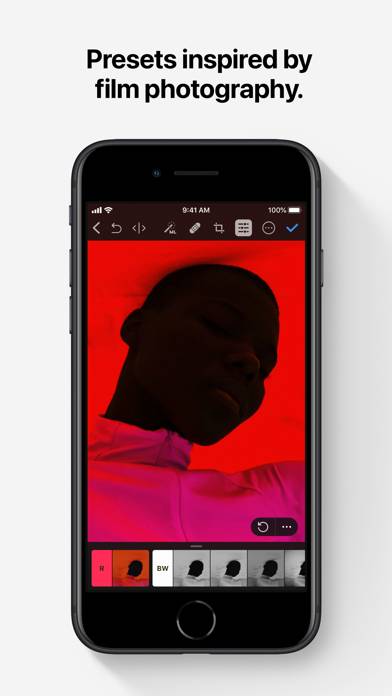
Genuinely such a good app. I purchased the license and now I can edit photos on both my Mac AND my phone. They even sync with iCloud and photos album. I’ve even developed a workflow with this app, and I top it off by selecting a beautiful premade preset from the selection they offer. One suggestion though, it took me the longest time to find the crop presets in the iPhone app. I didn’t know you had to click on the original pill button and it brings you to the crop presets. Wish the UI was a litt