Planner 5D: Room, House Design

Published by Planner5D, UAB on Apr 30, 2013

Planner 5D: Room, House Design icon

Genre: Lifestyle

Ratings: 4.37

Version: 4.43.2

Updated: Sep 17, 2024

Downloads: 1,112

Planner 5D: Room, House Design is a lifestyle app developed by PlannerD UAB. The last update, v4.43, released on September 17, 2024, and it’s rated 4.37 out of 5 based on the latest 12.2K reviews. Planner 5D: Room, House Design is FREE and requires iOS 15.0+ and Android 14 or newer to download.

Home decor, Floor plan creator

Video: Planner 5D: Room, House Design Overview

Description

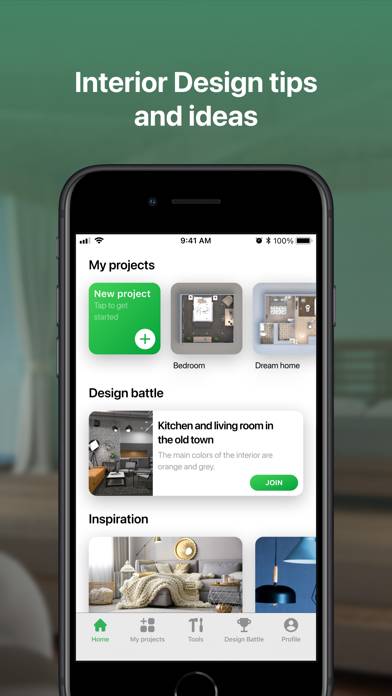
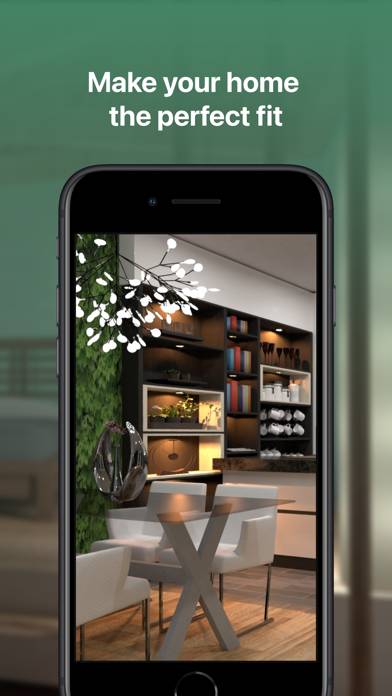
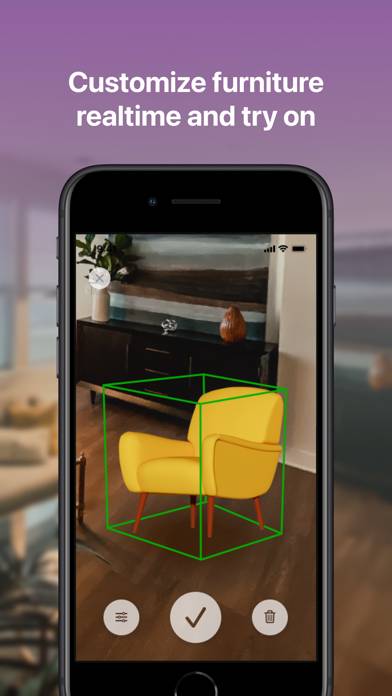
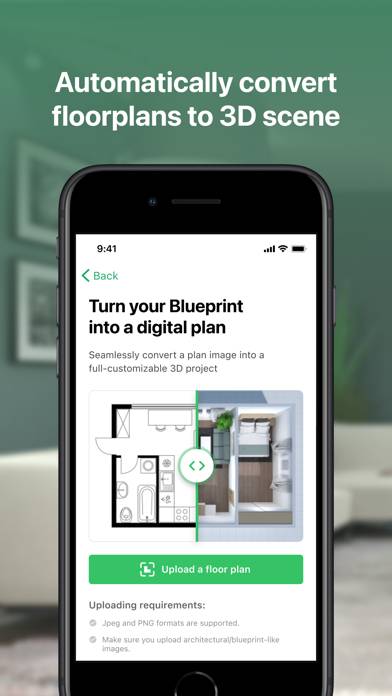
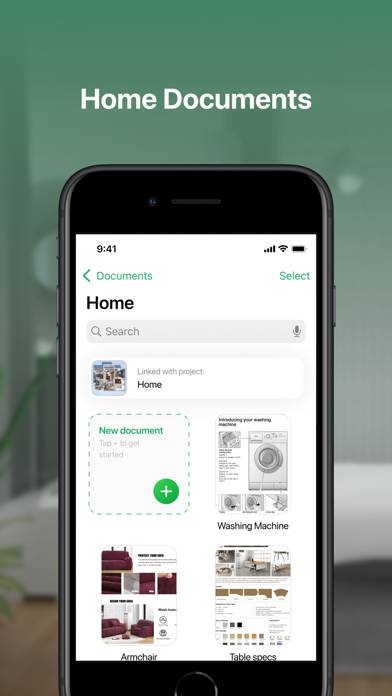
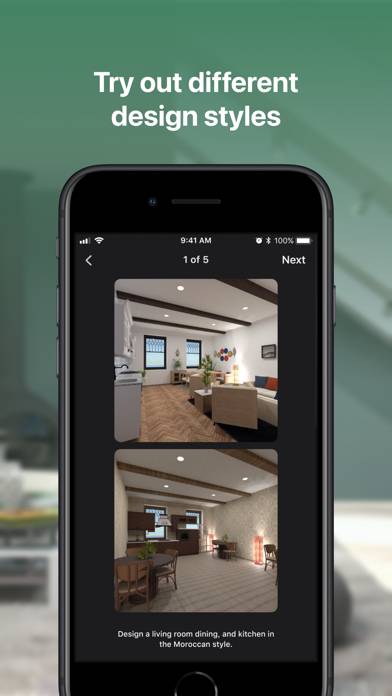
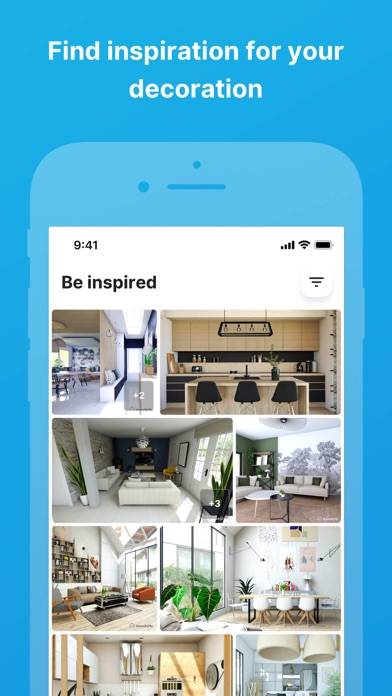
Planner 5D makes interior designing easy - create detailed 2D & 3D floor plans, choose furniture from a 8400+ item catalog, and save realistic images of your future home... Works well for landscape projects!
Show more

Available In-App Purchases

Full catalog access for 1 year

$15.99

Full catalog for 30 days

$6.99

House design: monthly use

$9.99

Interior design: annual use

$59.99

Interior design: weekly use

$7.99

Premium account

$24.99

Download Planner 5D: Room, House Design

Scan to Get the App!
QR code for Planner 5D: Room, House Design

How to Use Planner 5D: Room, House Design on Your PC or Mac

Want to enjoy Planner 5D: Room, House Design on your desktop? Download the latest APK (4.43, 616 MB) or choose your preferred version, and follow our Bluestacks emulator guide for easy installation on Windows or macOS. For any assistance with downloading or installing APK files, feel free to visit our forums!

User Reviews and Ratings

★★★★★ Frustrated
Thought I had free trial for 7 days. On 7th day my Apple account was linked and charged for a full year. This was very misleading and I would not have downloaded the app if I knew I couldn’t try it for free first.
★★★★★ I don’t like this planner
I don’t like the planner for a lot of reasons it’s not that intuitive to use and they came up with a seven day But charged it immediately with no notice or chance to get out really try this because it’s not that intuitive…
★★★★★ Fast room planning with AI
I downloaded the app to plan a studio remodel and quickly scanned my space with the camera, then the AI generator suggested three layouts, I picked one, swapped a few furniture items from the catalog, adjusted wall colors and flooring; checked everything in 3D, and shared the project link with my contractor so he could understand measurements before we ordered anything.
★★★★★ Backyard and patio planner
I installed Planner 5D mainly for the garden planner, traced the back patio dimensions using the metric setting, placed outdoor furniture, a grill station, and some plants from the catalog, toggled between day and evening lighting in snapshots, then showed the 3D views to a landscaper so we could align the design to our budget and existing paving.
★★★★★ Highly recommend this app
If you’re a beginner, this app/software is user friendly and so simple to navigate.
Read all reviews

Related Apps

Astrology Horoscope: Astroline screenshot
Astrology Horoscope: Astroline
Charging Animations screenshot
Charging Animations
Layal screenshot
Layal
Rossmann screenshot
Rossmann
Live Home 3D Pro screenshot
Live Home 3D Pro
Planner 5D: Room, House Design App Alternatives