Pocket Marine
Published by Liam Salmons on Jun 08, 2015
Genre: Utilities
Ratings: 4.78
Version: 6.0
Updated: Apr 25, 2024
Downloads: 954
Pocket Marine is a utility app developed by Liam Salmons. Available for $3.99, it was updated to v6.00 on April 25, 2024, and currently holds a 4.78 out of 5 rating based on 585 reviews. Before downloading, make sure your device has at least 213 MB of free space and runs Android 13+ or iOS 14.0+.
The Reef Keepers Handbook
Video: Pocket Marine Overview
Description
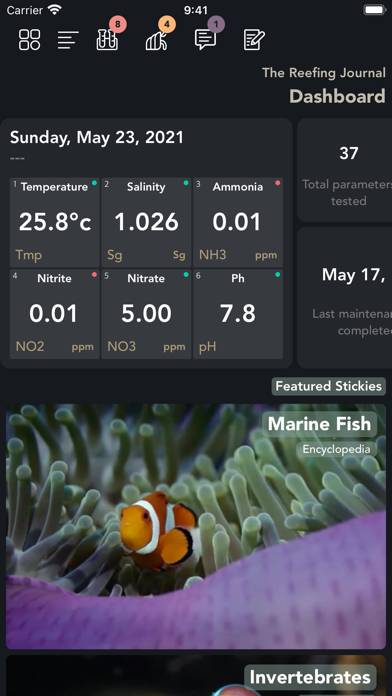
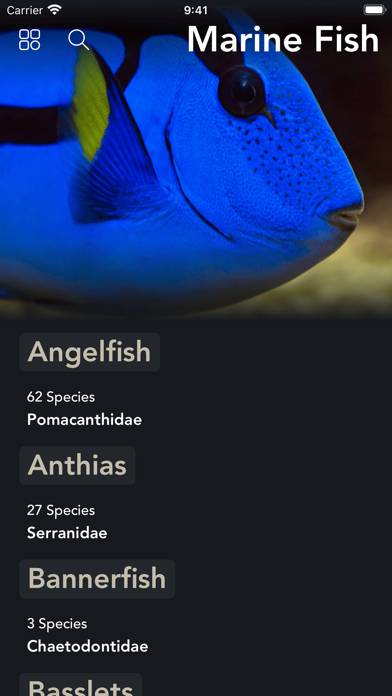
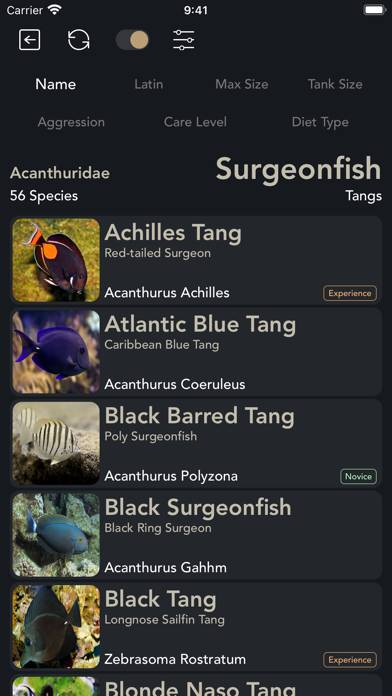
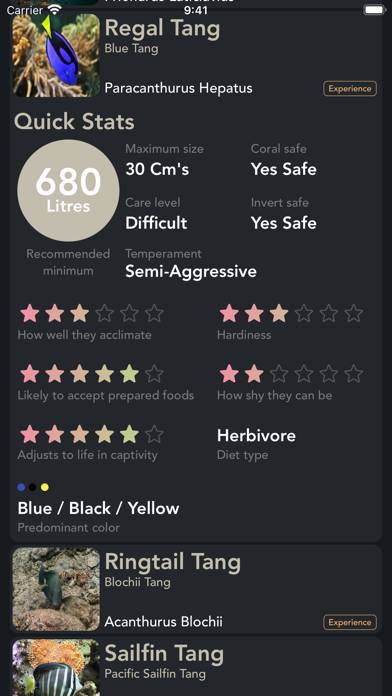
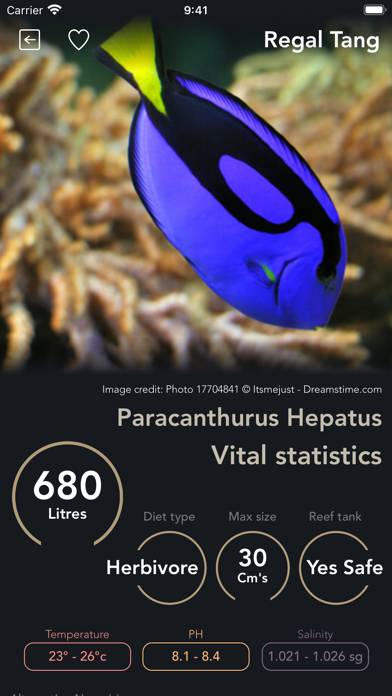
A handy tool to keep track of all of the vital information related to your aquarium together with an in-depth library of species to ensure you never get caught short for an impulse buy.
Show more
Download Pocket Marine
Scan to Get the App!

Using Pocket Marine on PC or Mac
Pocket Marine can be played on Windows and macOS using Android emulators such as BlueStacks. Download an APK version and follow our BlueStacks installation guide to get started. For help with downloading or installing APK files, visit our forums.
User Reviews and Ratings
★★★★★ Review
Loves this app!!! Please keep it updated!!
★★★★★ Great App but..
The app is amazing and full of great things but it’s missing the most important thing which to export data or at least being able to create an account to store all the data of tests, that way if you get a new phone you can import all your data, for now if you get a new phone you loose all your data which makes it useless.
I really hope that this could be fixed ASAP!
★★☆☆☆ App crashes when trying to set up an aquarium
I’m new to this app. I’m looking for something to help guide my water testing and maintain a record of results. App seems to be a good tool for this, and appears to have many useful features. Unfortunately, it crashes when I attempt to set up a new aquarium. As long as you track testing for only one aquarium, the crash does not affect the apps usefulness.
★★★☆☆ Water Parameters seem off
The app looks good, but see some issues and not quite sure how to address.
1. If you enter a temp reading of 78.2°F, the indicator is Red, you you enter 25.6°C, the indicator is Green. Using any value of F does not change the indicator to Green. Using the the converted value of C to F does not work.
2. What values are used to indicate Red vs Green? This is not published anywhere on the app.
3. If ammonia levels of .25ppm is considered safe, why is my level of .04 showing up with a Red indi
★★★☆☆ Decent
Read all reviews
I genuinely like this app and the information that is provided within. However, there are an absurd amount of spelling mistakes. To me, that is just a little unprofessional and tacky, and sometimes I question the validity of the information given, due to the spelling mistakes. But overall, is a good app, I’ll continue to use it.