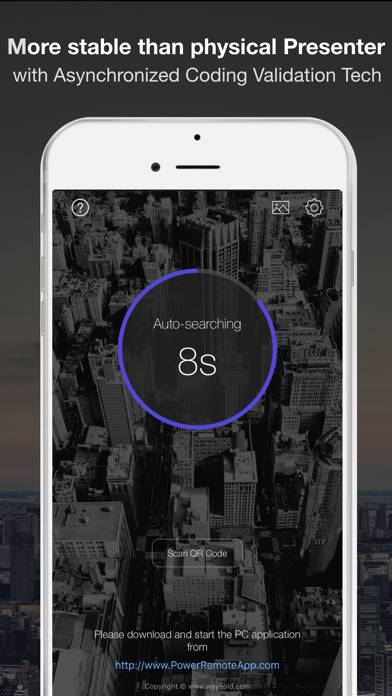
Power Remote Pro: PPT Clicker is a utility app developed by Wayhold. Available for $3.99, it was updated to v5.00 on July 23, 2021, and currently holds a 2.74 out of 5 rating based on 90 reviews. Before downloading, make sure your device has at least 45 MB of free space and runs Android 8.3+ or iOS 9.3+.
Best Presentation Remote
Description
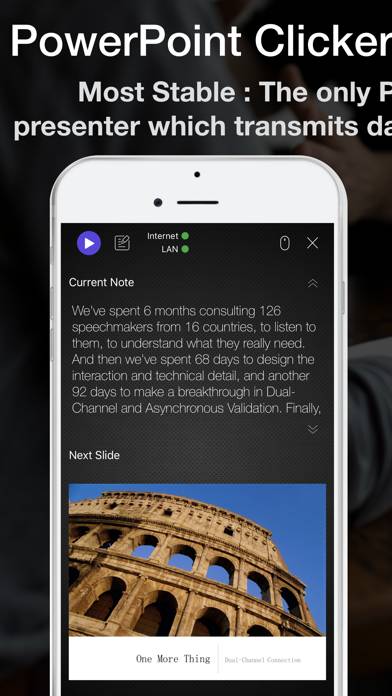
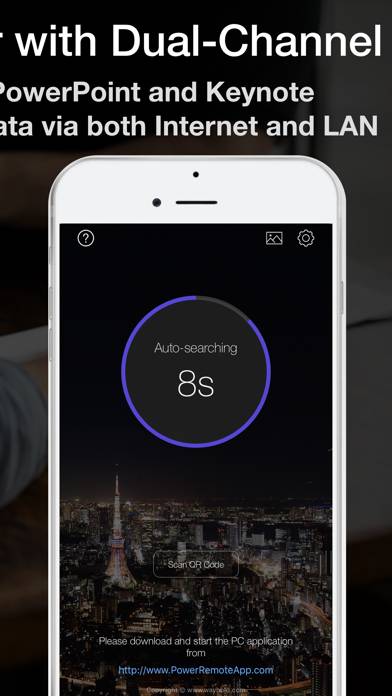
5 Design Awards & 60% OFF for limited time. #Most Stable:The only Powerpoint controller app supporting Dual-Channel Tech: Never lost connection during presentation.
Show more
User Reviews and Ratings
★★★☆☆ Cannnot switch viewsIt would be helpful if we can choose whether to have the next slide on the bottom or the top. Right now the “next slide” is on the top and “current slide” is on the bottom half of the page. It would be helpful and much more natural for the current slide to be at the top with next slide on the bottom. Please allow a drop down menu to choose what to view on the bottom too!! Please!
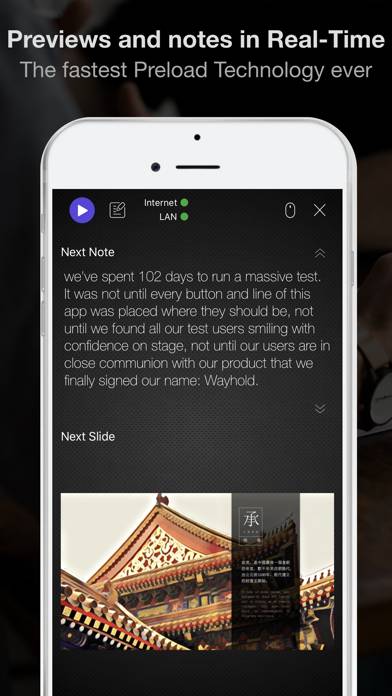
★★★★★ Does the jobGreat little app that does exactly what it says it does. It allows me to control a PowerPoint presentation from my iPhone. One feature I really like is the display in the phone if any notes associated with a particular slide.
The app is easily installed and configured on both the phone and the computer. Clients for both Mac and PC work well.
Very cool!
★★★★★ Well done!Could we have a way to send or export the QR code? Right now we have to do a screen grab to send to remote presenters. Not a huge deal but that would be a cool feature.
Also if they was a way for the phone app to ping the host once in a while to make sure they are still on the same slide. Sometimes we advance locally and it’s not reflected on the presenter device until they click again.
★★☆☆☆ Stops working while presentingI’m very frustrated. I’m stuck at home during the pandemic and my clicker is at work. I downloaded this so that I could defend my dissertation on Monday and it keeps freezes about 5-6 minutes into my presentation. It will advance the slides, but my notes will not show on my iPhone. Just wasted $3.99 and no time to buy a clicker online.
★★☆☆☆ Almost worksIt does connect to the PowerPoint, and it displays the instructor notes. But it doesn’t display the slides. Sent feedback to developer, will see if they respond, and will update this post. If not, will delete the app.
Follow-up: Still no response from developer, and I need this to work by the day after tomorrow.
Don’t waste your money.
Read all reviews