Presentation Clock
Published by Shawn Welch on Sep 19, 2010
Genre: Utilities
Ratings: 4.32
Version: 2.0.1
Updated: Sep 22, 2016
Downloads: 870
Presentation Clock is a utility app developed by Shawn Welch. Available as a free download, it was updated to v2.00 on September 22, 2016, and currently holds a 4.32 out of 5 rating based on 87 reviews. Before downloading, make sure your device has at least 1 MB of free space and runs Android 7+ or iOS 8.0+.
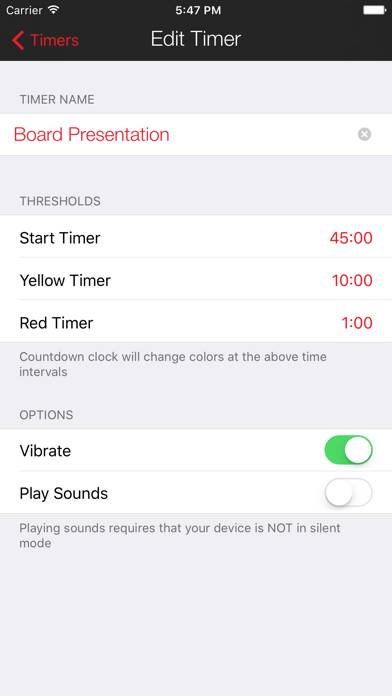
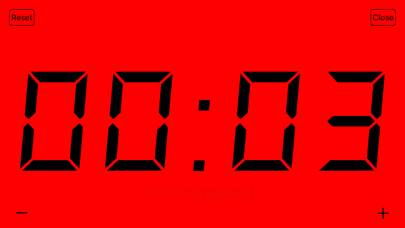
Video: Presentation Clock Overview
Description
This app does one thing but it does it extremely well. If you give presentations, training, tutorials, or speak publicly, this app is for you.
Show more
Download Presentation Clock
Scan to Get the App!

Using Presentation Clock on PC or Mac
Presentation Clock can be played on Windows and macOS using Android emulators such as BlueStacks. Download an APK version and follow our BlueStacks installation guide to get started. For help with downloading or installing APK files, visit our forums.
User Reviews and Ratings
★★★★★ Great simplistic timer
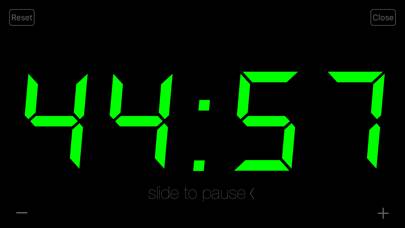
I have been using this for over 10 years and it always works perfectly. I can easily read the numbers, either landscape or portrait. I love that it changes color when I hit a preset. I hope that it never gets an update because it is awesome as it is. I’m a preacher and have various uses for it in different settings with different time allotments. I recommend it to all my preacher friends.
★★★★★ Best time keeper app period
I’ve been using this app on my iPad to time speakers for years now, and not only do the speakers love to know when to wind down their speech but the audience appreciates it as they can see it also.
★★★★★ Still the Best In Class!
Does exactly what you need for managing presentation times. A perfect tool, with now useless addons
★★★★☆ Love this app!
I love this app! It does exactly what it claims to do. I would like it if you guys could add Apple Watch support to this app that would seriously take it to the next level!
★★★★★ Finally! Just what I was looking for!
Read all reviews
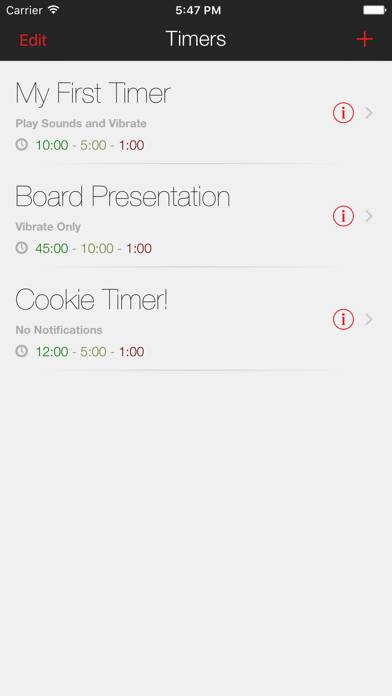
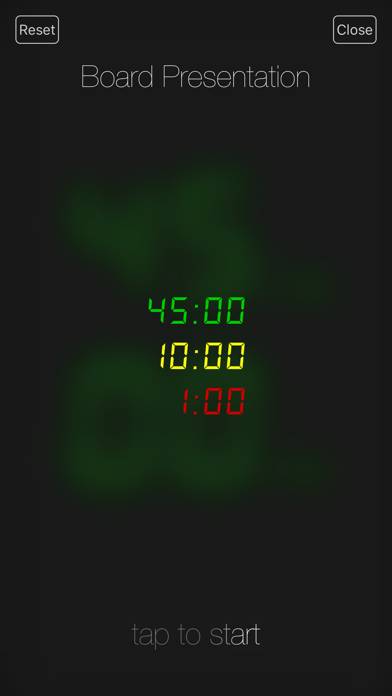
I am a professional trainer. I even train other to give presentations. This is a great countdown timer to keep us all on track. It has large fonts on black background when you turn your phone sideways. It counts down so you always no how much time you have! You can set the start time (green) and first warning (yellow) and next warning (red) as it counts down by minutes and seconds (even hours). When the presenter goes over time, the background changes to red, the font to black, and the timer sta
Similar Utilities Apps
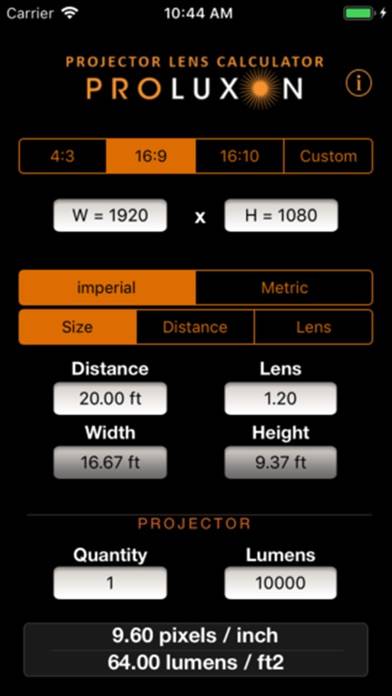
Projector Lens Calculator
PistonRingCalcs
Night light bedtime deep sleep
Enerjisa Mobil
Fuel Calculator: MPG Converter