Programming Notebook LITE

Published by Ryan Rudes on Jun 25, 2020

Programming Notebook LITE icon

Genre: Developer Tools

Ratings: 3.00

Version: 2.0.3

Updated: Feb 21, 2021

Downloads: 1,004

Programming Notebook LITE is a developer tools app developed by Ryan Rudes. Available as a free download, it was updated to v2.00 on February 21, 2021, and currently holds a 3 out of 5 rating based on 22 reviews. Before downloading, make sure your device has at least 5 MB of free space and runs Android 13.4+ or iOS 14.4+.

Code Editors For Programmers
Video: Programming Notebook LITE Overview

Description

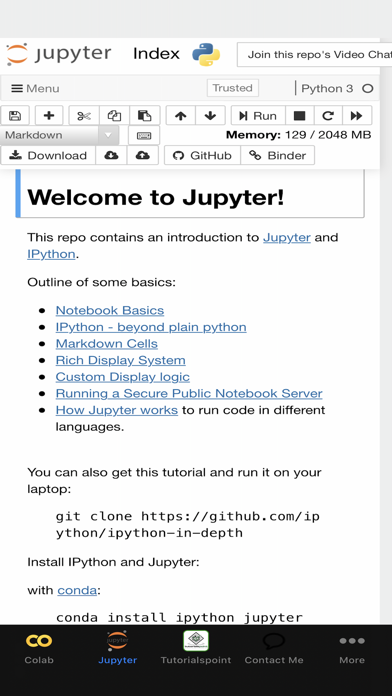
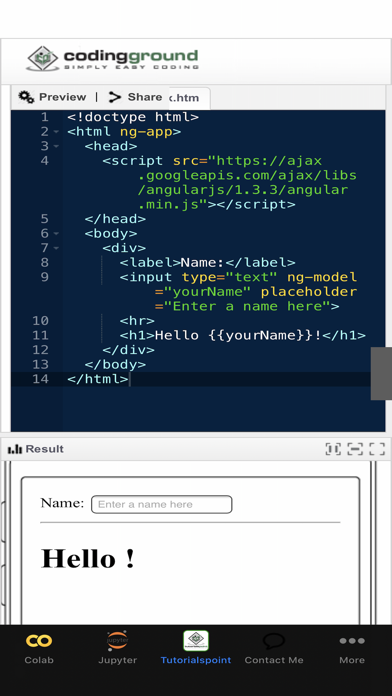
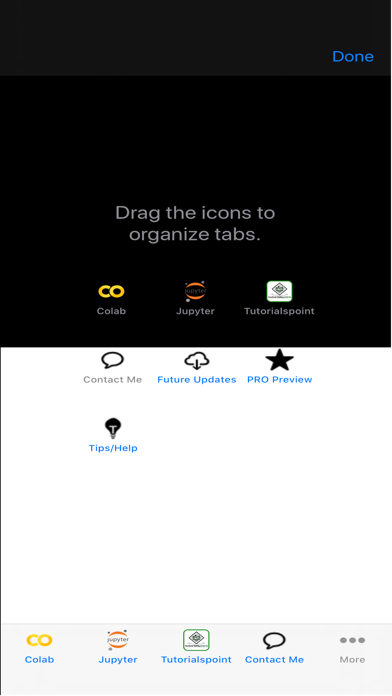
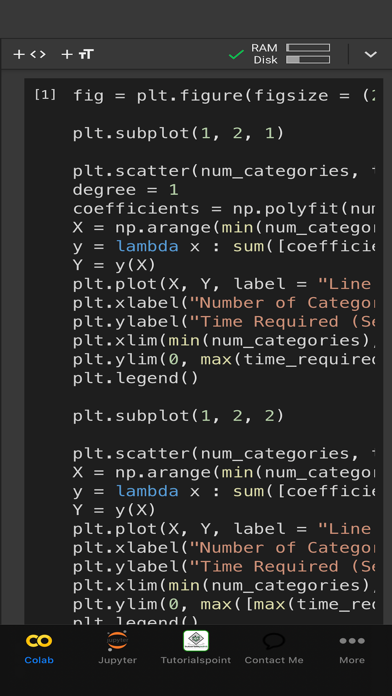
FEATURES: - Includes Google Colab and Jupyter notebook - Prevents automatic zooming when selecting text boxes to allow for code editing with ease.
Show more

Download Programming Notebook LITE

Scan to Get the App! QR code for Programming Notebook LITE

Using Programming Notebook LITE on PC or Mac

Programming Notebook LITE can be played on Windows and macOS using Android emulators such as BlueStacks. Download an APK version and follow our BlueStacks installation guide to get started. For help with downloading or installing APK files, visit our forums.

User Reviews and Ratings

★★★☆☆ Can’t link Drive
A message at the bottom reads, “Your URL should open in a new window. If it” But the rest of the message is covered by the ad at the bottom, and the ad won’t go away. No new window opens.
★★★★☆ Pretty good, but...
It's pretty good for being a free app, but the one thing that makes this lose a star is that there seems to be no way of saving files. I was using the ERSGAN Interference Demo, and at the end of all the steps, it downloads a .zip file of the image that I enhanced, but it doesn't save it anywhere on the device itself! Would love for it to allow saving of files in this app. Thanks.
Read all reviews

Similar Developer Tools Apps

TestFlight screenshot
TestFlight
MQTT Terminal Pro screenshot
MQTT Terminal Pro
Logger for Shortcuts screenshot
Logger for Shortcuts
Scriptable screenshot
Scriptable
Scarlet screenshot
Scarlet
OpenTerm screenshot
OpenTerm