Pushcut: Shortcuts Automation is a utility app developed by Simon Peter Leeb. Available as a free download, it was updated to v2,024.70 on August 30, 2024, and currently holds a 4.37 out of 5 rating based on 453 reviews. Before downloading, make sure your device has at least 98 MB of free space and runs Android 13+ or iOS 14.0+.
Automate Smart Home Workflow
Video: Pushcut: Shortcuts Automation Overview
Description
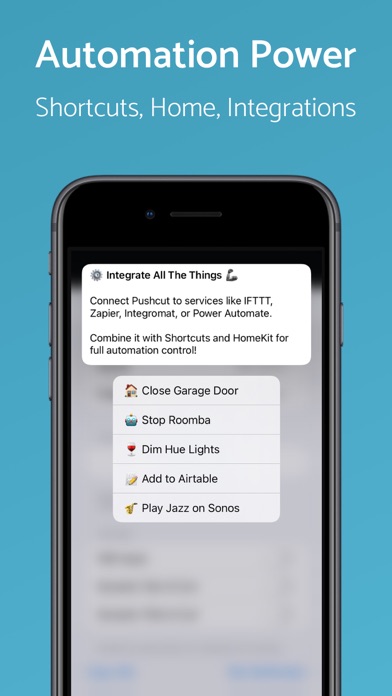
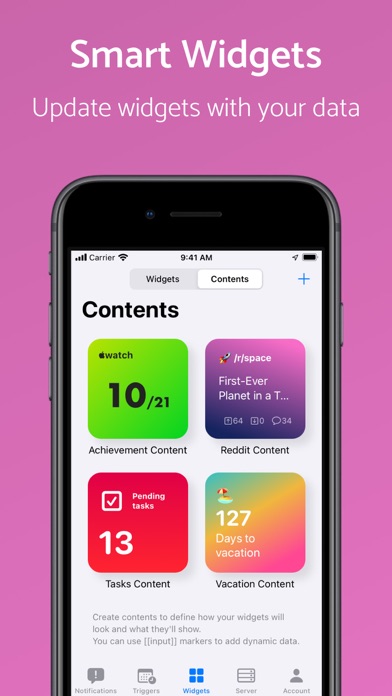
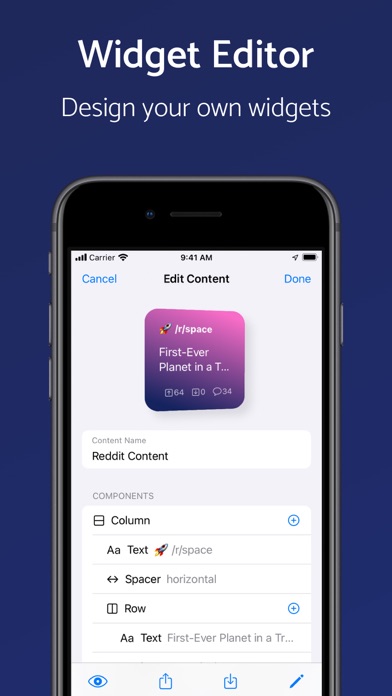
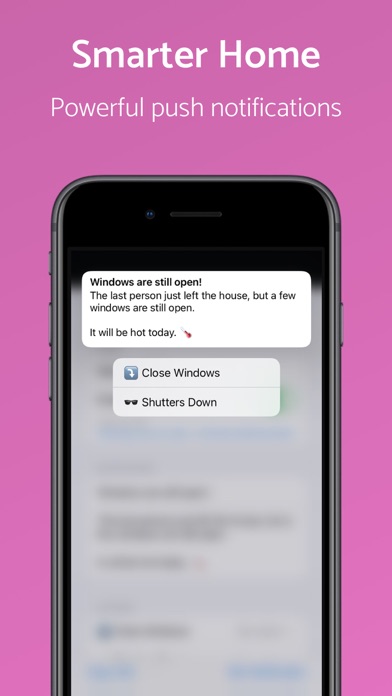
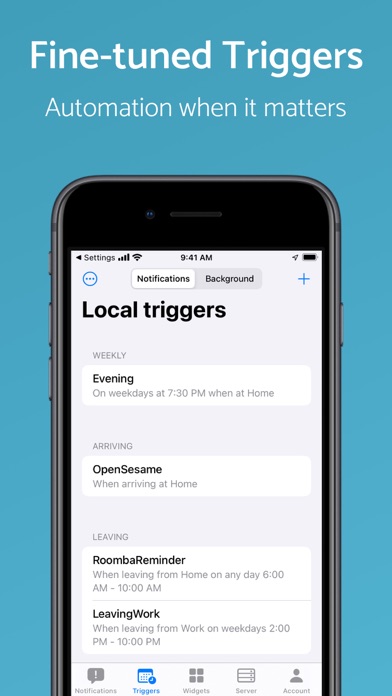
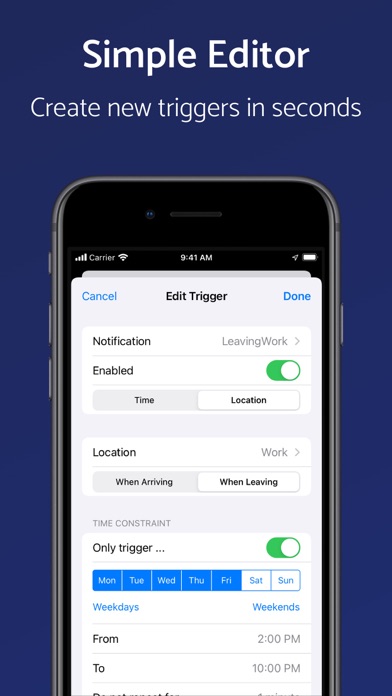
Pushcut helps you kick off your automation when it matters. Create fine-tuned interactions for HomeKit, Shortcuts, and custom workflows through smart notifications and widgets combined with powerful automation actions.
Pushcut: Shortcuts Automation may be playable on Windows and macOS using Android emulators such as BlueStacks. Follow our BlueStacks installation guide to get started. Looking for Pushcut: Shortcuts Automation APK? Visit our forums for help finding authorized downloads, installing APK files, and troubleshooting installation issues.
User Reviews and Ratings
★★★★★Great for connecting Lambda with Shortcuts
This is the only reliable way I have found for invoking Apple Shortcuts from Alexa/Lambda. I have Automation Server running on an old iPhone 6s that wasn’t being used. Running for several weeks now with no issues. I use the api url to execute the shortcut from an Alexa Skil Lambda function. Pushcut allows the shortcuts to run without human interaction, which was one of the problems with Apple’s native “Automation”. Super easy to setup and use. Well done!
★★★★★LOVE IT
THIS APP IS JUST AMAZING I USE IT ALL THE TIME AND JUST WOW ITS AMAZING
★★☆☆☆Greedy Developer
This app fills the need for working notifications from shortcuts, but like most apps these days uses a subscription service model. If this was a one-time $20 purchase I'd gladly pay but I'm not going to sign up for ANOTHER subscription. App is limited to only three notifications in the free tier which is pretty greedy on the developers end. If I can find another app that fills this need I'll be switching right away.
★★★☆☆Almost perfect. But failed at one thing.
Tested it on my phone and it worked great, I was able to trigger shortcuts using the URL. However, when I moved the server to a dedicated device, device specific shortcuts didn’t run properly. For example, I have a shortcut that disconnects all airplay speakers from my device and set playback to my device. This runs great when server is on my phone, but when the server is on another device it runs that shortcut on the server device. That device isn’t playing anything though so the music is still
★★★★☆Instructions unclear, brain stuck in server
It’s amazing how little helpful information is out there for such a complex and powerful app