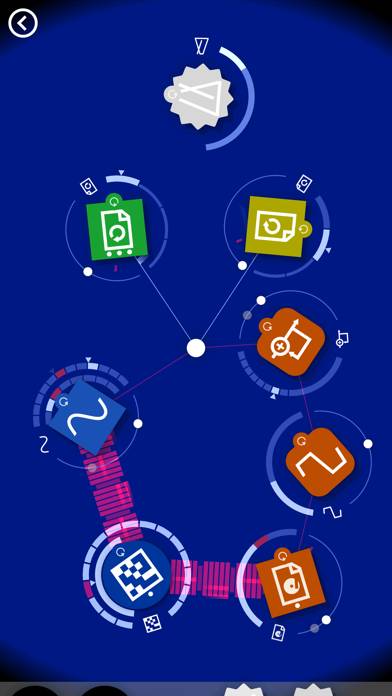
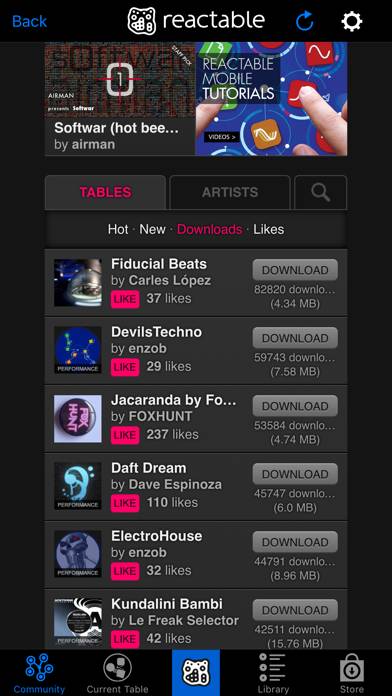
Reactable mobile is a music app developed by Reactable Systems SL. Available for $4.99, it was updated to v2.40 on April 05, 2016, and currently holds a 3.56 out of 5 rating based on 18 reviews. Before downloading, make sure your device has at least 50 MB of free space and runs Android 7+ or iOS 8.0+.
Video: Reactable mobile Overview
Description
PLEASE NOTE: If you have an iPad Air/Air2, iPad Mini 2/3/4, or iPad Pro, we strongly recommend you to download Reactable ROTOR instead of Reactable mobile!
Reactable mobile can be played on Windows and macOS using Android emulators such as BlueStacks. Download an APK version and follow our BlueStacks installation guide to get started. For help with downloading or installing APK files, visit our forums.
User Reviews and Ratings
★★★★★Great live music performance tool
The new DLC options feel like a blatant cash grab, but Reactable is about as much fun as you can have making dynamic music on the fly with your iOS device, so it wasn't too painful to pony up. The fact that it's a universal app means that it's easy to feel like a pro even on quick breaks.
Edit: Patch is live! Reverting to 5 stars as promised. Thanks, devs.
★★★☆☆In-app purchase fail
Rated 3 stars because I still love Reactable; however, with the new in-app store, Houston, we have a problem.
This could be a "me" problem because I'm still in the dinosaur ages of Apple tech with an iPad 1, but I jumped on purchasing the all extra objects deal ($10) because of the limited-time nature and now the app won't even load.
Any recommendations guys? I've cleared the app tray and restarted - nothing works. Maybe I'll clear up some more hd space and give 'er another go
★★★☆☆Needs an update
Doesn't seem to be working on ios8
★★★★★Awesome
Well since the real thing is 10000+ dollars I think this $10 app is the bargain of the century. I just played with it for 20 minutes and it's no harder to learn than fl studio. I'm sure I'll be playing like a boss once I watch some tutorial videos.
★★☆☆☆Interesting but buggy
Sometimes ui elements overlap on iPhone 5
Zooming out dosent go all the way
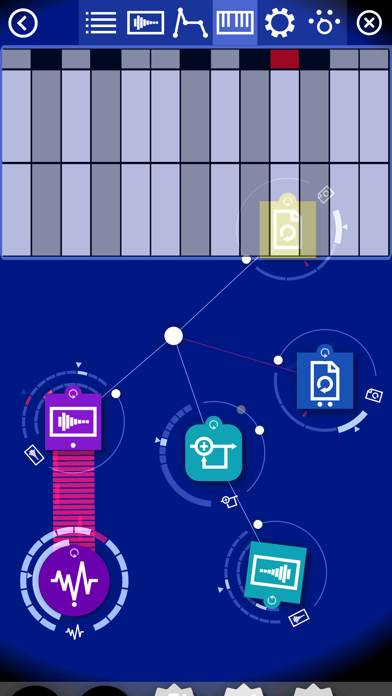
When I get to the menu when double tapping the center I can't select the left most icon because the community back arrow is over it. That back arrow is so annoying why can't that be a menu option
Seems cool but limited and not polished