Published by Spring Tech Co., Ltd. on Aug 27, 2021

Genre: Graphics & Design
Ratings: 4.67
Version: 1.5.0
Updated: Dec 09, 2022
Downloads: 466
Remove Background - Collart SE is a graphics & design app developed by Spring Tech. The last update, v1.50, released on December 09, 2022, and it’s rated 4.67 out of 5 based on the latest 496 reviews. Remove Background - Collart SE costs $9.99 and requires iOS 14.0+ and Android 13 or newer to download.
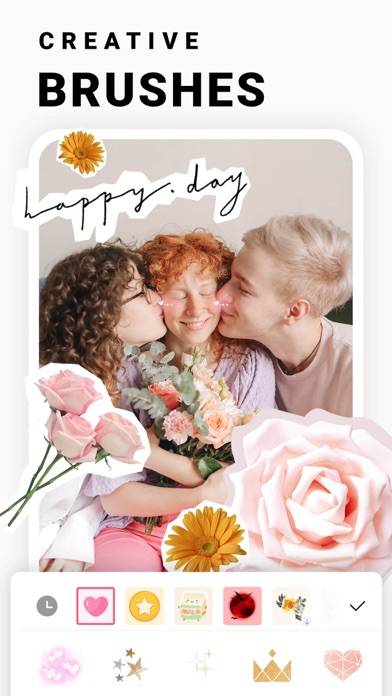
Background eraser, pic collage
Video: Remove Background Overview
Description
Merry Christmas~ Enjoy NEW Christmas Layouts and elements~
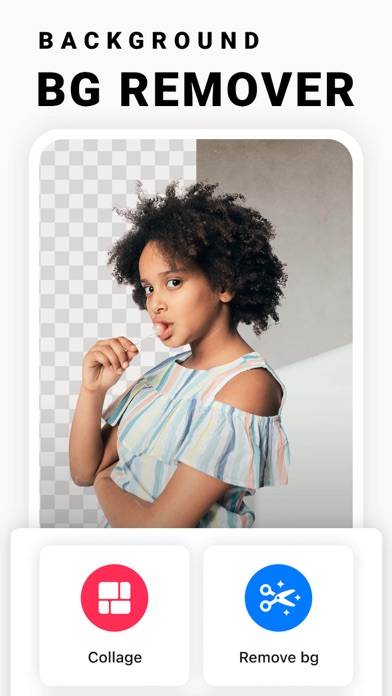
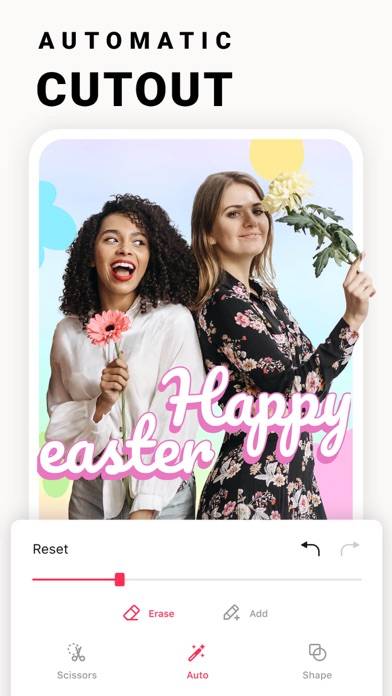
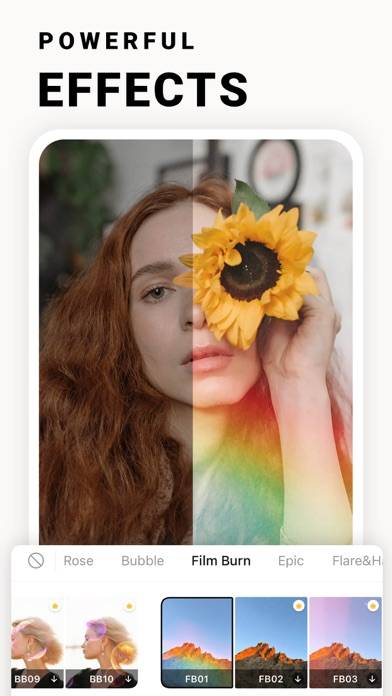
Brand new background removal feature! Remove backgrounds automatically with Collart SE!
Want to enjoy Remove Background - Collart SE on your desktop? Download the latest APK (1.50, 351 MB) or choose your preferred version, and follow our Bluestacks emulator guide for easy installation on Windows or macOS. For any assistance with downloading or installing APK files, feel free to visit our forums!
User Reviews and Ratings
★★★★★Constant Upgrade Prompt not Cool
Every time I launch the app it prompts me about upgrading to Collart (another app with in-app purchases) which is annoying. And that’s exactly why the app doesn’t deserve more than one star despite the fact that overall functionality is pretty good. It’s hard to understand why developer calls the app Pro if they’re gonna literally force users to upgrade every time they launch the app. This app should be called Lite not Pro.
Edit: Prompt is gone. Updated the rating.
★★★★★Remarkably efficient
I’m extremely impressed with its extraction abilities. The composite set lacks only the ability to color correct correctly, but that’s clearly reserved for the pro version. It’s not worth $50 bucks yearly folks. $10 to $25 perhaps, but not $50. Your mileage may vary
★★★☆☆Update
The name was changed from pro to se.With that change came with the limit of 3 cut outs before it was unlimited.This was never mentioned in the app update listing in the App Store.
Update
The unlimited cut outs are still there you have to take extra steps to access them. You start by clicking on collage then select your picture then select background removal.