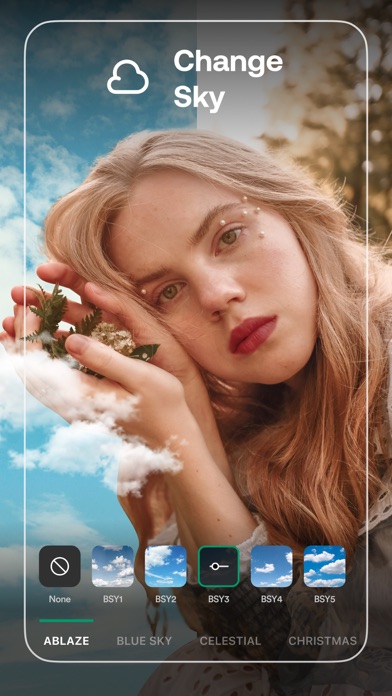
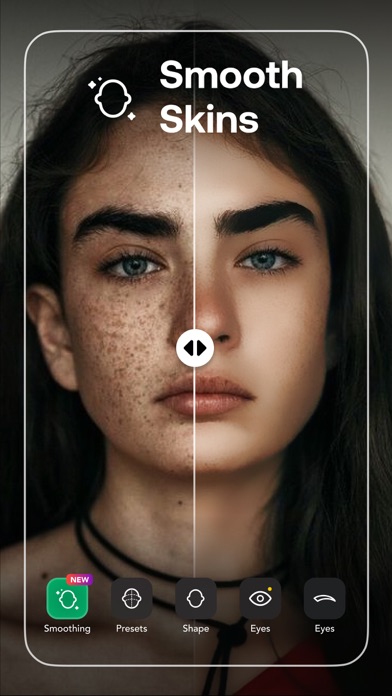
Retouch: Erase Objects Remover

Published by MAPLE LABS COMPANY LIMITED on Aug 31, 2020
Retouch: Erase Objects Remover icon

Genre: Graphics & Design

Ratings: 4.41

Version: 8.0.2

Updated: Jul 24, 2024

Downloads: 466

Retouch: Erase Objects Remover is a graphics & design app developed by Maple Labs. The last update, v8.00, released on July 24, 2024, and it’s rated 4.41 out of 5 based on the latest 8.3K reviews. Retouch: Erase Objects Remover is FREE and requires iOS 14.0+ and Android 13 or newer to download.

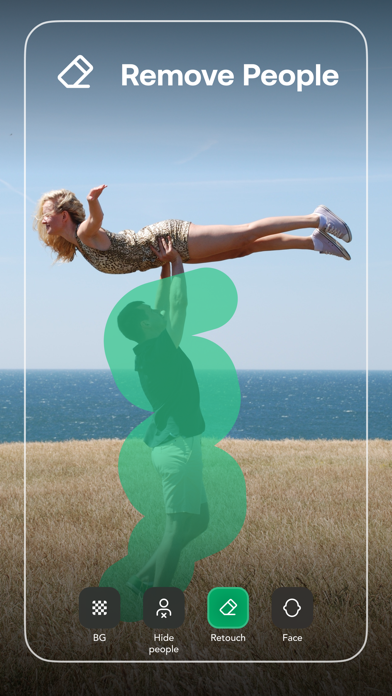
AI Magic Eraser Remove People

Video: Retouch: Erase Objects Remover Overview

Description

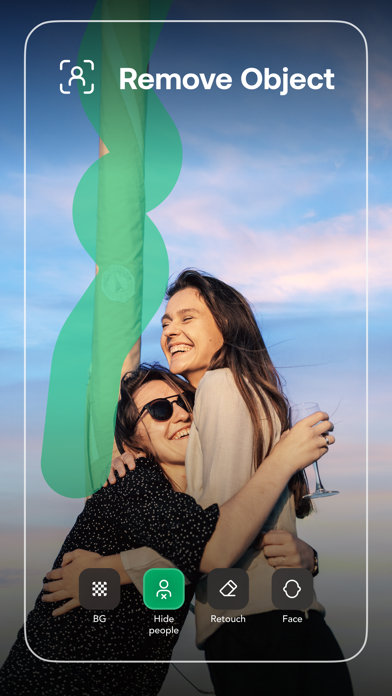
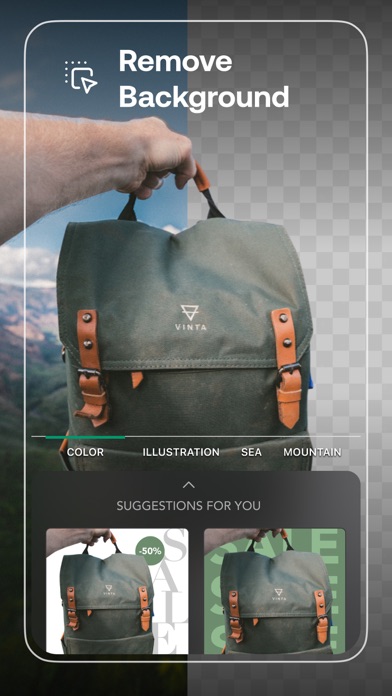
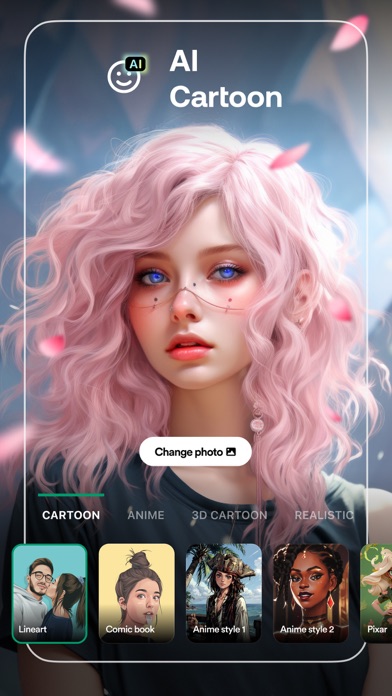
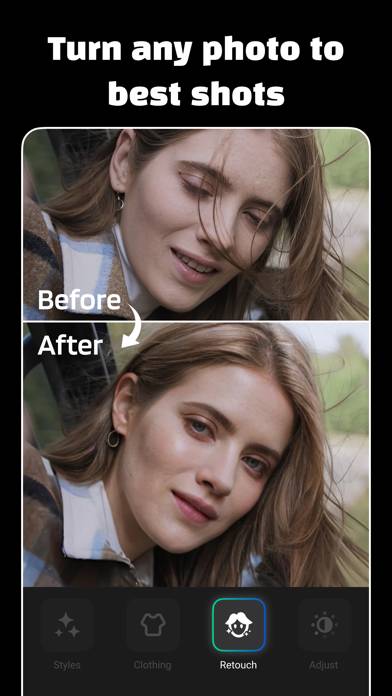
Retouch AI can auto detect, remove objects, people and background from your photos RETOUCH - Photo & Selfies Editor is the best option for you with enhanced photo editing tools & exclusive features such as skin whitening, acne & blemish removal, body reshape, object erase, background change, сropping, text, filters, and many other up-to-date retouch functions.
Show more

Available In-App Purchases

Lifetime 1

$39.99

Lifetime Offer

$19.99

Premium

$19.99

Download Retouch: Erase Objects Remover

Scan to Get the App!
QR code for Retouch: Erase Objects Remover

How to Use Retouch: Erase Objects Remover on Your PC or Mac

Want to enjoy Retouch: Erase Objects Remover on your desktop? Download the latest APK (8.00, 206 MB) or choose your preferred version, and follow our Bluestacks emulator guide for easy installation on Windows or macOS. For any assistance with downloading or installing APK files, feel free to visit our forums!

User Reviews and Ratings

★★★★☆ Poor Support
It's not very easy to use.. No tutorials and I can not use it essily Do not purchase this app because it is very difficult to use and there are no instructions or tutorials on how to use the product. I find it most difficult to use on any picture that I have.taken.
★★★☆☆ Features don’t work
The app does not work without internet. The various features it claims like removing objects don’t work. There are no options to select unwanted objects in the picture. The auto option does not give manual control. There is no help also on how to use different options.
★★★★★ This app is awesome!!!!!
This app is AWSOMEEEE unlike other apps this app does not leave your pictures blurry after a removal and it’s so useful for even people up close would recommend 5 stars out of five ⭐️⭐️⭐️⭐️⭐️🤩🤩🤩🤩🤩🤩
★★★★★ Hoangkim209
Very good App
★★☆☆☆ Needs update
I’ve been using this app for the last couple years and I enjoyed it but lately I haven't been able to any editing on my photos it been freezing up
Read all reviews

Related Apps

iArtbook - Digital Painting screenshot
iArtbook - Digital Painting
Cone - Live Color Picker screenshot
Cone - Live Color Picker
Plays: animation design kit screenshot
Plays: animation design kit
Da Vinci Eye: Anyone Can Draw screenshot
Da Vinci Eye: Anyone Can Draw
Top #95 in Graphics & Design Apps
Lock Launcher Widgets・LockFlow screenshot
Lock Launcher Widgets・LockFlow
Themes Widgets & Icons by Vega screenshot
Themes Widgets & Icons by Vega
Retouch: Erase Objects Remover App Alternatives