Retro Txt T9 Number Keyboard is a utility app developed by Digital Tools. Available as a free download, it was updated to v2.20 on June 25, 2024, and currently holds a 4.14 out of 5 rating based on 14 reviews. Before downloading, make sure your device has at least 11 MB of free space and runs Android 14+ or iOS 15.0+.
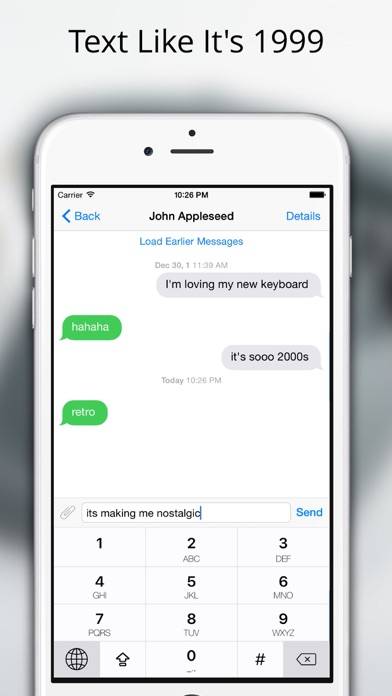
Text like it's 1999
Description
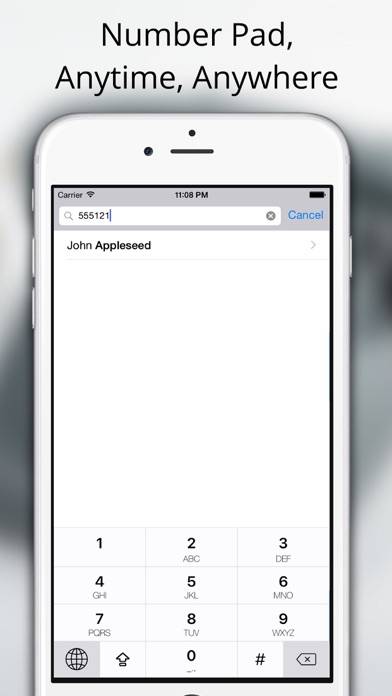
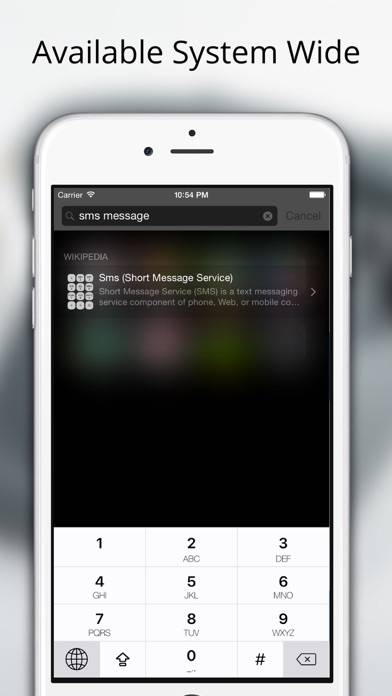
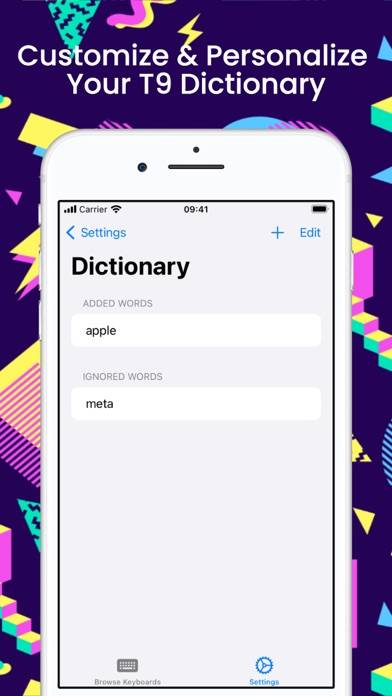
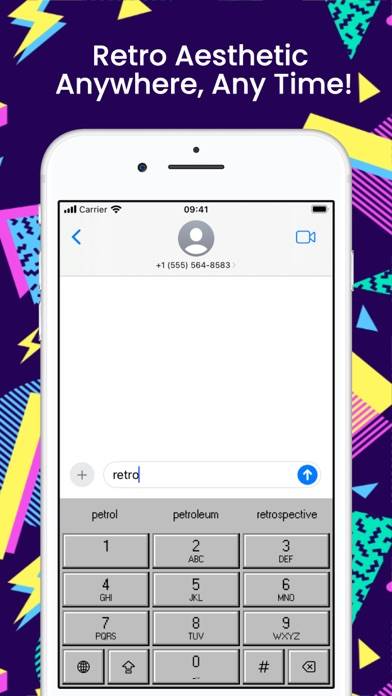
Dive back into the nostalgia of the '90s with Retro Txt, the keyboard app that transforms your cutting-edge smartphone into a classic T9 cell phone.
Show more
User Reviews and Ratings
★★☆☆☆ No option to “go”The prediction is really aggressive and makes you type words you don’t want or adds spaces in “predictive” mode and changes one word into two different words. Can’t “go” when using a browser keyboard. Must switch to another keyboard and go and switch back. Works ok for abc texting and messaging but not for regular use. Would have rather bought a glass of sauv. Haha!
★★☆☆☆ Not too impressedIt lacks an emoji or symbols board (I'm using the free version) so if I need a ?!$&@' I have to switch to my other keyboard which seems like a huge oversight. Doesn't seem to be an option to take off the T9 prediction so I don't have the option to tap out my words, only use their predictions which misses basic words like Covid and names. If I wanna tap 633 to type out "me" thats my prerogative and I should get to if they want my $4.99
★★★★★ ClasicoEspectacular, lo extrañaba desde el 2005 🥺
★★★★☆ Great alternative to an T9 keyboardPersonally, I do like the T9 app. However, is missing a lot of punctuations like the “!?@&” button. If y’all can somehow implement this to the keyboard, then I would’ve gave this app an 5/5 stars :)
★★★★★ Read the instructions!This app is great, even the free version on its own which should have everything you need! Yes, you can type ?!@& and so forth. Yes, you can enter. Yes, you can turn predictive text on and off from the keyboard itself. Do not listen to the bad reviews mentioning these issues, as they simply have not explored the full capacity of the keyboard.
My only thing is that the predictions are very assertive and I wish there was a simple button to cycle through them (such as #) rather than having to man
Read all reviews