RSS Widget
Published by Francis Bonnin on Dec 22, 2020
Genre: Utilities
Ratings: 4.50
Version: 6.1
Updated: Jul 10, 2024
Downloads: 608
RSS Widget is a utility app developed by Francis Bonnin. Available as a free download, it was updated to v6.10 on July 10, 2024, and currently holds a 4.5 out of 5 rating based on 6 reviews. Before downloading, make sure your device has at least 24 MB of free space and runs Android 11+ or iOS 12.0+.
On Home Screen & Today View
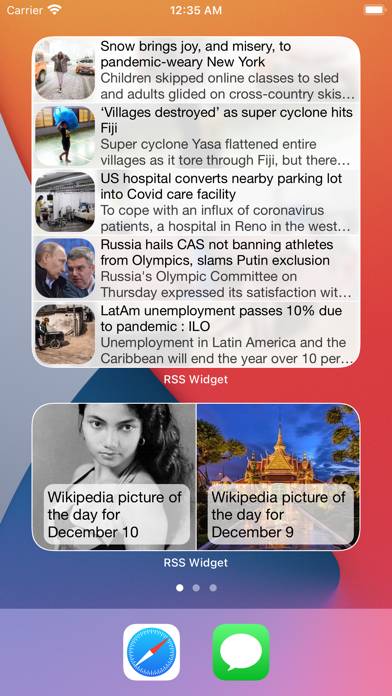
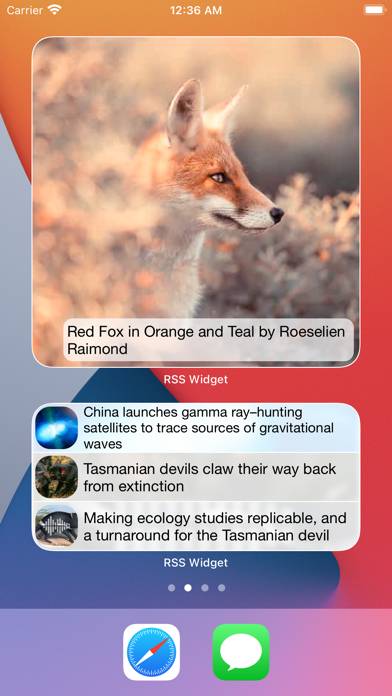
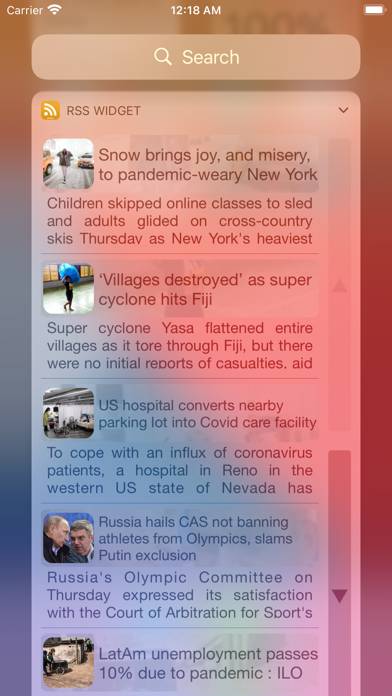
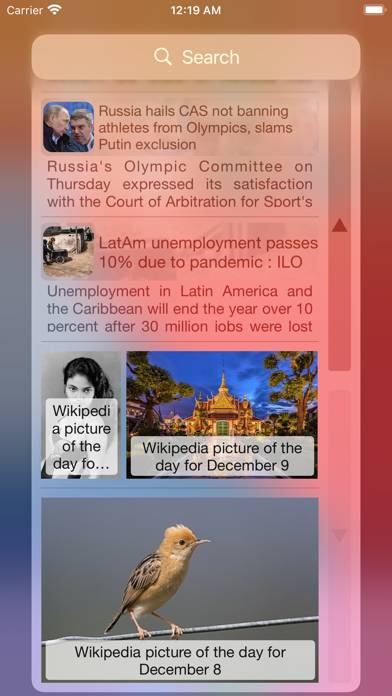
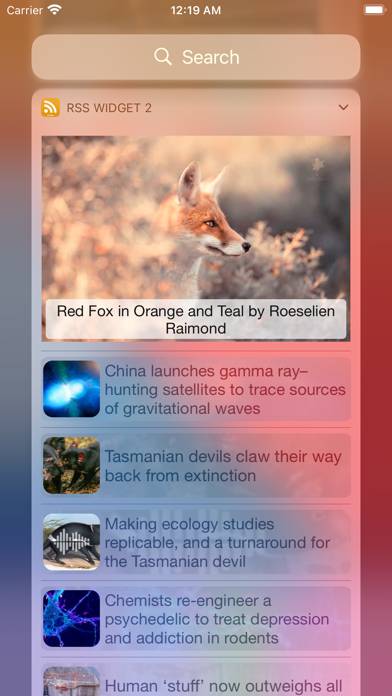
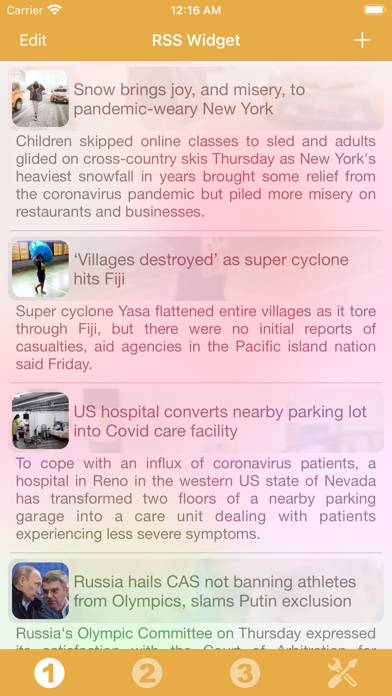
Video: RSS Widget Overview
Description
Thanks to this application (and the other Widget apps from PacoLabs), you can now customize the Home screen and the Today view of your device, by adding custom widgets for some specific purposes.
Show more
Download RSS Widget
Scan to Get the App!

Using RSS Widget on PC or Mac
RSS Widget can be played on Windows and macOS using Android emulators such as BlueStacks. Download an APK version and follow our BlueStacks installation guide to get started. For help with downloading or installing APK files, visit our forums.
User Reviews and Ratings
★★☆☆☆ Does not recognize RSS links
If I go to a website on my phones safari browser and select an RSS link it cannot locate an app to import the link to. I have to go to a pc and find the link and manually type it in. Wasted $1
★★★★★ RSS widgets without the hassles
This is a great app for 99 cents. It does exactly what it says, displays content from RSS feeds in customizable widgets, without annoying ads, in-app purchases, or subscription fees. This is how I wish the App Store would work all of the time. If you just want RSS widgets without the hassles, spend a buck and try this.
★★★★★ Works well so far
It’s a cheap, simple app that works well. Will update if I have any issues
★★★★★ Yep it works. Buy it
If you want a rss widget that just works you found it. It’s has a ton of options to make it look the way you want. Probably the best one in the App Store.
★★★★★ Exactly what I wanted
Read all reviews
This app lets you create widgets for your RSS sources. The widgets display new content in reverse chronological order (newest at the top). The widgets are also fairly customizable. That’s all it does and that’s all it should do. It works well and is very much so worth the 99¢ asking price.
The widgets look a little funky by default on iOS 26, but I found this can be fixed by disabling “automatic colors”.
Similar Utilities Apps
Theengs BLE
Nummerbord
Reverb Time Analyzer
EVVA AirKey
Screen Mirroring for All TV
Wallflower for HomeKit