ScanGuru: Document PDF Scanner
Published by GM UniverseApps Limited on Sep 30, 2015
Genre: Business
Ratings: 4.59
Version: 2.24.3
Updated: Oct 31, 2024
Downloads: 1,246
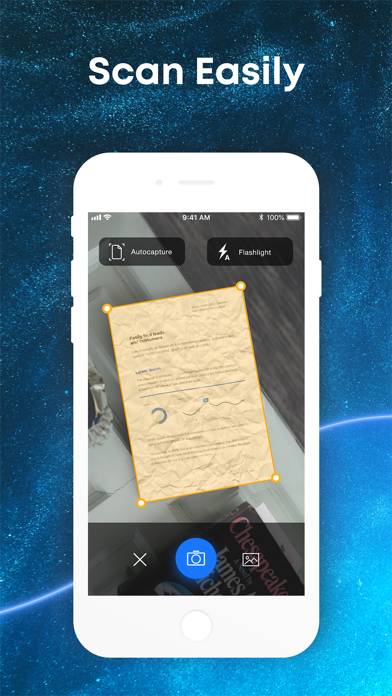
ScanGuru: Document PDF Scanner is a business app developed by GM UniverseApps Limited. Available as a free download, it was updated to v2.24 on October 31, 2024, and currently holds a 4.59 out of 5 rating based on 80K reviews. Before downloading, make sure your device has at least 215 MB of free space and runs Android 14+ or iOS 15.0+.
Converter, Scan, Sign&Edit Doc
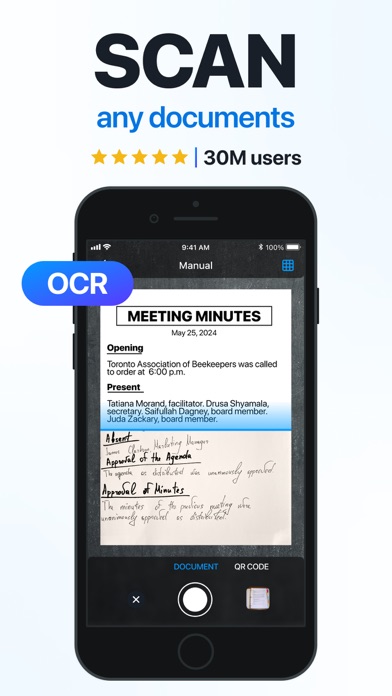



Video: ScanGuru: Document PDF Scanner Overview
Description
Available In-App Purchases
Full access
$6.99
Lifetime Access
$59.99
Premium
$6.99
Premium + PDF editor
$7.99
Premium access
$49.99
Unlimited Access
$6.99
Download ScanGuru: Document PDF Scanner

Using ScanGuru: Document PDF Scanner on PC or Mac
ScanGuru: Document PDF Scanner may be playable on Windows and macOS using Android emulators such as BlueStacks. Follow our BlueStacks installation guide to get started. Looking for ScanGuru: Document PDF Scanner APK? Visit our forums for help finding authorized downloads, installing APK files, and troubleshooting installation issues.
User Reviews and Ratings
Similar Business Apps