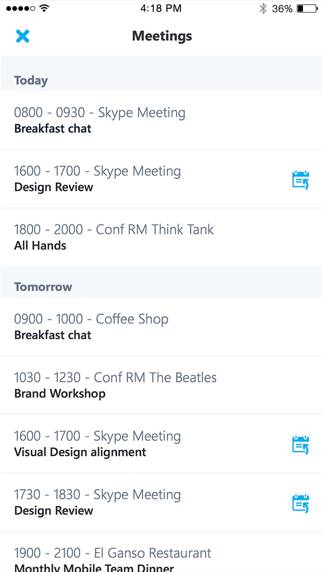
Skype for Business

Published by Microsoft Corporation on Mar 12, 2013

Skype for Business icon

Genre: Business

Ratings: 4.31

Version: 6.32.0

Updated: Aug 05, 2024

Downloads: 1,332

Skype for Business is a business app developed by Microsoft Corporation. Available as a free download, it was updated to v6.32 on August 05, 2024, and currently holds a 4.31 out of 5 rating based on 16.3K reviews. Before downloading, make sure your device has at least 80 MB of free space and runs Android 14+ or iOS 15.0+.

Formerly Lync 2013

Video: Skype for Business Overview

Description

Skype for Business, formerly Lync 2013 for iOS, extends the power of Lync and Skype to your favorite mobile device: voice & video over wireless, rich presence, instant messaging, conferencing, and calling features from a single, easy-to-use interface.
Show more

Download Skype for Business

Scan to Get the App! QR code for Skype for Business

Using Skype for Business on PC or Mac

Skype for Business can be played on Windows and macOS using Android emulators such as BlueStacks. Download an APK version and follow our BlueStacks installation guide to get started. For help with downloading or installing APK files, visit our forums.

User Reviews and Ratings

★★★★★ Best
It’s very good
★★★★★ i wish it didnt retire
i wanted to see what it looks like but it shut down i wanted to see what was the app about REST IN PIECE SKYPE FOR BUSINESS
★★★★★ Miss you
Thank you Skype for helping everyone all theses years but now it’s time for you to rest thank Skype
★★★★★ I actually like this app
Pretty good app it kind of reminds me how to Skype thing got completely removed since it was how it is but they still have this from like 2013 I guess
★★★☆☆ It must shut down same because of the one Skype for Personal that shut down 😢 R.I.P Personal Skype
We need the Personal Skype Back
Read all reviews

Similar Business Apps

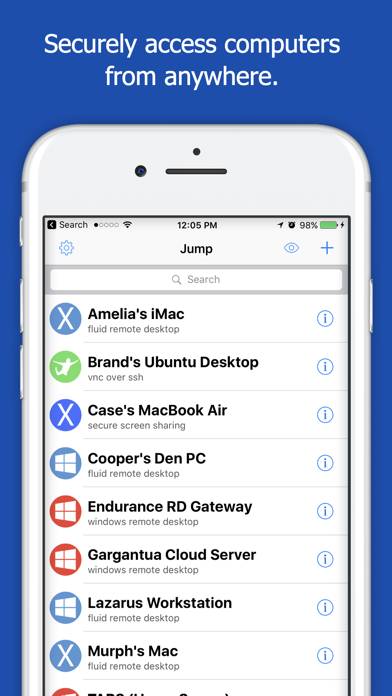
Jump Desktop (RDP, VNC, Fluid) screenshot
Jump Desktop (RDP, VNC, Fluid)
Licitor screenshot
Licitor
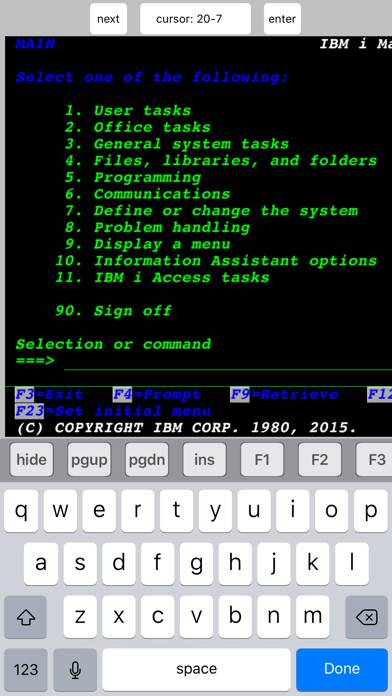
TN5250 screenshot
TN5250
Übertime screenshot
Übertime
ASeePro+ screenshot
ASeePro+