Smart Binoculars - 60X Zoom

Published by APPAS SOLUTIONS, SOCIETATEA CU RASPUNDERE LIMITATA on Oct 10, 2019

Smart Binoculars - 60X Zoom icon

Genre: Photo & Video

Ratings: 4.28

Version: 1.4.1

Updated: Aug 05, 2021

Downloads: 362

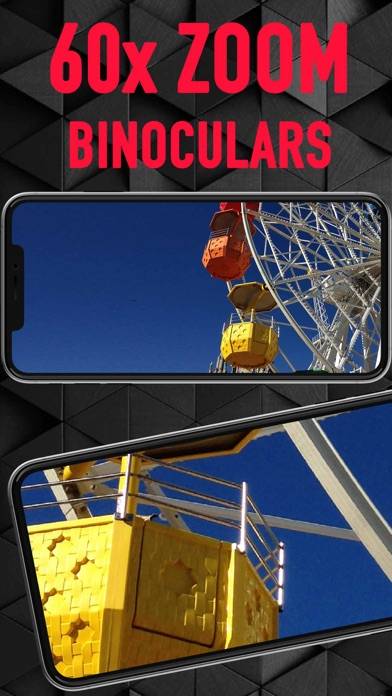
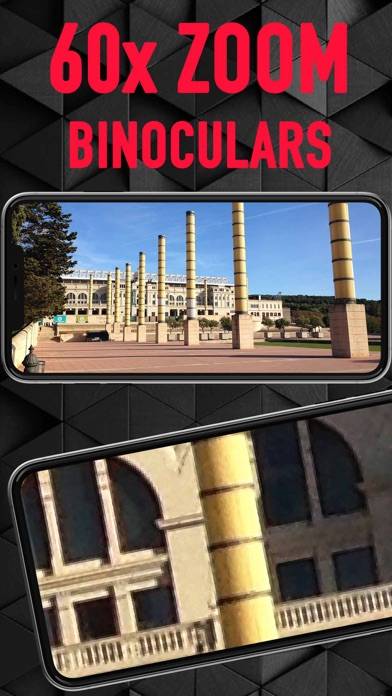
Smart Binoculars - 60X Zoom is a photo & video app developed by QMonte Studio. Available for $2.99, it was updated to v1.40 on August 05, 2021, and currently holds a 4.28 out of 5 rating based on 83 reviews. Before downloading, make sure your device has at least 10 MB of free space and runs Android 11+ or iOS 12.0+.

Telescope Camera and Magnifier
Video: Smart Binoculars Overview

Description

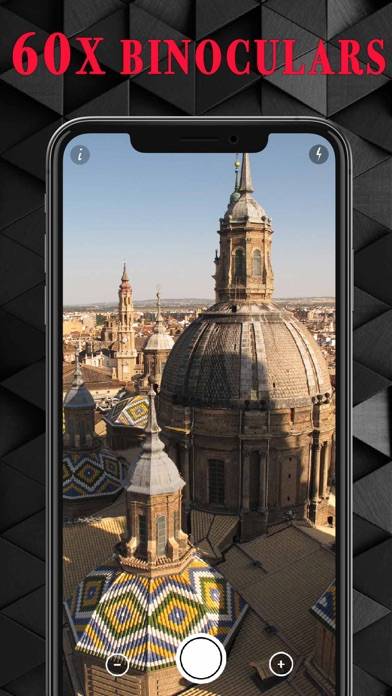
Why smart? Because the binoculars try to make the image a little more accurate and lower the blur a bit when the digital zoom approaches 60X zoom than if you zoom in to the 60x with normal zoom.
Show more

Download Smart Binoculars

Scan to Get the App! QR code for Smart Binoculars

Using Smart Binoculars on PC or Mac

Smart Binoculars - 60X Zoom can be played on Windows and macOS using Android emulators such as BlueStacks. Download an APK version and follow our BlueStacks installation guide to get started. For help with downloading or installing APK files, visit our forums.

User Reviews and Ratings

★★★★★ Amazed!
I actually downloaded this out of curiosity of how well it works. For the price, it’s amazing! I can’t believe how well it works! Obviously it’s not completely clear but it’s MUCH MUCH more clear than zooming in and screenshotting a picture. Like 20x more clear. I could hardly tell what I was looking at zooming in screenshots looks all blurred to unrecognizable pictures. With this I can 100% tell just a little depixelated but hey for zooming in 60x that’s great! I honestly can’t believe how well
★★★☆☆ Blurry
Real grainy after 24X magnification
Read all reviews

Similar Photo & Video Apps

Collage Maker - LiveCollage screenshot
Collage Maker - LiveCollage
MoonCatcher screenshot
MoonCatcher
Spectre Camera screenshot
Spectre Camera
Chroma Key Studio Pro screenshot
Chroma Key Studio Pro
TimeLapse screenshot
TimeLapse
Adobe Rush: Video Bearbeiten screenshot
Adobe Rush: Video Bearbeiten