SmarTrip is a travel app developed by Washington Metropolitan Area Transit Authority. Available as a free download, it was updated to v2.00 on July 25, 2025, and currently holds a 2.91 out of 5 rating based on 22 reviews. Before downloading, make sure your device has at least 72 MB of free space and runs Android 12+ or iOS 13.0+.
Video: SmarTrip Overview
Description
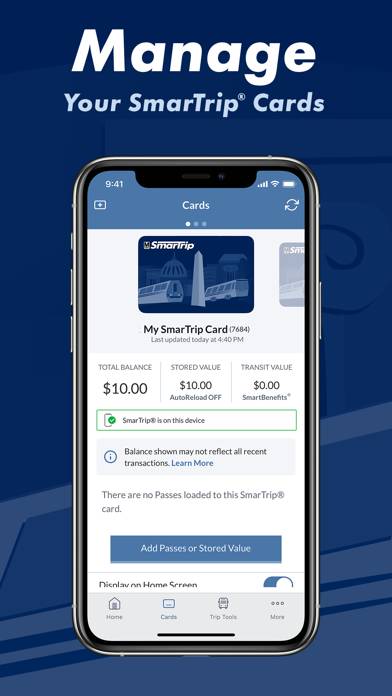
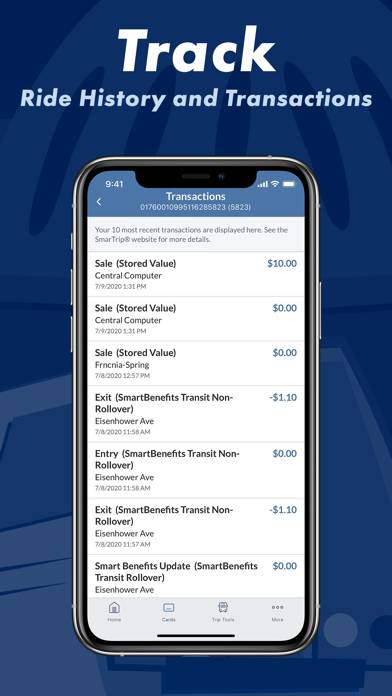
This app is an OPTIONAL tool that allows you to manage your SmarTrip® card and account. This app can NOT be used to pay your transit or parking fares.
SmarTrip can be played on Windows and macOS using Android emulators such as BlueStacks. Download an APK version and follow our BlueStacks installation guide to get started. For help with downloading or installing APK files, visit our forums.
User Reviews and Ratings
★★★★★easy and intuitive
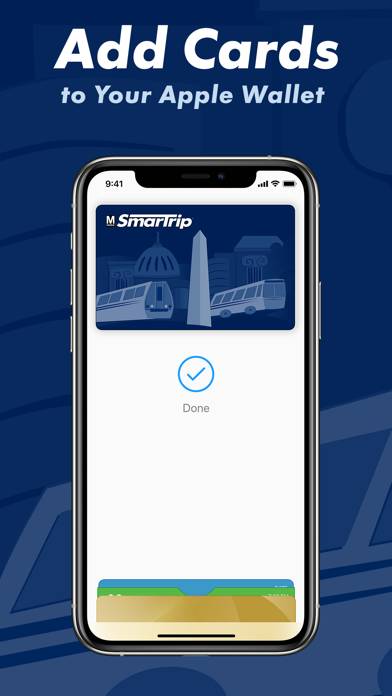
I think, respectfully, that some of the negative reviews may come from individuals who just don’t know how to use a smartphone. I was able to create an account, confirm it, buy a pass, and link it to my Apple wallet in like 4 minutes. I’d gently suggest that those who are having trouble with the app ask their child or grandchild for assistance before assuming it is the app’s fault.
★★★★★Great app
It was my first time ever using this app and it worked just follow the steps thoroughly and everything will be smooth. I agree with the last review the people who are rating this low are the ones who don’t know how to work a device properly
★★☆☆☆Low Key Trash
This app is ok when it works. It never reads the first time at the gate. You have to scan it at the gate 3-5 times before it reads. On top of that, sometimes it uses the stored value on your card instead of the month pass you bought leaving you to put more money on for parking. The stored values aren’t custom to add. You have to add what they allow. It’s really not worth the hassle honestly. Just get the physical card and save yourself the head ache.
★★★★★Good app!
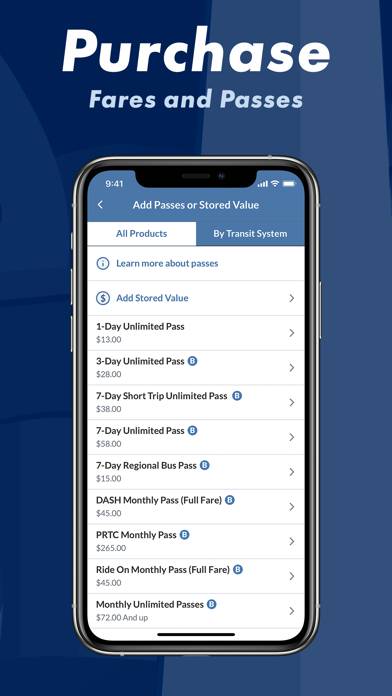
App was super easy to use - I was quickly able to create a card, add $$, and add it to my wallet. Just tap the phone at the station and voila. Worked like a charm.
If I had any complaints (very minor), it would be that, during signup, it makes you enter a username but doesn’t validate it until later in the account creation process. Only then does it tell you that it can’t have numbers, which was annoying as I had to redo some of the signup process. And why not have the username just be our emai
★★☆☆☆Worthless for directions
Trying to get direction never works. Says nothing is available. Use it to manage my metro card. No other purpose of the app.