SpeedClock - Video Radar is a utility app developed by Sten Kaiser. Available for $2.99, it was updated to v12.20 on October 30, 2021, and currently holds a 2.48 out of 5 rating based on 71 reviews. Before downloading, make sure your device has at least 34 MB of free space and runs Android 11+ or iOS 12.0+.
Video: SpeedClock Overview
Description
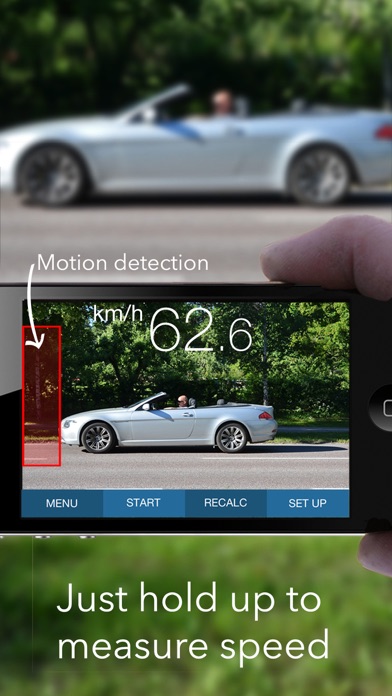
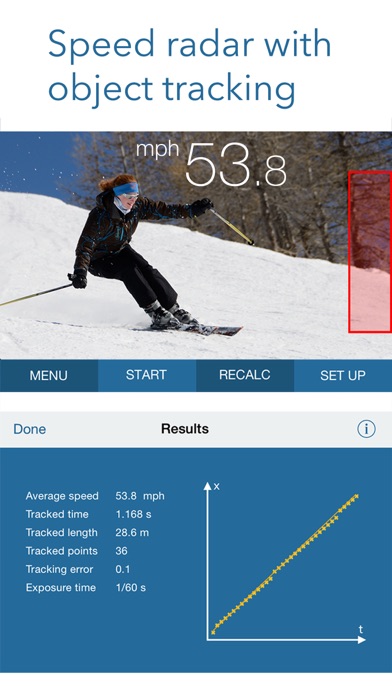
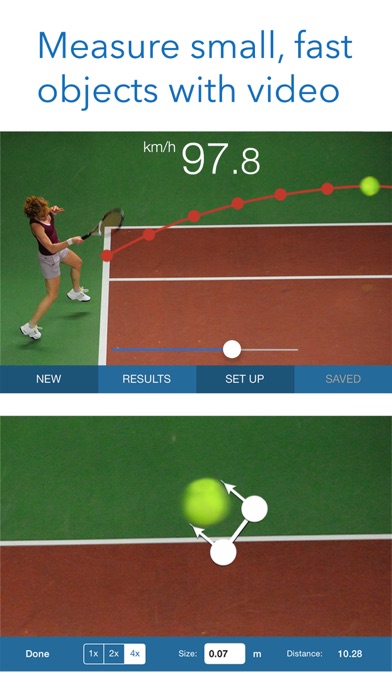
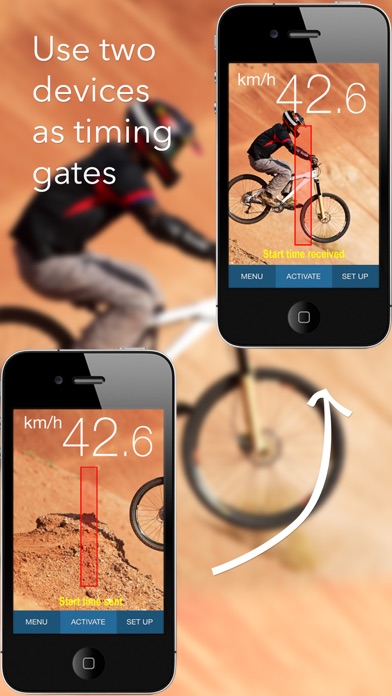
The iPhone speed radar - easy-to-use speed measurement in your pocket, anytime, anywhere! A unique, advanced app designed to easily measure the speed of cars, boats, skaters, skiers, cyclists, animals, models, footballs, tennis serves, etc.
SpeedClock - Video Radar may be playable on Windows and macOS using Android emulators such as BlueStacks. Follow our BlueStacks installation guide to get started. Looking for SpeedClock APK? Visit our forums for help finding authorized downloads, installing APK files, and troubleshooting installation issues.
User Reviews and Ratings
★★☆☆☆Old version was great.
Update made it not work.
★★★★★My Application
It is essential that the user learn the operation and limitations of the application. Once understood, Ithe user will be able to apply it to testing speeds on a roadway.
The application did exactly what it was designed to do.
I verified the speeds with Doppler and laser technologies and so long as my distance from the target vehicle was accurate, SpeedClock was accurate +/- .5 mph.
Recommend it?
Yes! But understand the application, operations, and limitations.
★★☆☆☆Gear idea, completely unreliable.
Constant freezing and data point error pop ups. No graceful reset/restart if an error. Speeds tragically inaccurate. Also appears to be abandon ware sense the support site doesn’t actually exist.
★★☆☆☆Neighbors
I purchased this yesterday and it seemed that it was going to be easy to use but I am not picking up any speed from any of the cars. What’s the deal?
★★☆☆☆Hit and miss
I’ve been using the app now for about two weeks. I have noticed if I am in a shadow and the subject areas and light it does not work well I’m not I’m also having issues on Cloutier days is not working this morning and it works great afternoon zero very disappointing.