Spotify for Artists
Published by Spotify on Oct 12, 2017
Genre: Music
Ratings: 2.95
Version: 2.2.12
Updated: Oct 06, 2025
Downloads: 1,208
Spotify for Artists is a music app developed by Spotify. Available as a free download, it was updated to v2.20 on October 06, 2025, and currently holds a 2.95 out of 5 rating based on 1.6K reviews. Before downloading, make sure your device has at least 44 MB of free space and runs Android 17+ or iOS 18.0+.
Made for artists & their teams

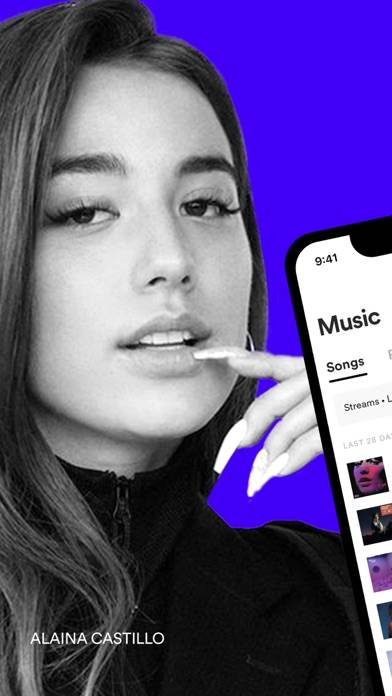
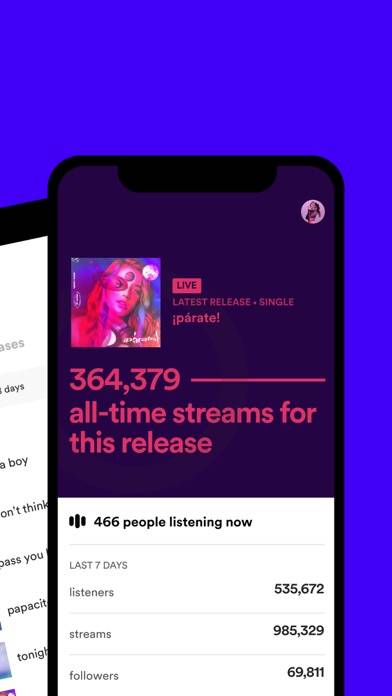
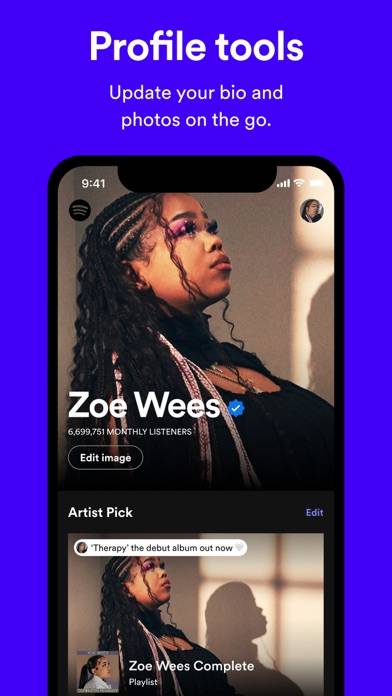
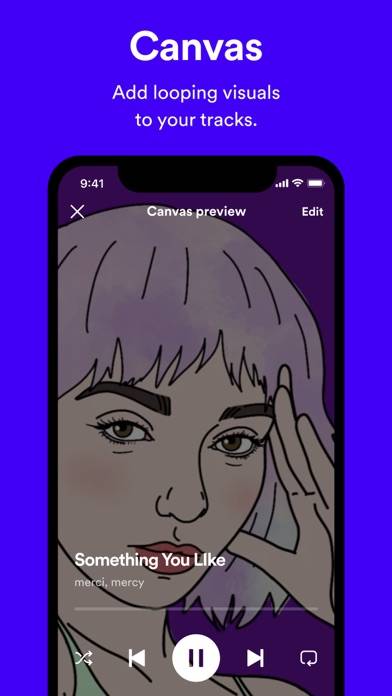
Video: Spotify for Artists Overview
Description
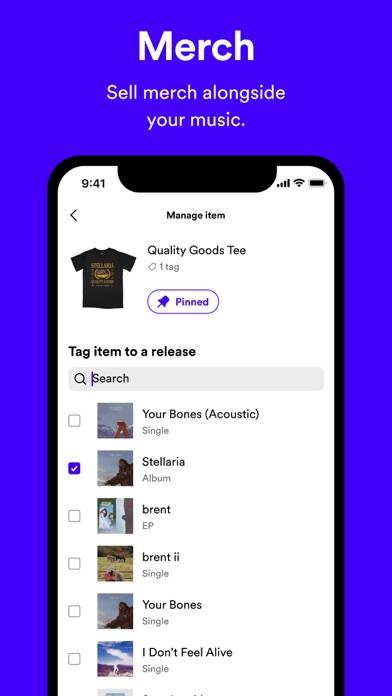
Spotify for Artists gives you free tools to reach your goals on Spotify. Built for artists and their teams, Spotify for Artists lets you understand your audience, manage your artist profile, sell your merch, and celebrate new releases and milestones.
Show more
Download Spotify for Artists
Scan to Get the App!

Using Spotify for Artists on PC or Mac
Spotify for Artists can be played on Windows and macOS using Android emulators such as BlueStacks. Download an APK version and follow our BlueStacks installation guide to get started. For help with downloading or installing APK files, visit our forums.
User Reviews and Ratings
★★★☆☆ The money
The Prophet IT is coming to set everything straight and he is gangster -#1.
★★☆☆☆ Can’t log in
I don’t know if it’s due to a recent update or what, but I somehow got logged out of my account on the app. I can’t remember my password and when I click “log in without password” it just routes me back to the same screen to enter it. When I click “log in with Apple” it says there’s an issue and can’t log me in that way.
I haven’t been able to access my account for weeks because of this.
★★★★★ No man
Cause what do you mean I make somewhat decent music for 4 years and still get no motion, very much dissatisfaction , also my music is ROYARDRAY! Go check it out or sum
★★★☆☆ Pretty good… needs fixes
Customizing my artist page is amazing… I wish the app would have dark mode and stats would update quicker…
★★☆☆☆ Mobile UI struggle
Read all reviews
When I go to add an artist account it manage, I can’t even get past page 3 of 4 because the submit button is UNDER the footer of the page. It only allows you to click on “cookies, privacy, or legal” buttons