STL Maker
Published by Scandy Inc. on Dec 06, 2018
Genre: Utilities
Ratings: 3.33
Version: 1.5.8
Updated: Feb 24, 2021
Downloads: 900
STL Maker is a utility app developed by Scandy. The last update, v1.50, released on February 24, 2021, and it’s rated 3.33 out of 5 based on the latest 24 reviews. STL Maker costs $24.99 and requires iOS 12.0+ and Android 11 or newer to download.
Capture 3D Scans
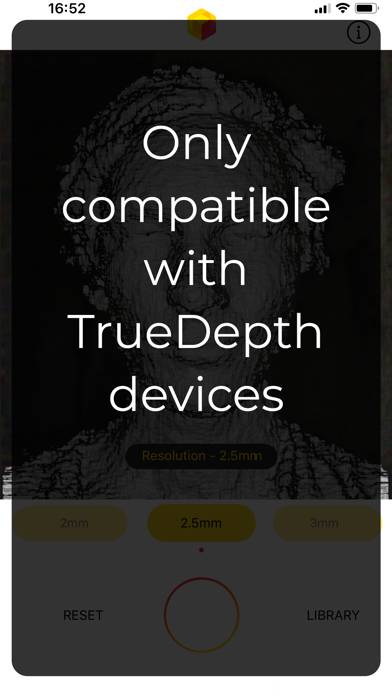
Video: STL Maker Overview
Description
STL Maker uses the TrueDepth sensor found on the iPhone X, XS, XS Max, XR and the 2018 iPad Pro to create 3D scans. No need to carry a scanning attachment. Users can select scan resolution from 1mm to 3.5mm.
Show more
Download STL Maker
Scan to Get the App!

How to Use STL Maker on Your PC or Mac
Want to enjoy STL Maker on your desktop? Download the latest APK (1.50, 46 MB) or choose your preferred version, and follow our Bluestacks emulator guide for easy installation on Windows or macOS. For any assistance with downloading or installing APK files, feel free to visit our forums!
User Reviews and Ratings
★★★★☆ A very good scanner.
Thank you for creating a fully non-cloud-dependent, using-device-capabilities, non-login, non-social-centric, non-subscription; easy to use and working stl scanner!
I deleted several scanning apps when they required logins and their-server storage. I just want a scanner not a relationship!
Put in an OS share button for the scan and then I’ll bump the rating to a 5.
★★★☆☆ Needs work
Getting better scans from much cheaper apps . I was disappointed thought the extra cost would mean better scans
★★★☆☆ Why did I just spend $15?
I’m not sure what functionality this app provides that isn’t in ScandyPro... If this is an old app that had since been replaced by it then I’ll just use ScandyPro and I’d like a refund on this one.
★★★☆☆ Good start
Great for it to be non subscription based but it loses tracking very easily. Would be great if there was a .5 option like ScandyPro.
★★★★☆ Great Potential
Read all reviews
Just scan an item into Fusion 360 and the dimensions are basically correct.
I would like to see some basic cropping/editing features before I save the file.
Also, it is not clear if I should rotate the phone or the object.
Add the ability to remotely stream to another device while scanning.
Add different output formats.
Related Apps
fontFormat - fancy fonts
Word Game Assist
Top #77 in Utilities Apps
Dreamdays IV: conto alla rovescia giorni & materia
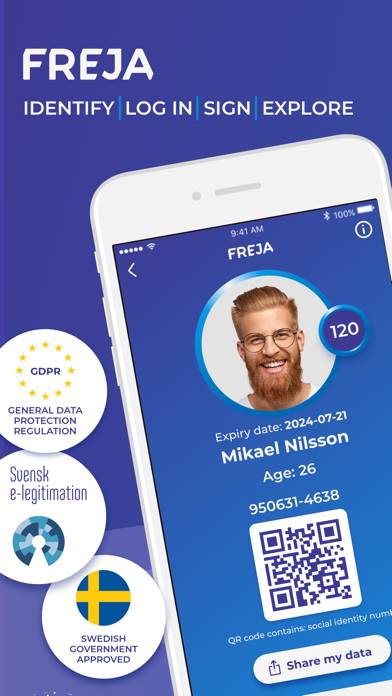
Freja
No Thanks app
Top #98 in Utilities Apps
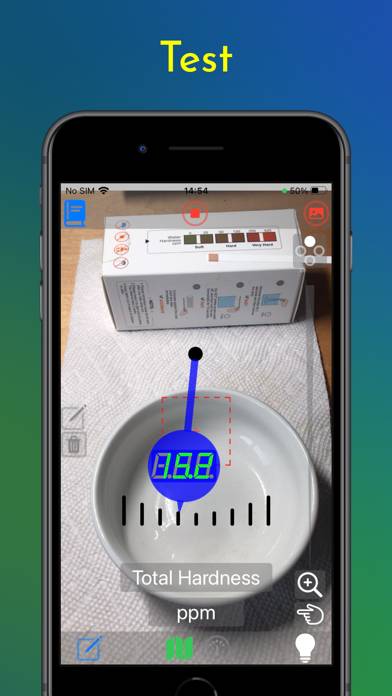
TestStripDecoder