Store ScreenShot Maker
Published by 袁杰 张 on Jan 21, 2020
Genre: Utilities
Ratings: 4.20
Version: 2.1.3
Updated: Apr 25, 2024
Downloads: 852
Store ScreenShot Maker is a utility app developed by 袁杰 张. Available for $3.99, it was updated to v2.10 on April 25, 2024, and currently holds a 4.2 out of 5 rating based on 5 reviews. Before downloading, make sure your device has at least 34 MB of free space and runs Android 12+ or iOS 13.0+.
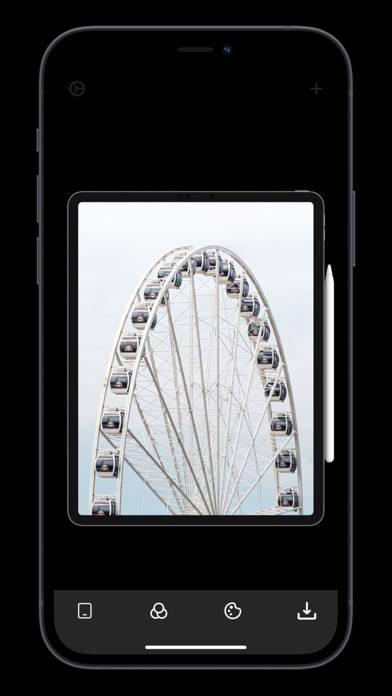
Screenshot on nice device case
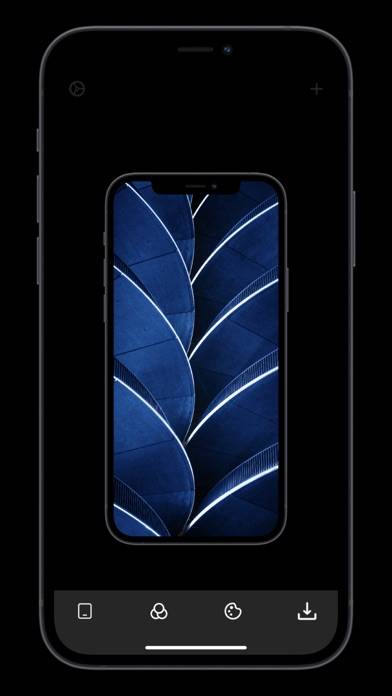
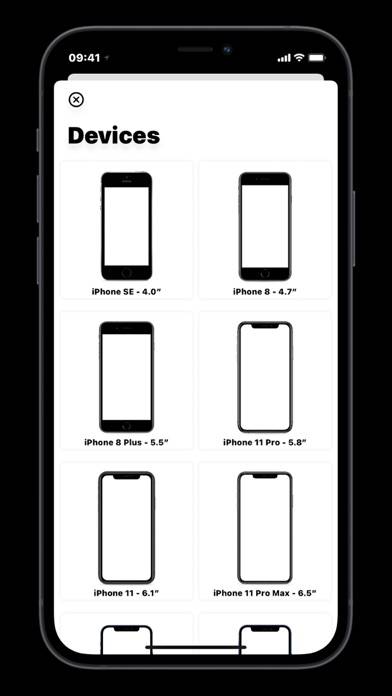
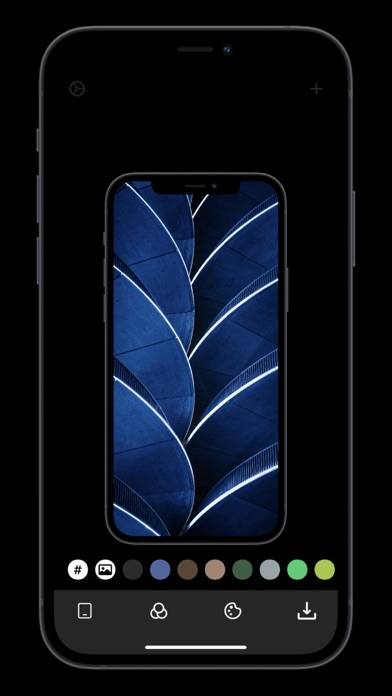
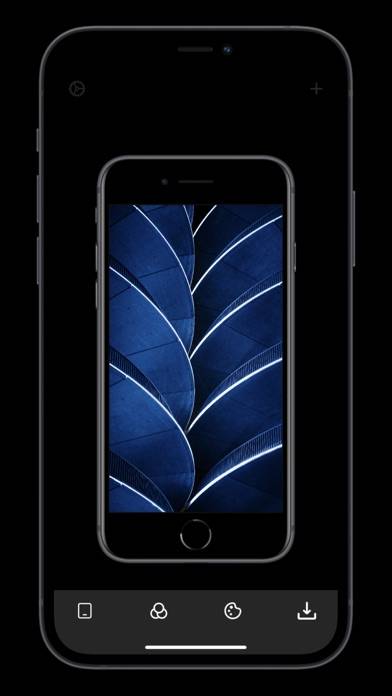
Video: Store ScreenShot Maker Overview
Description
Store ScreenShot Maker is an efficiency tool that was originally designed to help regular users solve the problem of screenshot shells, making this tedious task simple and efficient.
Show more
Download Store ScreenShot Maker
Scan to Get the App!

Using Store ScreenShot Maker on PC or Mac
Store ScreenShot Maker can be played on Windows and macOS using Android emulators such as BlueStacks. Download an APK version and follow our BlueStacks installation guide to get started. For help with downloading or installing APK files, visit our forums.
User Reviews and Ratings
★★★★★ Great app
There are quite a few screen shot generators in the app store. I tried (and even paid) for a few and most are awful. This one works very well. I had 18 screen shots on iPhone and iPad and it tooks just a few minutes to generate them.
One thing that would make this a five star app is if it exported directly to files, instead of the photos app. It would save time, especially if it preserved my original file names.
UPDATE: I've changed my rating to five stars as the app now allows direct file exp
★★★★★ Does what it says it's supposed to do
Have had it for the 12 Pro Max, the 13 Pro and now the 14 Pro as of today. Please add support for the deep purple 14 Pro. I’m ready to start sharing my setups again. 🥺
★★★★★ Finally
Read all reviews
It's super fast to work with. totally takes the hasstle out of creating screenshots for IOS review process.
My only note on making it better. When you add a picture from an album, it'll go back to that album, or rather the last place you choose a photo. I ended up having to click through all my folders to get there and it would been more convenent for it to just remember it.
Any way, I really like it.