Sun n Moon
Published by David Gibson on Oct 31, 2008
Genre: Weather
Ratings: 5.00
Version: 3.3
Updated: Jun 19, 2015
Downloads: 718
Sun n Moon is a weather app developed by Catalyst. Available as a free download, it was updated to v3.30 on June 19, 2015, and currently holds a 5 out of 5 rating based on 8 reviews. Before downloading, make sure your device has at least 8 MB of free space and runs Android 7.2+ or iOS 8.2+.
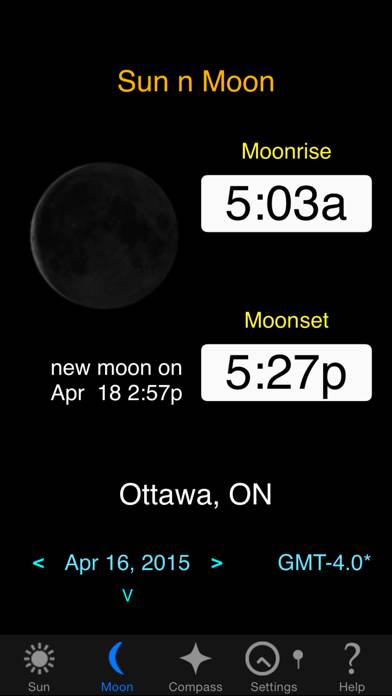
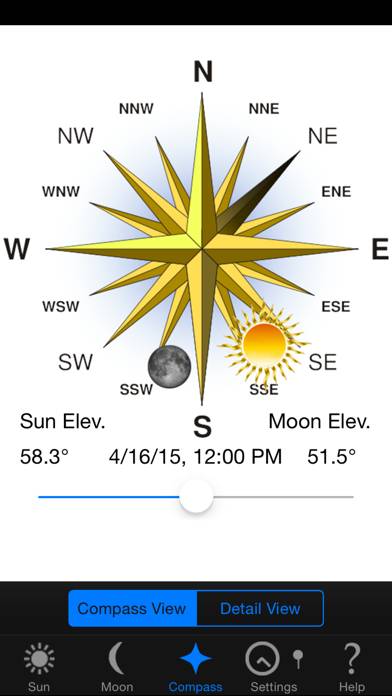
Video: Sun n Moon Overview
Description
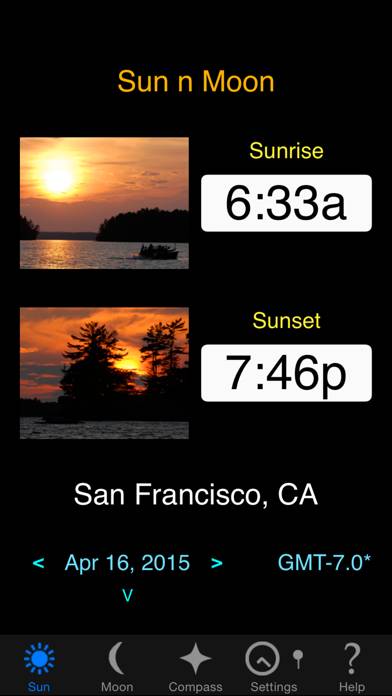
Sun n Moon accurately calculates data for any location on earth for:
- Sunrise/Sunset
- Moonrise/Moonset
- Moon phases animation
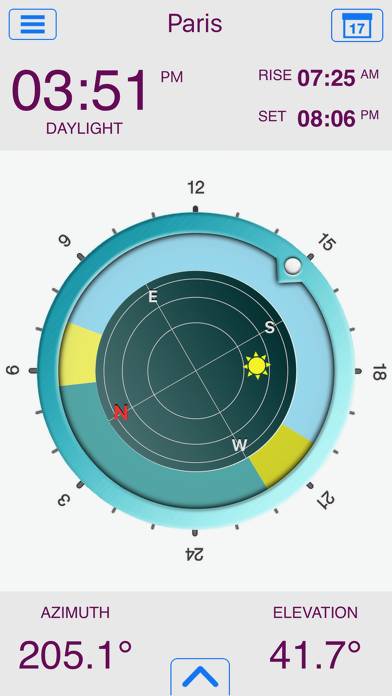
- Compass showing sun and moon positions
Show more
Download Sun n Moon
Scan to Get the App!

Using Sun n Moon on PC or Mac
Sun n Moon can be played on Windows and macOS using Android emulators such as BlueStacks. Download an APK version and follow our BlueStacks installation guide to get started. For help with downloading or installing APK files, visit our forums.
User Reviews and Ratings
★★★★★ Works well again with iOS 4.
Works well again with iOS 4. Thanks.
Old review:
Works again now (mostly) with iOS 4. Thanks.
Only problem now is that on the Settings->Lat/Long screen a blackboxed word "Autolocate" sticks out of the screen; clearly a little bug.
Old old review:
Does not work with iOS 4.
Does not work with iOS 4. Loads but crashes if any buttons are pushed. Was a nice little program before. I hope it gets updated for iOS 4.
★★★★★ Excellent interface
Beautiful layout - very easy to read. Another comment here said you can't save manually entered locations but you can. You just need to turn off the auto-locate at startup. I like how the phases of the moon animate for different days.
All of the iOS4 issues seem to be fixed! Nice addition of the animation of sun and moon position and elevation throughout the day.
★★★★☆ Great app, but a minor bug
A great little app that I use all the time.
On my 3GS running the latest OS, there's an annoying little bug when the "autolocate on startup" option is on. It seems to find the right location, but it's always 3 hours off in the time zone. A work-around is to go to the map settings and click the "find where I am" button, then turn off the autolocate on startup option. But it would be nice to have this bug fixed.
★★★★★ Sun n Moon
Both my son and I are into photography and since we got this app we have become sunset photo buffs. Knowing the exact time of the sunset makes it so easy. This summer we travelled from Oregon to the mid west where the sunsets were spectacular and right on time as shown in this app. Very cool that the program could use the built in GPS and auto correct for our new location. Anyone who loves to photograph the great outdoors will love this app.
★★☆☆☆ Sun n Moon
Read all reviews
Has all the info, but have to look it up each time by hand, when the city is not in the list. Why can't we save a list of perhaps 5-7 locations frequently used?Can only save last location inputted. A pain when planning a trip to photograph in western USA, as most areas are not listed, as there are no cities nearby. So one has to drag the pin from place to place, time and again, across multiple states, as there is no where we can save a list of areas, such as Jackson Wyo, Helendale Ca etc.