Symbols - unicode keyboard
Published by Rinat Khanov on Jan 10, 2014
Genre: Utilities
Ratings: 4.40
Version: 1.5
Updated: Sep 26, 2018
Downloads: 772
Symbols - unicode keyboard is a utility app developed by Rinat Khanov. Available for $1.99, it was updated to v1.50 on September 26, 2018, and currently holds a 4.4 out of 5 rating based on 47 reviews. Before downloading, make sure your device has at least 2 MB of free space and runs Android 8+ or iOS 9.0+.
Emoji, math & other characters
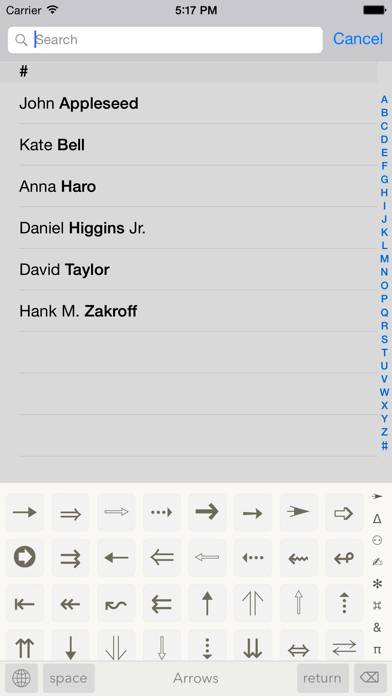
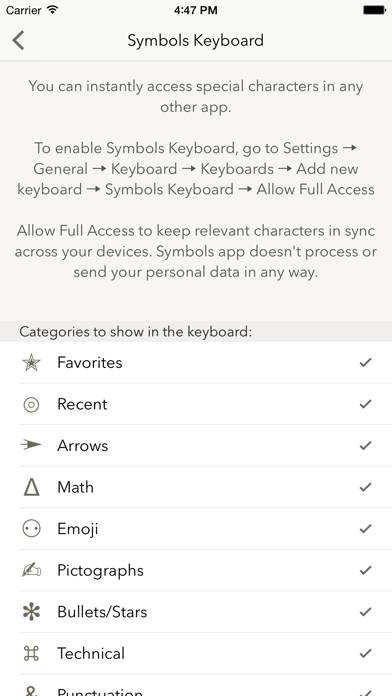
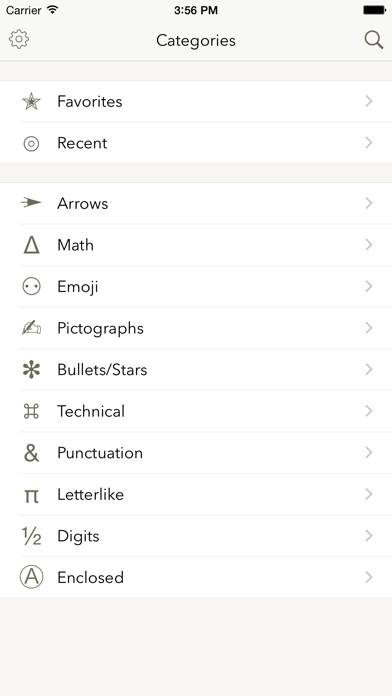
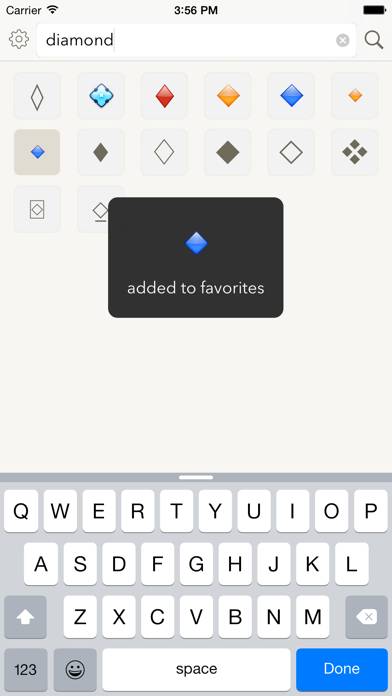
Video: Symbols Overview
Description
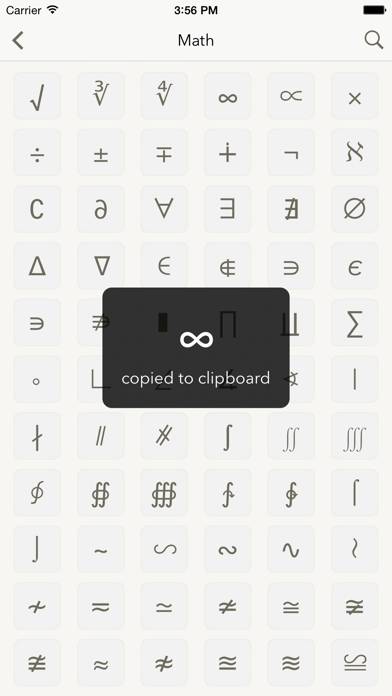
All the symbols you need are just one tap away. Need a special character that’s not available on system keyboard? Use Symbols to quickly find and paste it.
Show more
Download Symbols
Scan to Get the App!

Using Symbols on PC or Mac
Symbols - unicode keyboard can be played on Windows and macOS using Android emulators such as BlueStacks. Download an APK version and follow our BlueStacks installation guide to get started. For help with downloading or installing APK files, visit our forums.
User Reviews and Ratings
★★★★★ Update long overdue!
This update is long overdue!
★★★★★ High quality, easy to use
Developer keeps app up to date. I've had this one for a long time and it is always working smoothly.
★★★★★ An extremely useful app
Updated review: This is still a very useful app for me. I love having the superscript and subscript numbers. The degree sign, the trademark superscript. It’s all been wonderful. This morning, I updated to iOS 11 and the app automatically goes to my recents screen and I can’t get back to the selection screen.
My day to day life exists in the world of Windows and I use the alt+ codes frequently. So upon getting my iPhone years ago, there was frustration when I couldn't find or create the symbols
★★★★★ Looks fantastic.
And has everything you could imagine. I looked at a bunch of of the free ones but they were awful. This was worth it.
★★☆☆☆ Can’t use with iPad Pro and Keyboard
Read all reviews
Man, I really like the simplicity of this app an the way that I could assemble a list of favorite glyphs - but then I discovered that it doesn’t work with my iPad Pro and it’s Apple keyboard/case. I mean, I can go to the app and put a single character on the clipboard - but I wanted immediate access. I am a word processing pro in need of a symbol set generator and this app did not fit the bill.