Talanome - Carnatic Metronome is a music app developed by Upbeat Labs. Available for $9.99, it was updated to v10.10 on April 07, 2024, and currently holds a 4.38 out of 5 rating based on 84 reviews. Before downloading, make sure your device has at least 46 MB of free space and runs Android 15+ or iOS 16.0+.
Precision Carnatic Metronome
Video: Talanome Overview
Description
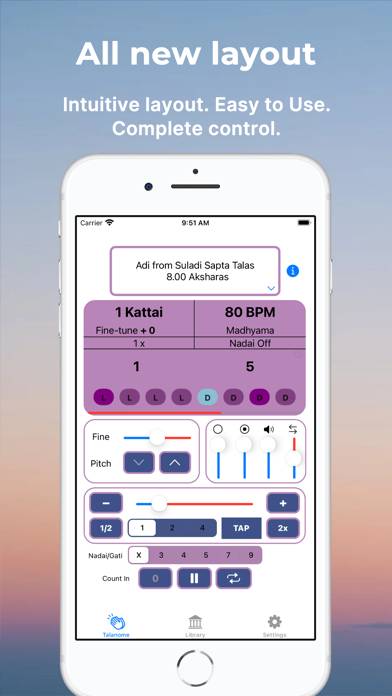
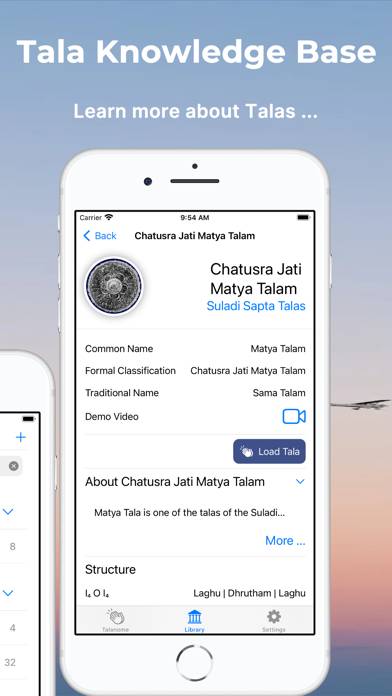
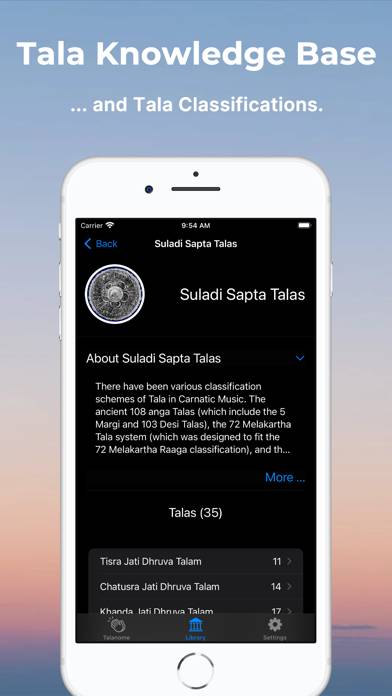
We created Talanome in 2011 as the first-of-its-kind Metronome catering specifically to Carnatic Talas. Built with a precision sound engine, it understood and utilized Carnatic tala structures and terminology.
Talanome - Carnatic Metronome can be played on Windows and macOS using Android emulators such as BlueStacks. Download an APK version and follow our BlueStacks installation guide to get started. For help with downloading or installing APK files, visit our forums.
User Reviews and Ratings
★★★★★Awesome App
I am impressed with the capabilities of the app and recommend the app to all Carnatic music lovers.
★★★★★Professor
I've been waiting for this app for nearly 40 years. While I haven't yet used the make your own tala option, the talas included are plenty for me right now, especially since Sridhar added the viloma misra nadai option. I use it every day, and will recommend it to all my students come fall. Sridhar is very responsive and helpful about adding and tweaking features. Congratulations! It beats the old talometers in every way.
★★★★★Amazing app
Wow, thank you very much. You just saved me atleast a $100. I was about to invest a lot of money in buying the old and clunky looking talometer when I came across this app's Ad on YouTube. I came here and immediately downloaded it and works just as expected. I'm so happy. I'm a newbie learner and looking forward to using this app to keep me in rhytym.
★★★★★Talanome
Very helpful and educational
★★★★★Excellent app
This is an awesome app and very useful in my daily practice.
I just observed one bug. When you use it and before you close the app let’s say we are on roopaka tala, and close the app, kill the session too and reopen it, the selection still shows roopaka tala, but the count below is reset to adi tala. Please check this