TaskTask for Outlook Tasks is a productivity app developed by TaskTask LLC. Available for $4.99, it was updated to v5.50 on January 28, 2020, and currently holds a 4.51 out of 5 rating based on 1.1K reviews. Before downloading, make sure your device has at least 16 MB of free space and runs Android 10+ or iOS 11.0+.
Description
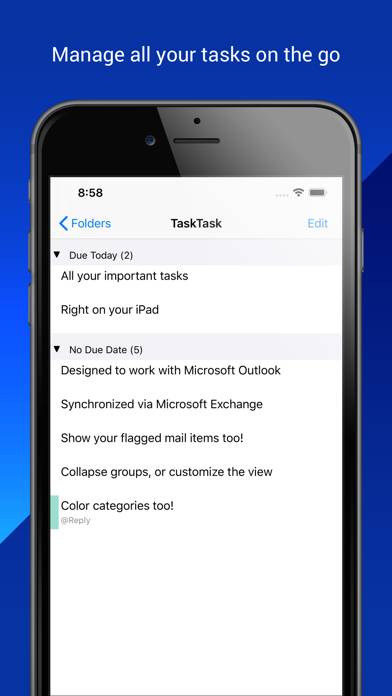
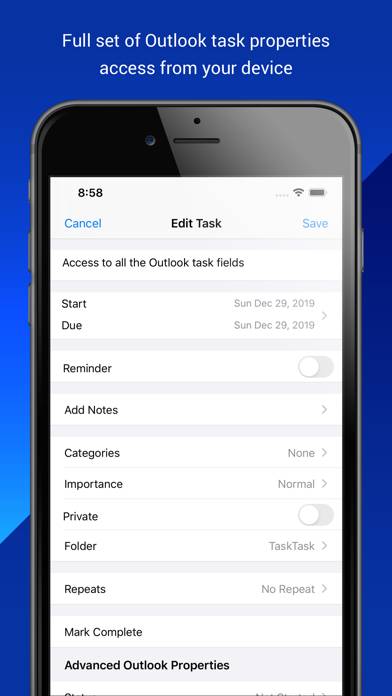
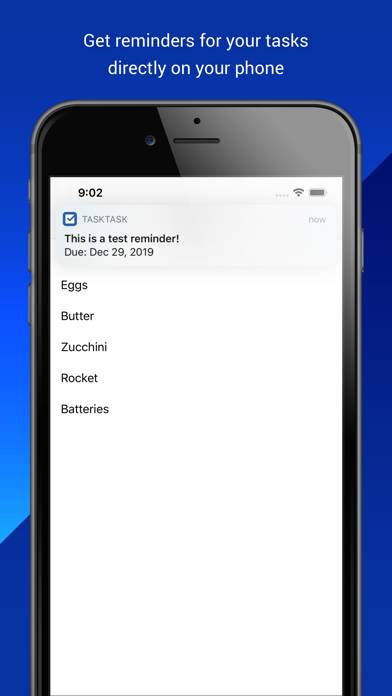
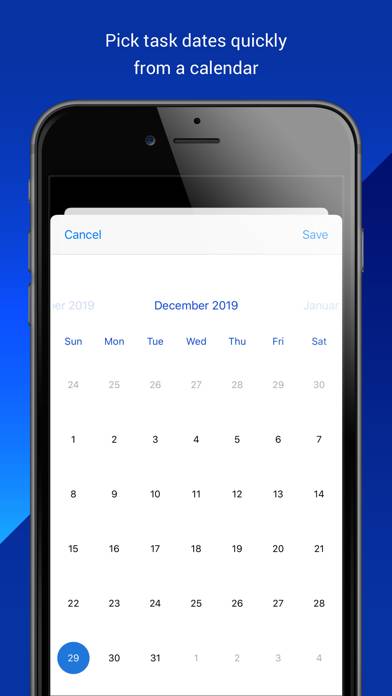
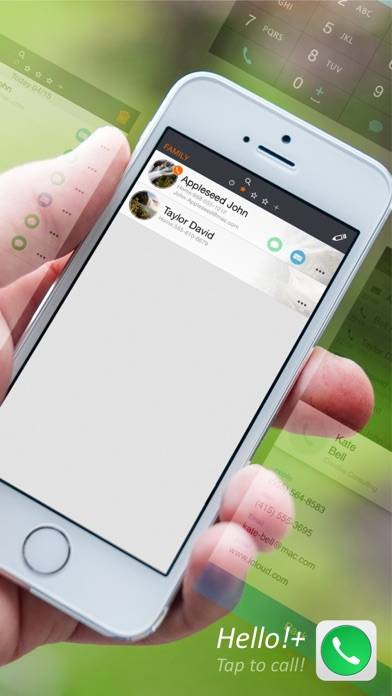
TaskTask is the easiest way to get your Outlook or Gmail tasks onto your iPhone! TaskTask directly connects with your Office 365 Business, Exchange on-premises, or Google tasks to keep your full task list in sync between Outlook and your device.
Show more
User Reviews and Ratings
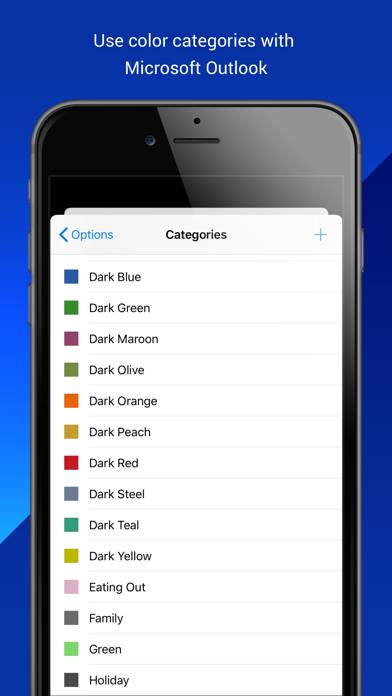
★★★★★ Tasktask does something no other iOS task app can do...Tasktask is the ONLY iOS task app that simply and automatically synchronizes Outlook/Exchange Categories (and Category Colors) over wifi as well as all detail task status fields and notes.
★★★★★ SimpleJust what I was looking for. Very simple and direct. I’m not looking to land a man on the moon just sync my to do‘s between Outlook and my phone.
I asked Siri to remind me to do a certain task and it appears in outlook. Mark it complete once in Task Task, Reminders or Outlook and it is marked completed on all of them.
I don’t have to import 10 different points of information to enter a to do either.
★★☆☆☆ Need objects to be seen in body of taskWe put word, excel and mostly important emails in task for quick reference. If we do that The object doesn’t show… And you can easily delete a very important email or Excel spreadsheet or Word document just by editing the task in TaskTask. We don’t need support to open the object in TaskTask but we need to be able to see it so it isn’t removed. In the same way you treat images in an outlook task with a small box can you do that with other objects? Thanks for the consideration and also for addi
★★☆☆☆ Resets every few daysThis aft works great, when it works. Every few days you have to delete the app. Download it again, sync it with your outlook and it will work for a few days. Then it will crap out and you have to repeat the process. Unfortunately it’s probably the only app that works with outlook tasks, and it’s very frustrating.
★★★☆☆ Extremely SlowIf you have more than about 50 tasks ( including recurring tasks ) then this app is extremely slow, taking about a minute to update after completing a task.
Read all reviews