Tayasui Color
Published by yann le coroller on Jul 13, 2016
Genre: Graphics & Design
Ratings: 4.55
Version: 9.1
Updated: Aug 08, 2024
Downloads: 914
Tayasui Color is a graphics & design app developed by Tayasuicom. Available for $7.99, it was updated to v9.10 on August 08, 2024, and currently holds a 4.55 out of 5 rating based on 1.3K reviews. Before downloading, make sure your device has at least 556 MB of free space and runs Android 10+ or iOS 11.0+.
A relaxing experience
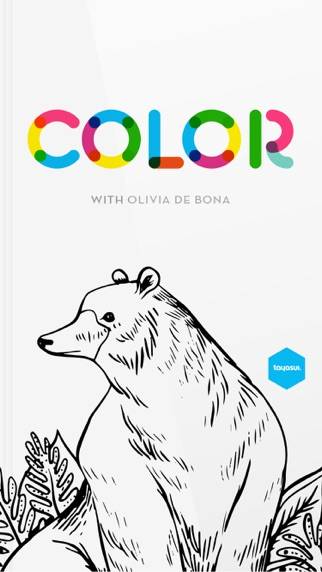
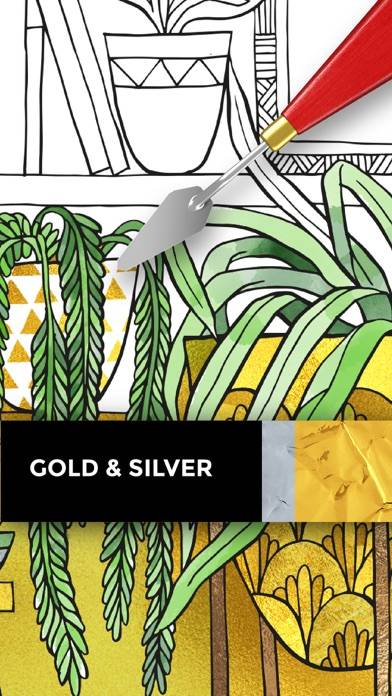
Video: Tayasui Color Overview
Description
*** Apple App of the Year ***
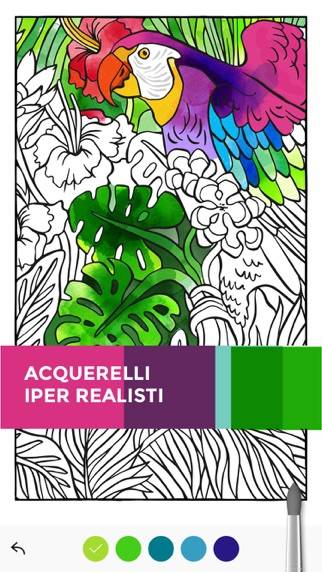
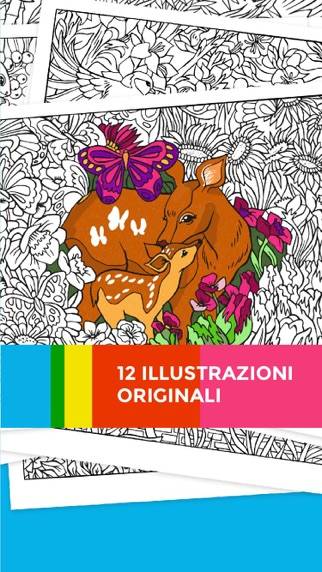
Tayasui Color stands out with over 50 exclusive illustrations by renowned French artist Olivia De Bona, tailored for our app.
Show more
Download Tayasui Color
Scan to Get the App!

Using Tayasui Color on PC or Mac
Tayasui Color can be played on Windows and macOS using Android emulators such as BlueStacks. Download an APK version and follow our BlueStacks installation guide to get started. For help with downloading or installing APK files, visit our forums.
User Reviews and Ratings
★★★☆☆ Fun
Since the update, some of the pages have repeated. One specifically is repeated 5 times, one after the other.
★★★★★ Best coloring book in the App Store!
The new update really ties everything together! Thank you to the developers for continuing the support on this app!
★★★☆☆ Crashes on new iPad Pro 11-inch M4
The app starts up, but when you tap the picture to start painting it crashes. I’m also using the new Pencil Pro.
★★★★★ Excellent
Very cool programs very creative. Easy to learn and use. Very inexpensive. Enjoy your inner child.
★★★★★ Give me Matisse sketches, copyright free to color? For one instance.
Read all reviews
It would be nice if you/the authors -would scour the pencil, and pen and ink drawings that are in the public domain to color in?? or to buy rightss to modern artists? Now that wouldn’t be embarrassing to waste my time on…. Otherwise imagine Donald Sutherland being snooty, looking at my coloring book ink jet. Prints???….. Rest in peace,…. Or van Gogh, painting, ink drawings? Where not only could I color it in you could give me the option to color/crop the black brushwork with my own colors.?/?!!!
Similar Graphics & Design Apps
LockWidget - Themes,LockScreen
Sketchbook®
Widgy
You Doodle Pro - art on the go
Customuse: Design Skins & AR