Team Shake
Published by Rhine-o Enterprises LLC on Oct 09, 2010
Genre: Education
Ratings: 4.86
Version: 3.0.3
Updated: Nov 16, 2021
Downloads: 654
Team Shake is an education app developed by Rhineo Enterprises LLC. The last update, v3.00, released on November 16, 2021, and it’s rated 4.86 out of 5 based on the latest 1.5K reviews. Team Shake costs $1.99 and requires iOS 12.4+ and Android 11.4 or newer to download.
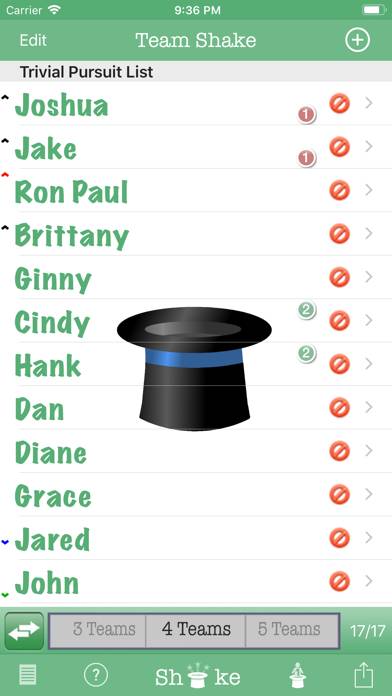
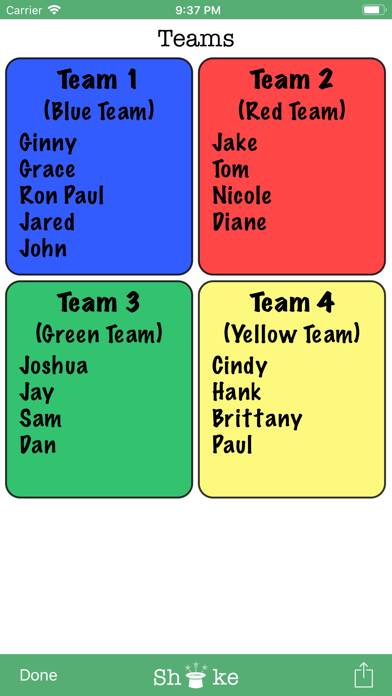
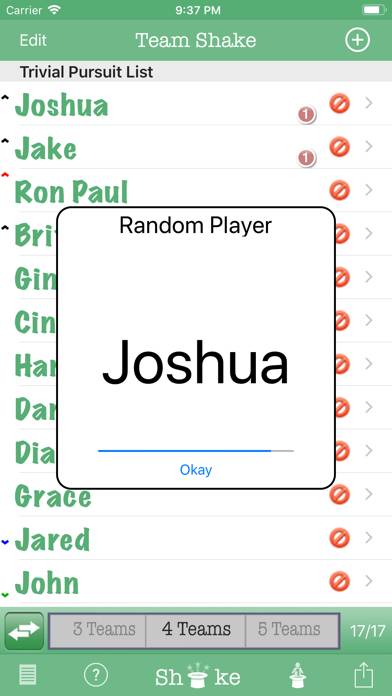
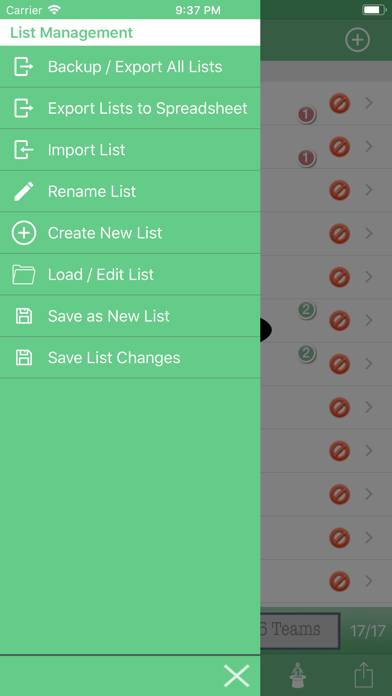
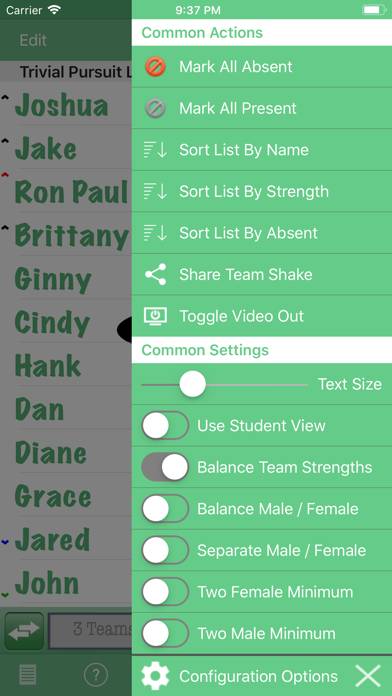
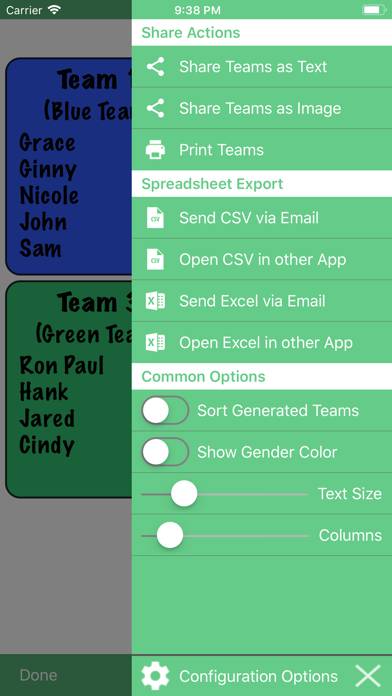
Video: Team Shake Overview
Description
Team Shake provides a technological and environmentally friendly way to choose teams for board games, sporting events, tournaments, school projects or anytime groups are required.
Show more
Download Team Shake
Scan to Get the App!

How to Use Team Shake on Your PC or Mac
Want to enjoy Team Shake on your desktop? Download the latest APK (3.00, 8 MB) or choose your preferred version, and follow our Bluestacks emulator guide for easy installation on Windows or macOS. For any assistance with downloading or installing APK files, feel free to visit our forums!
User Reviews and Ratings
★★★★☆ Wish…
I wish this app would sync among devices. We use this for school every day. LOVE IT!!! Now our iPad is in the shop but unable to transfer the info easily to new device.
★★☆☆☆ Won’t Shake
I’m not sure if it’s my iPhone or it’s operating system, but on occasion, the shake feature won’t work. I have to restart my phone to get it working again. This is frustrating because I group my PE classes at the beginning of each class and wind up having to wait until my phone is ready to begin the lesson.
Also, I can’t disable the shake function (to just using the touch screen icon only). While I like the feature to select random player, it erases the selected teams. I need to be able to
★★★★★ Very Useful!
The program is quick to use and has an attractive output. Students volunteer to be the one to shake the hat. It is easy to toggle between the choice of number of groups as opposed to the number in each group and easy to temporarily omit absent students.
A teacher can also use the program to determine the order of oral presentations by setting the number of groups to be one.
Moreover, the program accepts Japanese characters, which makes it better for my Japanese classes.
Do be sure not to igno
★★★★★ Doesn’t work
I have had this app for a while and gets worse by the moment. I have tried to contact the developer and no word on why I cannot save my class rosters.
When it worked it was awesome. But since then is has been bogus.
★★★★★ Not like the preview
Read all reviews
This app has been hard to figure out and doesn’t show me the same features that I see in the preview. That being said, it is still useful but minimally so.
Related Apps

SkyView®
Top #20 in Education Apps

Diccionario del estudiante
Alef Bet - Hebrew Flashcards
IMO Signs
Världens Flaggor - Svensk röst

Crossword Champ
Top #93 in Education Apps