Teamworks
Published by Teamworks Innovations Inc on Mar 25, 2018
Genre: Sports
Ratings: 3.68
Version: 6.1.79
Updated: Sep 24, 2024
Downloads: 1,038
Teamworks is a sports app developed by Teamworks Innovations. Available as a free download, it was updated to v6.10 on September 24, 2024, and currently holds a 3.68 out of 5 rating based on 264 reviews. Before downloading, make sure your device has at least 98 MB of free space and runs Android 12.4+ or iOS 13.4+.
Elite Sports Tech
Video: Teamworks Overview
Description
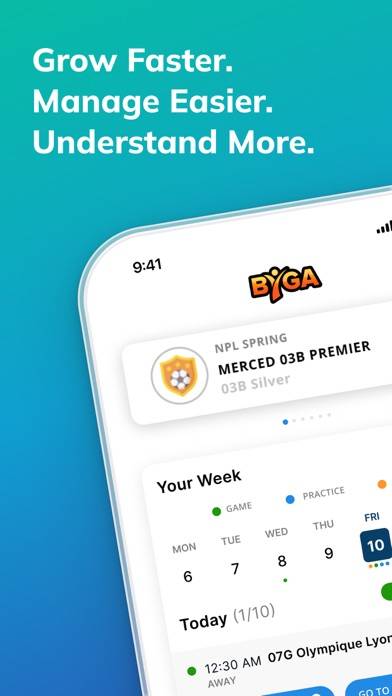
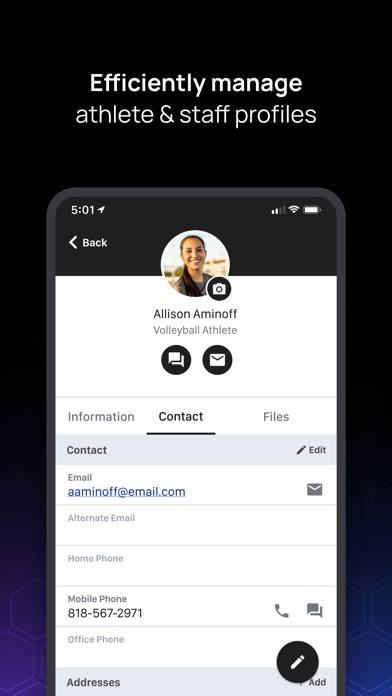
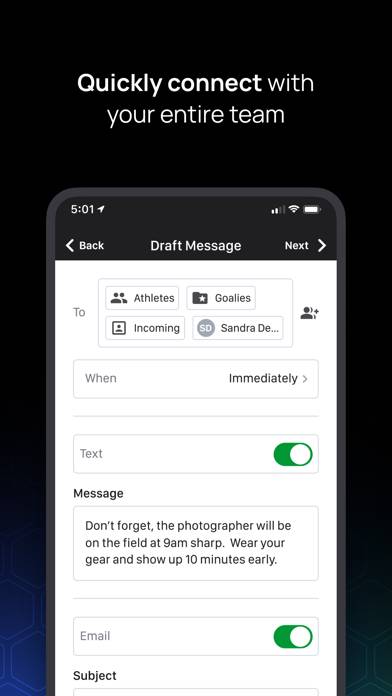
Teamworks is The Operating System for Sports™, connecting the best in sports technology and home to best-in-class products for each stage of the athlete lifecycle.
Show more
Download Teamworks
Scan to Get the App!

Using Teamworks on PC or Mac
Teamworks can be played on Windows and macOS using Android emulators such as BlueStacks. Download an APK version and follow our BlueStacks installation guide to get started. For help with downloading or installing APK files, visit our forums.
User Reviews and Ratings
★★★★★ #CheckTeamworks
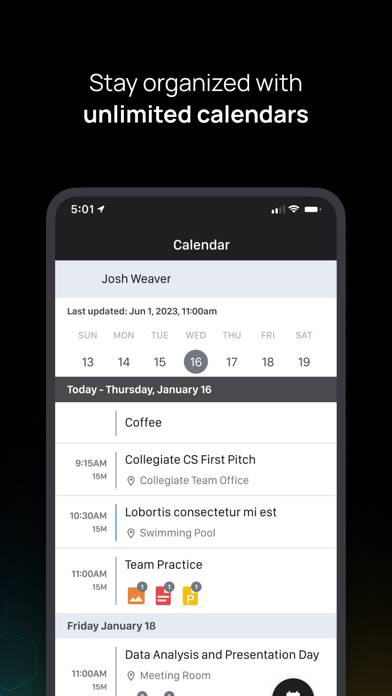
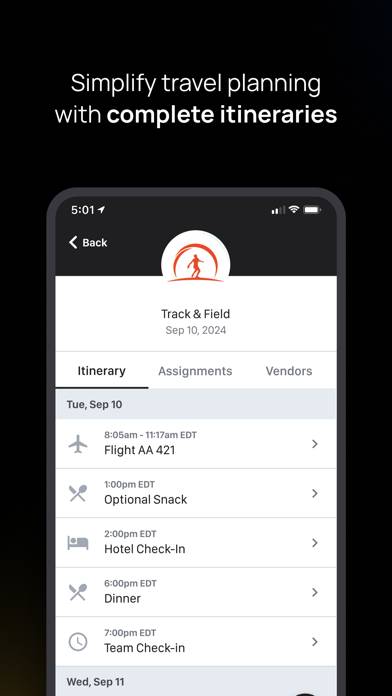
We can’t function without Teamworks here. It has everything and more I need to be prepared and ready for game days, practices, travel days, etc. Our team also includes family on Teamworks which so helpful they have a clear point of communication to staff. Great for the calendar as well!
★★★★★ PLEASE MAKE A WIDGET
I love this app and I need a widget on my Home Screen for it. That would be so so nice
★★☆☆☆ Notifications
The calendar is the only thing I use. Pretty decent.
I can’t stand though how I always have a notification on the app yet there’s no new notifications when I open the app. I’ve delete and downloaded the app multiple times. Still have the notification. It’s irritating.
★★★☆☆ Need calendar export/subscription function
Would be extremely helpful to be able to export/subscribe to the calendar so that events are synced to the iOS calendar. Seems like fairly commonplace functionality these days.
★★★☆☆ Need the update!
Read all reviews
It says I need to download the update but then it doesn’t give me an option for an update. I need to get in a see the calendar! Please help!