Teleprompter for Videoَ is a productivity app developed by Fadelio OU. Available as a free download, it was updated to v1.00 on August 27, 2024, and currently holds a 4.76 out of 5 rating based on 278 reviews. Before downloading, make sure your device has at least 45 MB of free space and runs Android 15+ or iOS 16.0+.
Read Script,Record & Subtitles
Video: Teleprompter for Videoَ Overview
Description
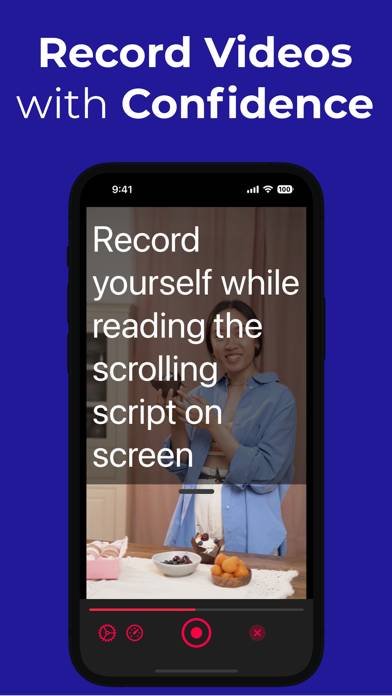
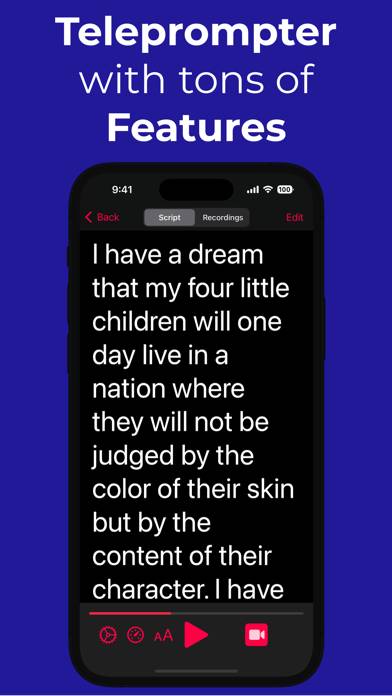
Experience the power of a professional teleprompter, right in your pocket! Write your scripts and record yourself while the text scrolls on your screen.
Teleprompter for Videoَ can be played on Windows and macOS using Android emulators such as BlueStacks. Download an APK version and follow our BlueStacks installation guide to get started. For help with downloading or installing APK files, visit our forums.
User Reviews and Ratings
★★★★☆Simple And Does The Job
I've tried several and—while there are numerous paid alternatives that have more features and/or a slicker interface—most of the implementations I've seen of those 'extra' features have been poor or feel bolted on, and the overall user experience reflects that.
This one seems to avoid that issue by bringing just enough to the table feature-wise to reliably function, while keeping the operation process simple and straightforward.
★★☆☆☆Lost my recording
I have recorded some videos for my paid job. I invested money for the studio time work. But all recordings I made on that day disappeared from the app. Now I need to re-record this job again, investing money and time. I can’t rely on this application.
★★★★★13 minutes
I downloaded this app seriously 13 minutes ago. I already had the text and all I had to do was to paste it into the Teleprompter. I hit record and it works!!! I uploaded it to my son in Brazil a minute later. I’m astonished and really happy with this and I’ll buy it.
★★★★★Powerful
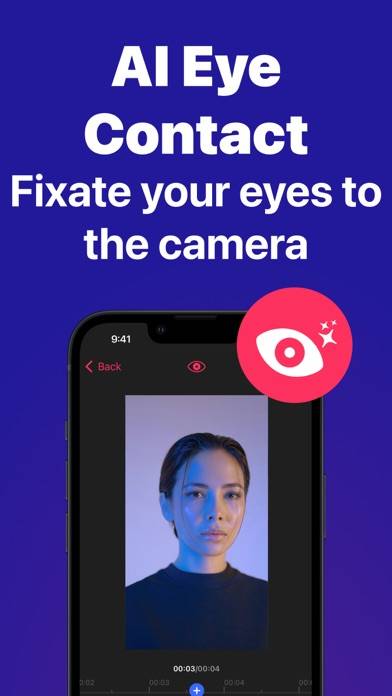
Love the integrations of applying AI to apply better eye contact
★★★★★Not user friendly
I spent so much time finally getting my script to speed. Recorded several times I can’t see the lettering, Riner’s white, blends in with the background. I tried changing the color to black, didn’t take. And most importantly after recording doesn’t tell you how to save to your camera roll. I’m just very frustrated and will be cancelling my free trial. To me it’s useless!