Text Workflow: Text Processing

Published by Georgios Trigonakis on Jul 16, 2022
Text Workflow: Text Processing icon

Genre: Utilities

Ratings: 4.73

Version: 2.1.2

Updated: Jul 04, 2024

Downloads: 930

Text Workflow: Text Processing is a utility app developed by Georgios Trigonakis. Available as a free download, it was updated to v2.10 on July 04, 2024, and currently holds a 4.73 out of 5 rating based on 97 reviews. Before downloading, make sure your device has at least 31 MB of free space and runs Android 14+ or iOS 15.0+.

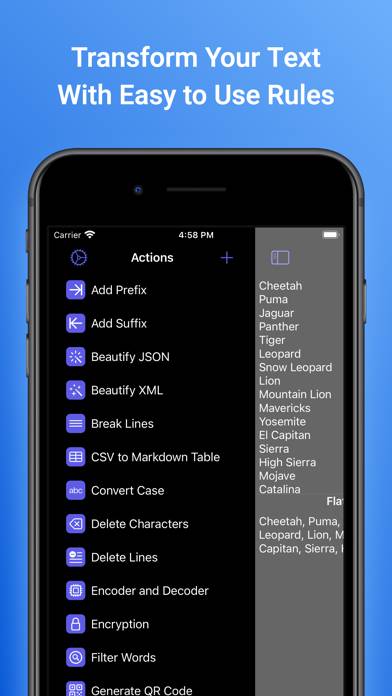
Tranform your text
Video: Text Workflow: Text Processing Overview

Description

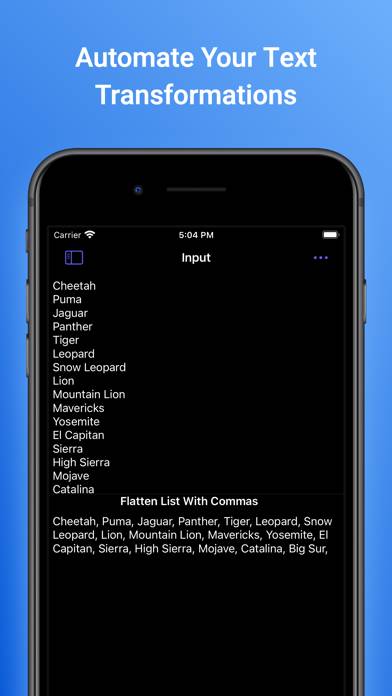
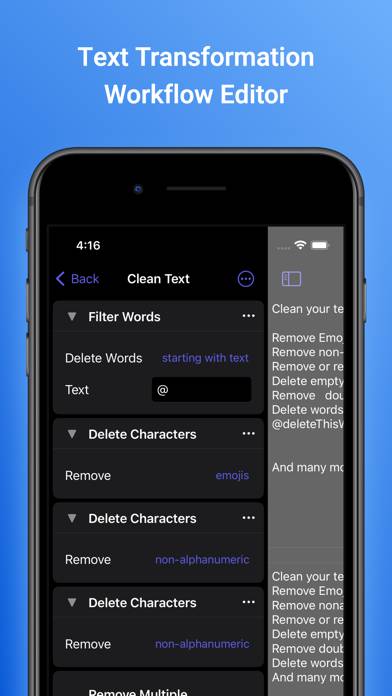
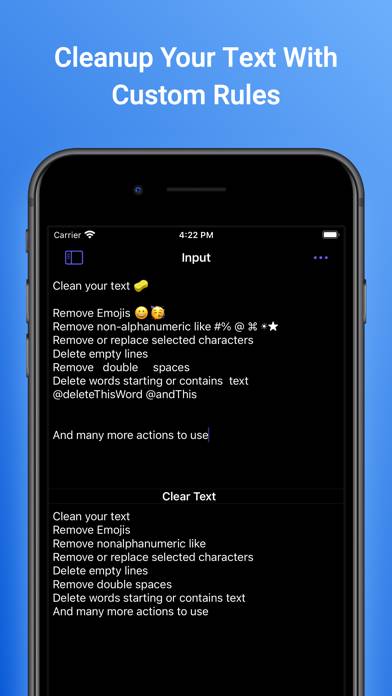
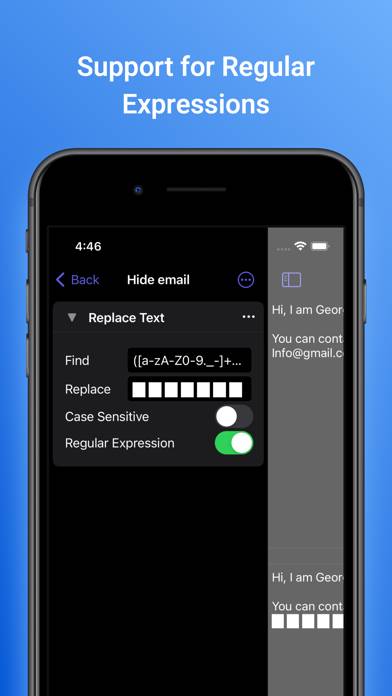
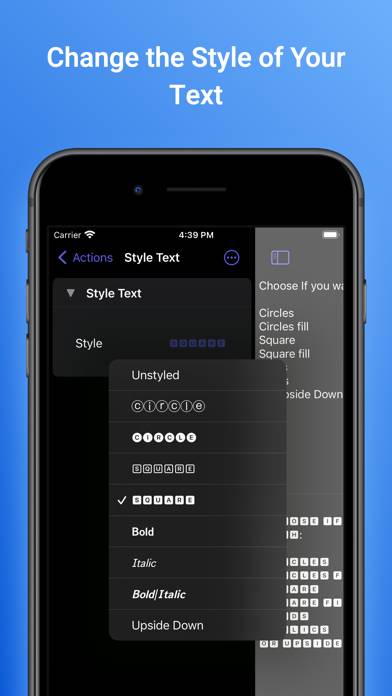
A powerful and easy-to-use tool that will help you transform your text. Text Workflow removes the need to perform repetitive tasks manually on your text.
Show more

Download Text Workflow: Text Processing

Scan to Get the App! QR code for Text Workflow: Text Processing

Using Text Workflow: Text Processing on PC or Mac

Text Workflow: Text Processing can be played on Windows and macOS using Android emulators such as BlueStacks. Download an APK version and follow our BlueStacks installation guide to get started. For help with downloading or installing APK files, visit our forums.

User Reviews and Ratings

★★★★★ Feature request: url mimetype
If at all possible, could you also allow this app to accept the share-type (not really a mimetype like title says) of a URL as well as text? If I highlight a URL as text then it’s fine. But when sharing from safari or when sharing a podcast link is what I’m referring to. Everything else is just about perfect. Thanks so much
★★★★★ Powerful and simple dev tool
This is a straightforward and powerful tool for people who work with text of one form or another - particularly software devs.
★★★★★ Great app with really good updates
This app is a lifesaver when working with formatting text.
★★★★☆ Last Update Broke Shortcuts
Every shortcut I have that uses the text workflow action now opens the text workflow app when it reaches that action and simply stops the shortcut from continuing instead of returning anything. I also get an error message when trying to select a workflow in the shortcut action. Several shortcuts I use every day are now broken. What's absolutely bewildering is that this redirecting behavior is happening even with a shortcuts that do not and have never used the text workflow action. I can't even b
★★★★★ Great app can handle tasks no other text formatter does
This app was able to perform one task that no other in the App Store could… I bought the lifetime subscription to reward the developer for such a good job Thanks!
Read all reviews

Similar Utilities Apps

Ptt Mobil screenshot
Ptt Mobil
MSR Easy Connect: Read & Write screenshot
MSR Easy Connect: Read & Write
Top #24 in Utilities Apps
Approach Speed Calculator Pro screenshot
Approach Speed Calculator Pro
WatchPro for Garmin Vivo Series + More screenshot
WatchPro for Garmin Vivo Series + More
Gold and Silver Calculator screenshot
Gold and Silver Calculator
Wrapped for Instagram screenshot
Wrapped for Instagram
Top #3 in Utilities Apps