The Image Converter □

Published by Float Tech, LLC on Apr 24, 2014

The Image Converter □ icon

Genre: Productivity

Ratings: 4.65

Version: 12.8.0

Updated: Dec 04, 2023

Downloads: 568

The Image Converter □ is a productivity app developed by Float Tech LLC. Available as a free download, it was updated to v12.80 on December 04, 2023, and currently holds a 4.65 out of 5 rating based on 15.4K reviews. Before downloading, make sure your device has at least 39 MB of free space and runs Android 12+ or iOS 13.0+.

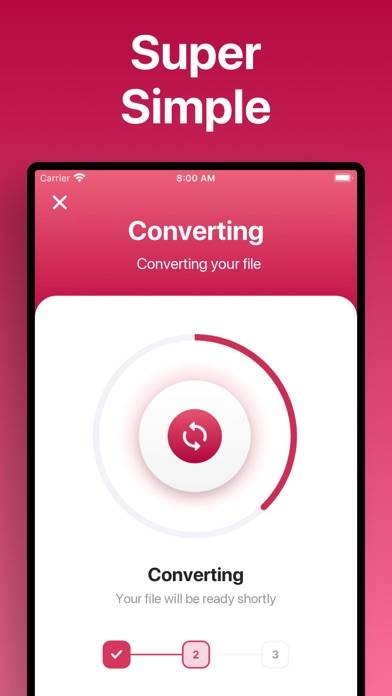
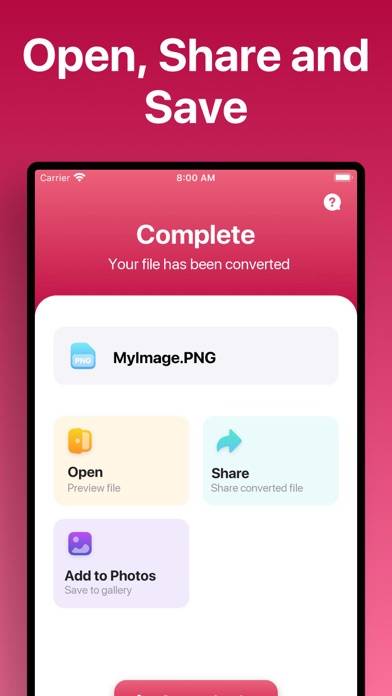
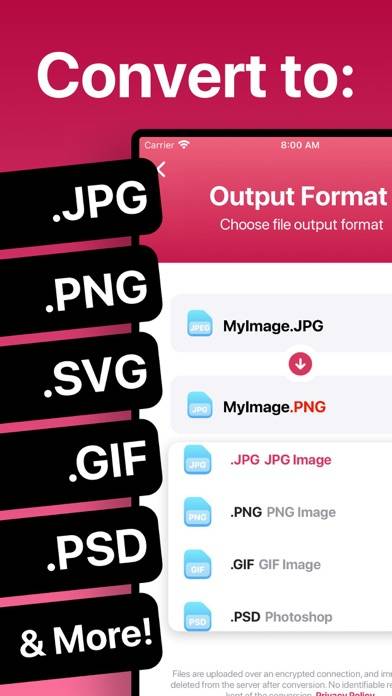
Convert JPG, PNG, HEIC, PDF
Video: The Image Converter □ Overview

Description

Quickly convert your photos to nearly any image format! 1.
Show more

Download The Image Converter □

Scan to Get the App! QR code for The Image Converter □

Using The Image Converter □ on PC or Mac

The Image Converter □ can be played on Windows and macOS using Android emulators such as BlueStacks. Download an APK version and follow our BlueStacks installation guide to get started. For help with downloading or installing APK files, visit our forums.

User Reviews and Ratings

★★★★★ Wowowoowlwow
Wowwoowlwowowowliwowowowowowow
★★★★☆ Great app, nothing wrong with it!
I’ve had it for 3 minutes and thought it might be able to batch work. I have hundreds of photos I need to work with. Thanks for listening! :)
★★★★★ Yes it works
The app does what it’s suppose to do, simple as that.
★★★☆☆ One photo at a time, slowly
You can only convert a single photo at a time (not a batch). It needs internet to upload then download the converted file. So far I’ve done 7 photos. One didn’t work and it directed me to a website for that one, which did work.
★★★★★ Easy,Easy,Easy
The converter app made changing formats very easy. I love this app!!
Read all reviews

Similar Productivity Apps

Unzip - zip file opener screenshot
Unzip - zip file opener
Top #96 in Productivity Apps
Oblique-Strategies screenshot
Oblique-Strategies
Släkten screenshot
Släkten
TwomonUSB - Extended Display screenshot
TwomonUSB - Extended Display
Orderly - Simple to-do lists screenshot
Orderly - Simple to-do lists
Cryptomator screenshot
Cryptomator