TinType by Hipstamatic is a photo & video app developed by Hipstamatic LLC. The last update, v2.20, released on May 25, 2022, and it’s rated 4.81 out of 5 based on the latest 3.3K reviews. TinType by Hipstamatic is FREE and requires iOS 12.0+ and Android 11 or newer to download.
Selfie like it's 1899
Video: TinType by Hipstamatic Overview
Description
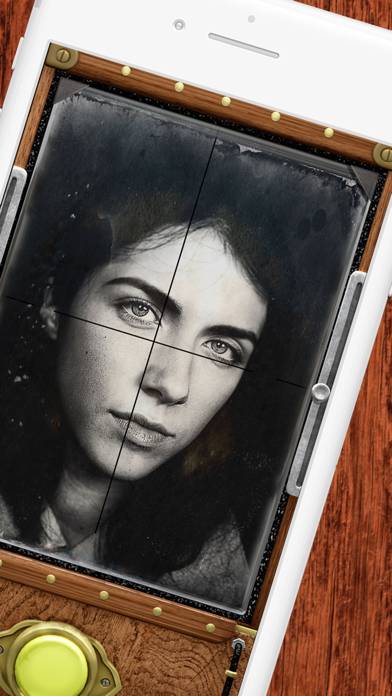
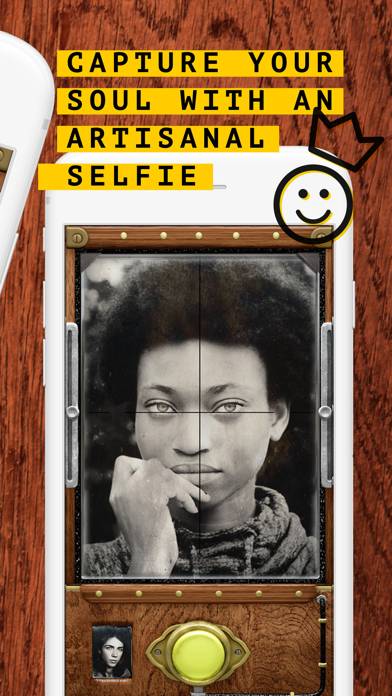
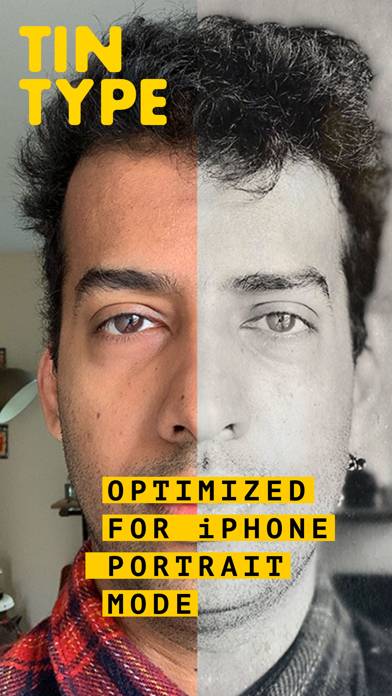
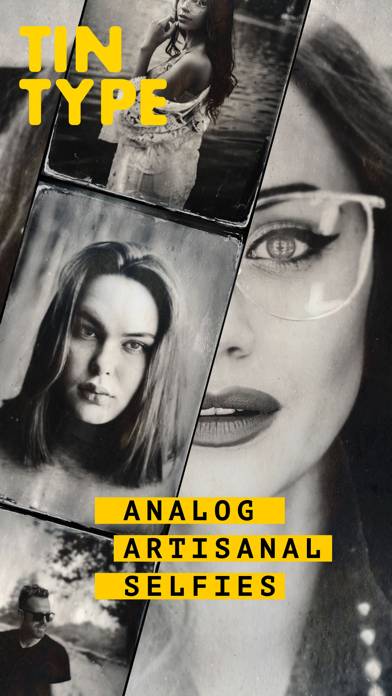
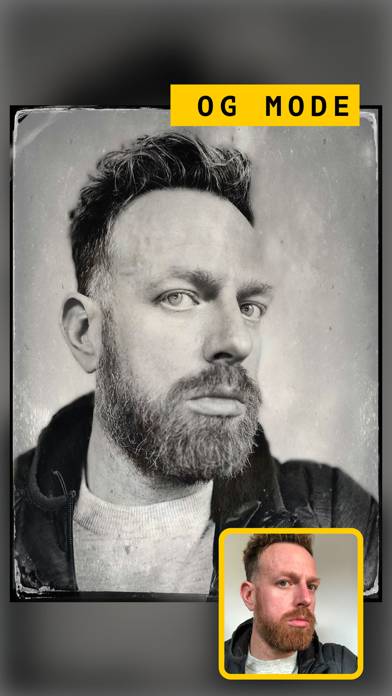
Create hauntingly beautiful, soul capturing portraits with TinType by Hipstamatic. Inspired by daguerreotypes, tintypes, and other photographic processes from over a hundred years ago, TinType faithfully reproduces these amazing images with stunning accuracy.
How to Use TinType by Hipstamatic on Your PC or Mac
Want to enjoy TinType by Hipstamatic on your desktop? Download the latest APK (2.20, 114 MB) or choose your preferred version, and follow our Bluestacks emulator guide for easy installation on Windows or macOS. For any assistance with downloading or installing APK files, feel free to visit our forums!
User Reviews and Ratings
★★★★★Love it!
Have used mostly the basic setting of black and white. It provides that old time look that makes certain photos look old...as in the 1880s when printing was on tin.
★★☆☆☆Wide angle???
How in the world do I turn off wide angle as the default? It’s incredibly annoying to have to go to selfie then to back to normal mode…otherwise I adore this app but it wasn’t like this before. I’m using the 14 and it’s up to date. Please please fix this. ✌🏽🙏🏽
★★★★★What happened???
This has been one of my favorite cameras for years. Now, photos are not processing and error messages are coming up. It’s frustrating to say the least. I hope you can fix it because I rely on your camera systems and filters for many of my photography work and conversions.
★★★☆☆Needs focus control point
The best feature to improve this app would be to adding the ability to adjust the focus point with touch. This added control would make this app so much better. Without focus point touch a majority of the photos are not focused on the primary subject. I would pay more for this feature. When the focus point falls correctly on the subject the results are special. Please consider upgrading this feature - "point-of-focus touch control".
★★★★★Easy to Use
Without any guidance, this app is easy to use. You either like the look or you don’t. I love the ability to render a photo surreal.