TurboLance
Published by KF Interactive GmbH on Mar 18, 2024
Genre: Utilities
Ratings: 1.00
Version: 1.0
Updated: Mar 18, 2024
Downloads: 1,066
TurboLance is a utility app developed by KF Interactive GmbH. Available for $3.99, it was updated to v1.00 on March 18, 2024, and currently holds a 1 out of 5 rating based on 1 reviews. Before downloading, make sure your device has at least 13 MB of free space and runs Android 15+ or iOS 16.0+.
Control your KICKR HEADWIND
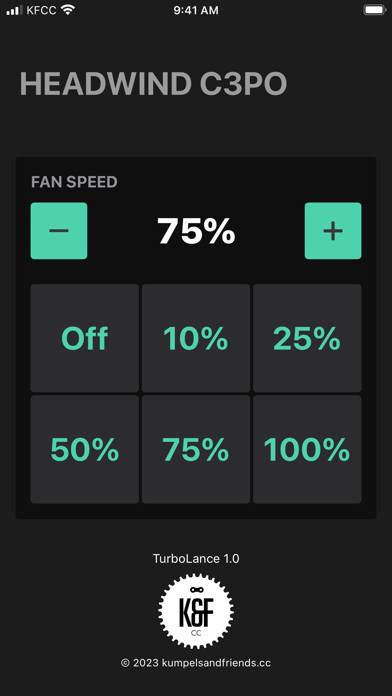

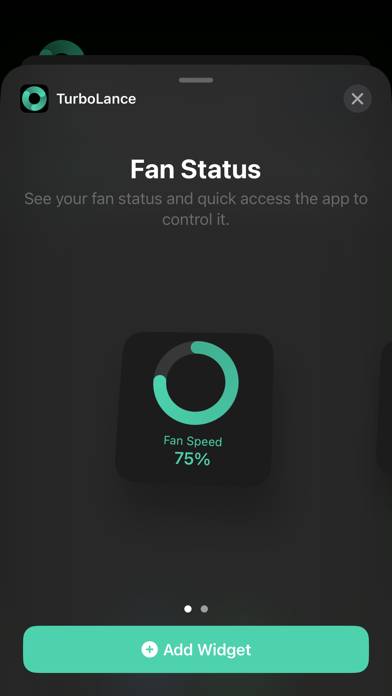
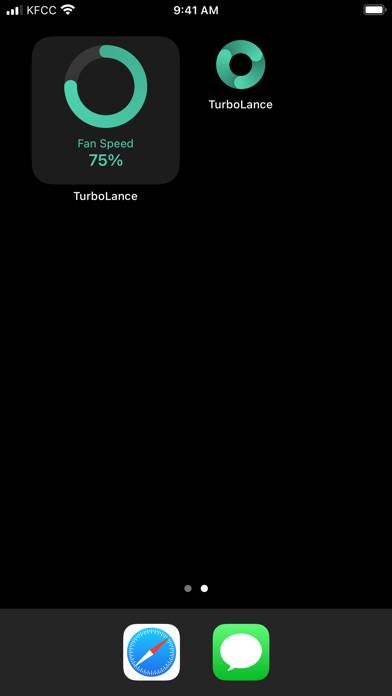
Video: TurboLance Overview
Description
Get the most out of your WAHOO KICKR HEADWIND by controlling it from your phone. When you're suffering hard during an intense workout, the last thing you want to do is search for an app on your phone, select the device, and set the right mode to adjust the speed.
Show more
Download TurboLance
Scan to Get the App!

Using TurboLance on PC or Mac
TurboLance can be played on Windows and macOS using Android emulators such as BlueStacks. Download an APK version and follow our BlueStacks installation guide to get started. For help with downloading or installing APK files, visit our forums.
User Reviews and Ratings
★★★★★ Big value add for Headwind
Was pleasantly surprised to find this app via GP Llama on YouTube.
I’m glad to have a widget for my Headwind and quicker access to the controls. I liked the idea of software controls for the fan, but Wahoo buries it in their app. For a few dollars, this makes a $300 fan a lot easier to use.
I’d love to see a Shortcuts action. I have shortcuts for starting and ending trainer sessions and would love to set the fan level as part of those.
★★★★☆ Ultra simple - needs some refinement
The app is incredibly simple. It finds a headwind and connects to it. You don’t get a list or anything, I just connects on launch to the first one it finds. It kinda supports widgets but they don’t do anything. You can’t control the fan with them (long press and slide to change it would be nice or even just +/- buttons) you just tap the widget and it launches the app. The app would be nice if it had a slider. But you just get a few buttons for 25,50,75,100% and a +/- for anything else (pretty an
★★★★★ Does exactly what it needs too.
Read all reviews
I’m not picky. This is exactly what I wanted to control my fan.