Tweek: Minimal To Do List

Published by SCADA SIA on Oct 13, 2020
Tweek: Minimal To Do List icon

Genre: Productivity

Ratings: 4.80

Version: 2.30.27

Updated: Sep 18, 2024

Downloads: 1,190

Tweek: Minimal To Do List is a productivity app developed by SCADA SIA. Available as a free download, it was updated to v2.30 on September 18, 2024, and currently holds a 4.8 out of 5 rating based on 702 reviews. Before downloading, make sure your device has at least 99 MB of free space and runs Android 10+ or iOS 11.0+.

Calendar, Planner, Reminder
Video: Tweek: Minimal To Do List Overview

Description

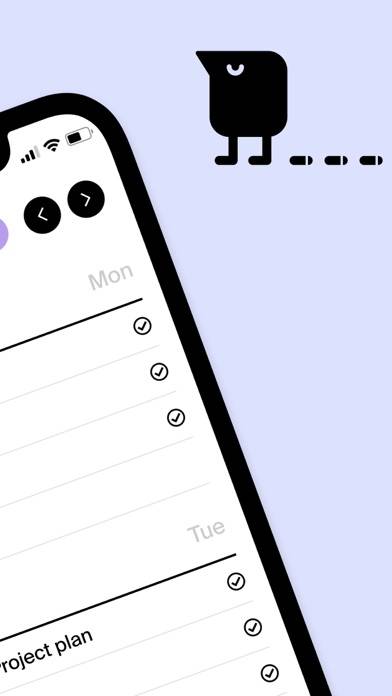
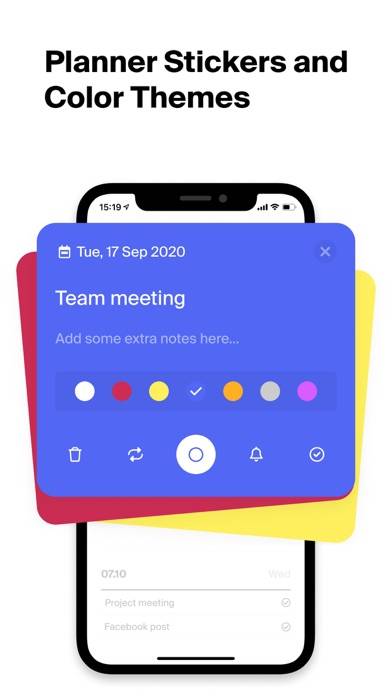
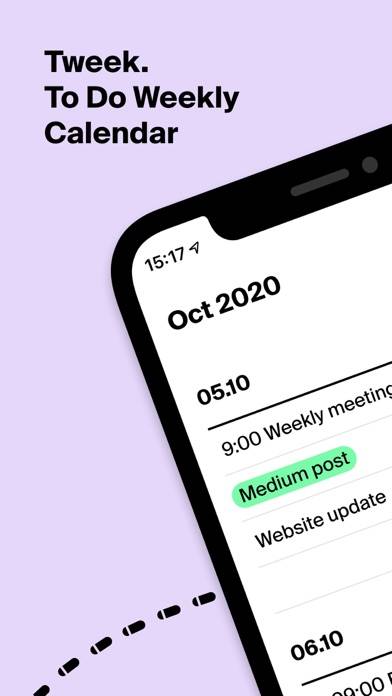
Tweek is a very simple weekly cute planner with minimalist & aesthetic clear design like a paper planner. Intuitive simply organize your tasks, reminders and collaborate on them with your team or family.
Show more

Available In-App Purchases

Tweek Premium - Annual

$33.99

Tweek Premium - Monthly

$3.99

Download Tweek: Minimal To Do List

Scan to Get the App! QR code for Tweek: Minimal To Do List

Using Tweek: Minimal To Do List on PC or Mac

Tweek: Minimal To Do List can be played on Windows and macOS using Android emulators such as BlueStacks. Download an APK version and follow our BlueStacks installation guide to get started. For help with downloading or installing APK files, visit our forums.

User Reviews and Ratings

★★★☆☆ Desktop App not allowing drag and drop for tasks
I absolutely love Tweek and have been using it for a couple of years now but recently the desktop app has been having the weird issue of freezing up whenever I try to drag and drop a task which is one of my favorite features. I lokve Tweek and want to be able to use it seemlesly on my Mac but this issue makes the app hard to use because I love to reorder things :/
★★★★★ Perfect To-do List
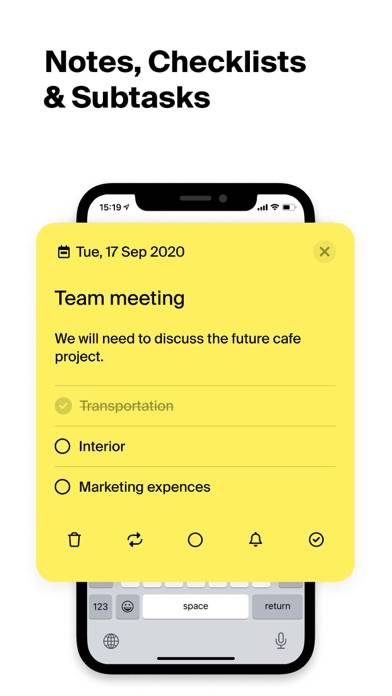
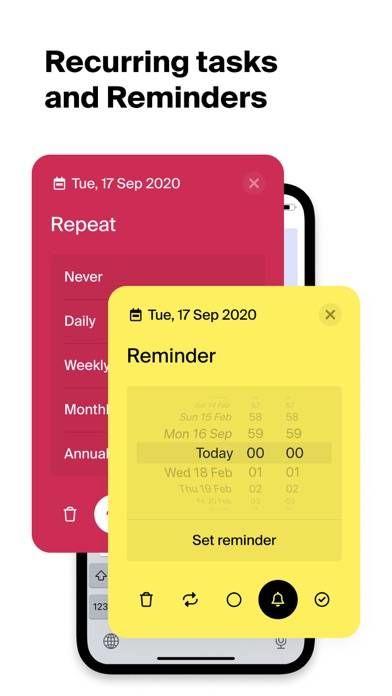
This is the list app I have been needing for years. Simple & no ads. I paid for the upgrade because I really appreciate the practically infinite color-coding options (not everyone will need that, but I appreciate the aesthetic capabilities), and making re-occurring tasks automatic/customizable is helpful too. I also appreciate being able to use tasks as headers and can open them to put sub-tasks in there (like “Clean the Garage” and then it opens to put more details or sub-lists). I use this app
★★★★★ The only app that works for me
I organize my entire life on this app!
★★★☆☆ I wish features were not behind a paywall!
Tweek is good for tracking schoolwork but when it comes to the subscription it makes it a pain.
★★★★☆ Meh
I think it’s a good app. It’s free so that’s cool. Keeps me organized.
Read all reviews

Similar Productivity Apps

Beyond Scan: OCR & PDF Scanner screenshot
Beyond Scan: OCR & PDF Scanner
Contacts Sync for Google Gmail screenshot
Contacts Sync for Google Gmail
"No Distractions" for YouTube
Foto Medidas - Photo Measures screenshot
Foto Medidas - Photo Measures
myPhoneDesktop screenshot
myPhoneDesktop