Published by Gansu Zhenxian Network Technology Co., Ltd. on Feb 02, 2022
Genre: Developer Tools
Ratings: 4.26
Version: 1.3.18
Updated: Jun 25, 2024
Downloads: 1,072
UDevice - Dev Assistant is a developer tools app developed by Gansu Zhenxian Network Technology. Available for $3.99, it was updated to v1.30 on June 25, 2024, and currently holds a 4.26 out of 5 rating based on 23 reviews. Before downloading, make sure your device has at least 160 MB of free space and runs Android 14+ or iOS 15.0+.
Geek/Developer Kit
Description
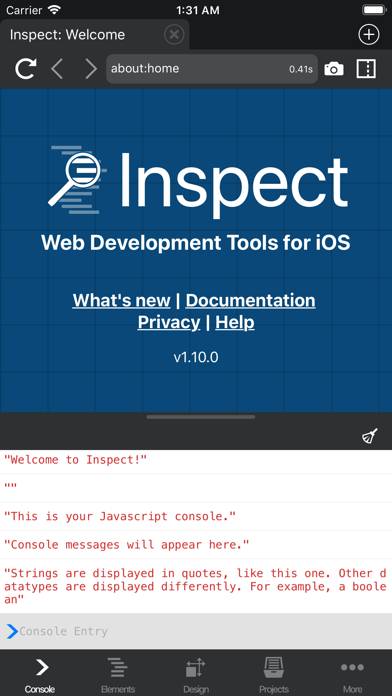
Http(s) Capture/Rewrite, ssh, Terminal, Python3, Cookie editing, Ping, File manager, DNS parsing, traceroute, port scanning, log analysis, regex,json formatting etc. Provide all kinds of dev/testing tools.
UDevice - Dev Assistant may be playable on Windows and macOS using Android emulators such as BlueStacks. Follow our BlueStacks installation guide to get started. Looking for UDevice APK? Visit our forums for help finding authorized downloads, installing APK files, and troubleshooting installation issues.
User Reviews and Ratings
★★★★★Tons of goodies!
There is so many tools to mess around with. Very useful! A must have!
★★★★★Nice little app
Learning about networks and packet tracing. Interesting tool.
★★★★★The best
The best ever
★★★★☆Great app , has many useful features.
This app is currently the best on the App store for its purpose. “To the Dev”: If you’re still interested in tinkering with your app to make it better try adding “app intents” so your app can be used in shortcuts as well. With ai and automation being such a big deal these days you can’t miss out on that type of integration.. It will score you some serious downloads and recognition for sure. Great icon by the way 😁
★★★★☆Talk about a deal
This app is a a gem no surprise why it’s #1 on the store for the shear volume of tools the useful data it can provide about your device. I have noticed that the speed test would show 30 and 3 or slower I have around 200 on other speed test and bt scanning showed one device connectable but in setting I couldn’t find see it wish I could see more data. Overall like the app keep it up.