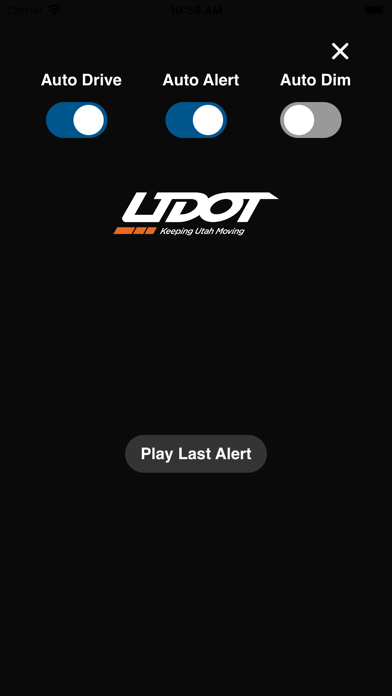
UDOT Traffic is a travel app developed by Utah Department of Transportation. Available as a free download, it was updated to v4.30 on March 07, 2024, and currently holds a 1.67 out of 5 rating based on 509 reviews. Before downloading, make sure your device has at least 135 MB of free space and runs Android 14+ or iOS 15.0+.
Video: UDOT Traffic Overview
Description
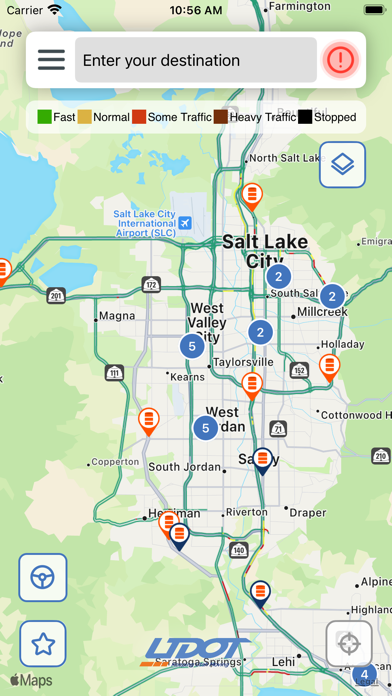
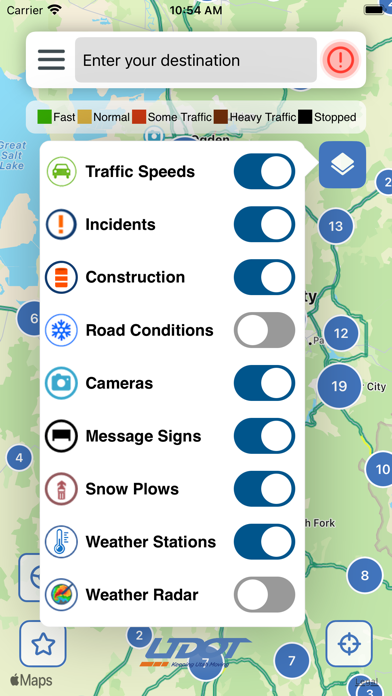
The UDOT Traffic app provides commuters and travelers with mobile access to information for Utah roadways from the Utah Department of Transportation's Intelligent Transportation System (ITS).
UDOT Traffic may be playable on Windows and macOS using Android emulators such as BlueStacks. Follow our BlueStacks installation guide to get started. Looking for UDOT Traffic APK? Visit our forums for help finding authorized downloads, installing APK files, and troubleshooting installation issues.
User Reviews and Ratings
★★★★★Needs an upgrade
This was a good app that we could use to see road weather condition in Utah. Now it’s hard to even get the cameras up. I deleted the app in favor of a better app.
★★☆☆☆Works, but not always well
The app does what it’s supposed to do, but it’s not always intuitive. and it crashes a lot.
★★★★★It’s come a long way
I’ve had the app for a few years now and the interface has been improved and updated. It’s much easier to use than before when it looked like an old windows interface and just as clunky.
You can even see road traffic kiosk signs on the app which is a neat feature that’s included. The camera picture quality is much better than before as well.
I tell everyone to use this app instead of others because of ease of use.
★★☆☆☆Painful
Really needs to see how other big cities do it. Ugh. Like the UTA app… lacking for the cost.
★★★☆☆Feature suggestion
The way the app has worked the last few years has made it less intuitive and more of a hassle. In particular, when receiving a red exclamation alert as a push notification, tapping it doesn’t take me anywhere within the app’s map. It doesn’t do the majority of us any good to see an alert with mile markers if the app doesn’t take use to that location on the map. Why did that change?