Published by Fall Day Software Inc. on Apr 18, 2013
Genre: Reference
Ratings: 2.38
Version: 1.8.1
Updated: Feb 13, 2024
Downloads: 776
Unicode Character Viewer is a reference app developed by Fall Day Software. Available for $1.99, it was updated to v1.80 on February 13, 2024, and currently holds a 2.38 out of 5 rating based on 47 reviews. Before downloading, make sure your device has at least 4 MB of free space and runs Android 15.6+ or iOS 16.6+.
Video: Unicode Character Viewer Overview
Description
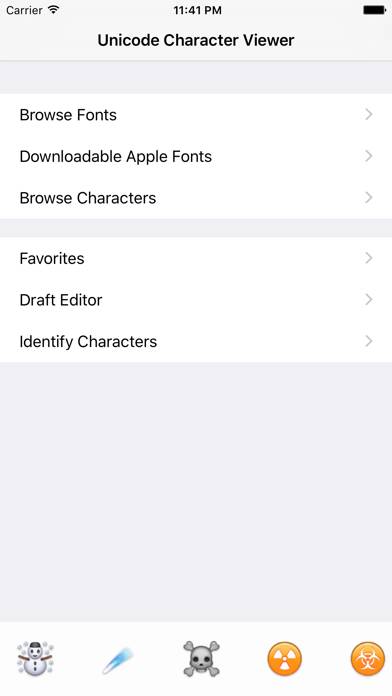
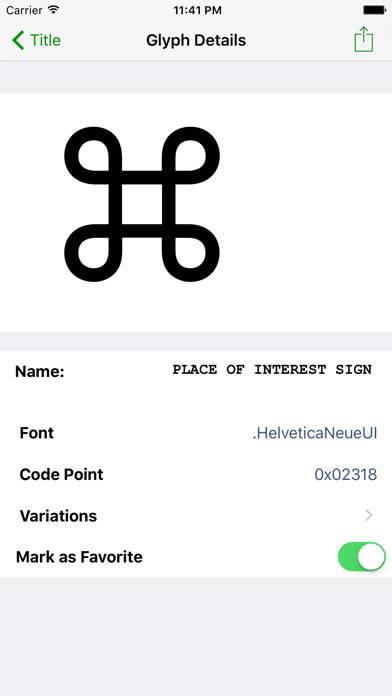
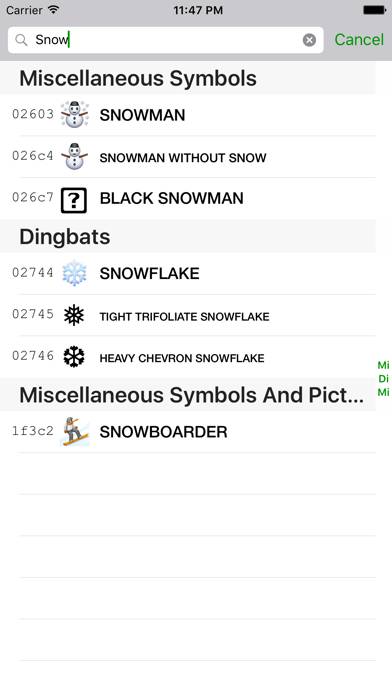
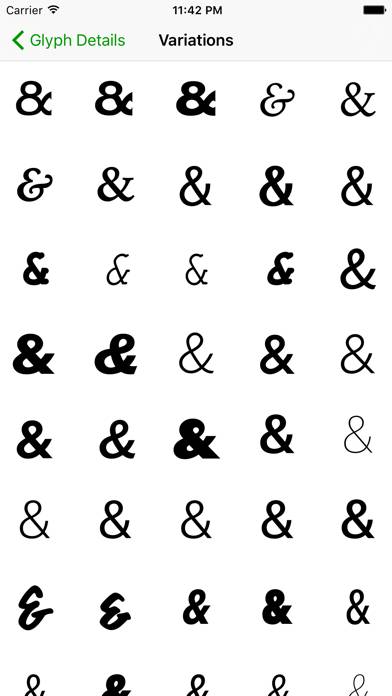
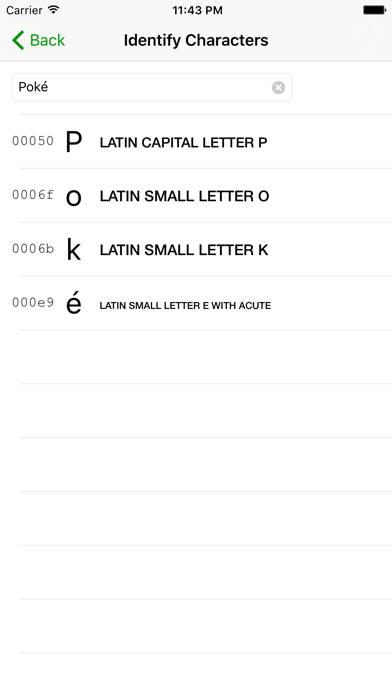
This app lets you explore the world of Unicode glyphs. The languages of the world contain some beautiful letter forms, and Unicode Character Viewer gives you an easy way to search for characters, mark your favourites, and share them with others.
Unicode Character Viewer can be played on Windows and macOS using Android emulators such as BlueStacks. Download an APK version and follow our BlueStacks installation guide to get started. For help with downloading or installing APK files, visit our forums.
User Reviews and Ratings
★★☆☆☆Disappointed
Most of what I want to copy won’t. It is blank when copied over. Very disappointed. I know it was only a dollar but still to much for how it functions.
★★★★★Legit!
The people rating one star, genuinely don’t know how this app works. I use this app on both my iPad and IPhone. Fonts have to be downloaded into your settings if you want to have access to them! I use ifont for that. I love this app honestly.
★★★★★҉ ҉ Buy it 😭 Characters are MINT
I want to gatekeep this but nahhhhhhhh it’s PERFECT. I don’t use fonts but even if i needed to download them i do not care, it’s a simple youtube video. what i need was the characters and i could copy and paste straight from the app
Ѡ Ѡ to the Dev ✅
★★★★★perfect for crafters
if you are addicted to crafting, you need this app! i was able to change my fonts from boring to WHOAAAAA. This app is awesome!
★★★★☆You can use glyphs, but need to add fonts to your iPad first
Like many others, I came here after seeing a design bundles video showing how to copy glyphs and paste them into procreate. Initially I was disappointed that fonts I had download were not visible through this app. But, I found you need to first add the fonts onto your operating system and then they will be visible. I did this by using the ifont app. It wasn’t a clear process but it worked.