Unicode Pad Pro with keyboards is a utility app developed by Ziga Kranjec. Available for $6.99, it was updated to v16.00 on May 28, 2024, and currently holds a 4.43 out of 5 rating based on 155 reviews. Before downloading, make sure your device has at least 250 MB of free space and runs Android 11.4+ or iOS 12.4+.
Most complete character map
Video: Unicode Pad Pro with keyboards Overview
Description
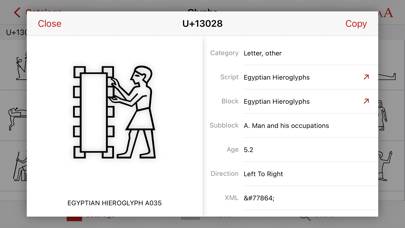
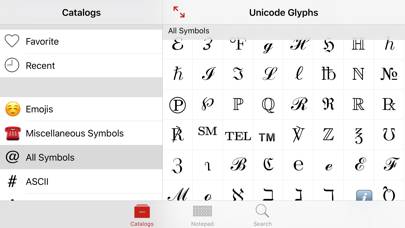
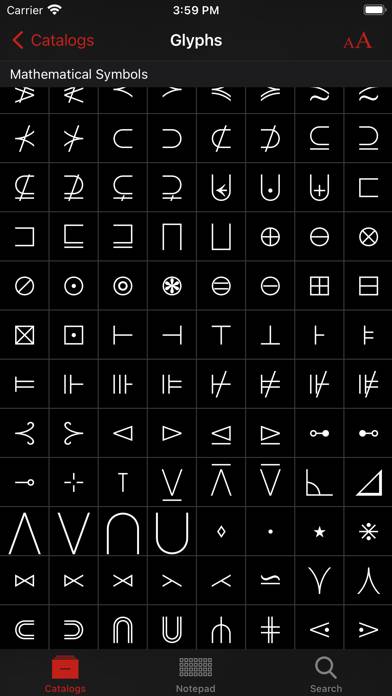
Unicode Pad Pro is the ultimate Unicode character map app for the iPad. Offering an extensive database of over 140,000 characters, it supports the latest Unicode 15.1 standard.
Unicode Pad Pro with keyboards can be played on Windows and macOS using Android emulators such as BlueStacks. Download an APK version and follow our BlueStacks installation guide to get started. For help with downloading or installing APK files, visit our forums.
User Reviews and Ratings
★★★★★This like, SO helps me create my languages and it is slaying ✨❤️
Yah it helps a lot I love it thanks thats all I wanna say
★★★★☆cannot switch to other system keyboards
this app is great. one star down due to a big problem: I cannot switch back to other system keyboards after switching to Unicode Pro. The globe key that allows us to switch keyboards is not there.
★★★☆☆Best on iOS
Far above everything else available on iOS, but has some odd quirks. As far as I can tell there's no way to reset the catalog font to what it looks like in the notepad; there are several menus for font choice but none of them seem to affect catalog appearance. Also, the default option doesn't seem to do anything either.
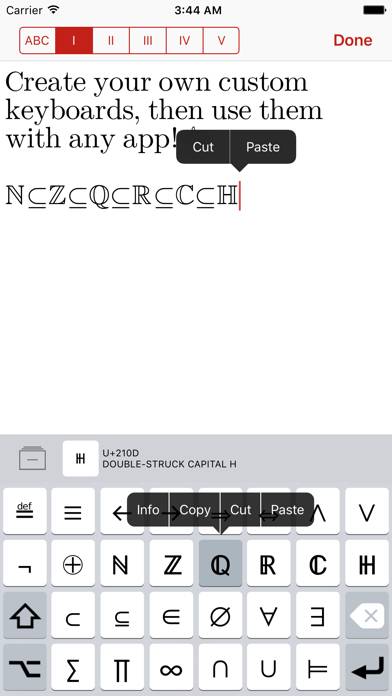
The keyboard is also very useful but import/export functionality is broken and it can get rather tedious filling in each key then each shift key one by one.
★★★★★Great, comprehensive app
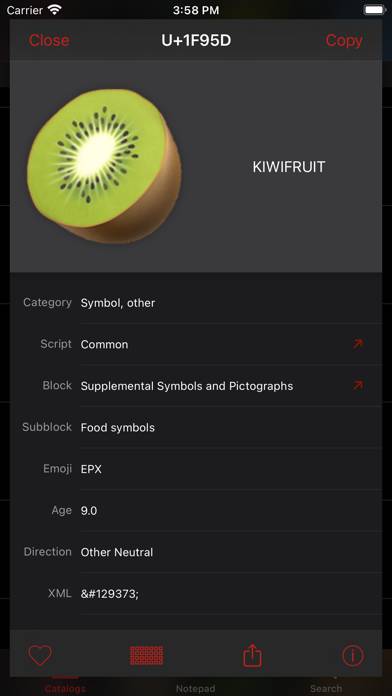
This is a great Unicode app. It provides a lot of information about each character itself, and also shows which installed fonts include the selected character. One thing that could be improved is hardware keyboard shortcuts with in the app (for example, it would be helpful if Cmd-F would start a search from anywhere within the app). The keyboard looks great too. Would it be possible to customize the default tab of the keyboard that the normal keys as well? Thanks for the great app!