Units Plus Converter
Published by Alan Mrvica on Jan 18, 2013
Genre: Utilities
Ratings: 4.86
Version: 3.6
Updated: Nov 20, 2018
Downloads: 922
Units Plus Converter is a utility app developed by Alan Mrvica. Available for $6.99, it was updated to v3.60 on November 20, 2018, and currently holds a 4.86 out of 5 rating based on 8.1K reviews. Before downloading, make sure your device has at least 7 MB of free space and runs Android 7+ or iOS 8.0+.
Convert Any Unit & Currency
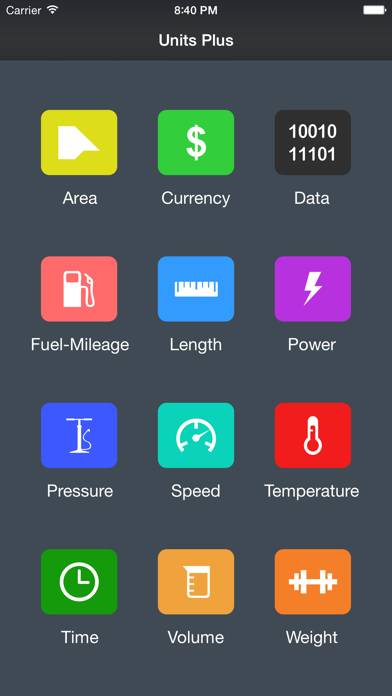
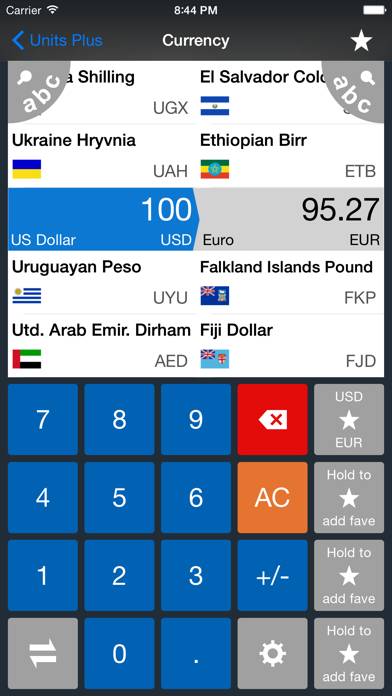
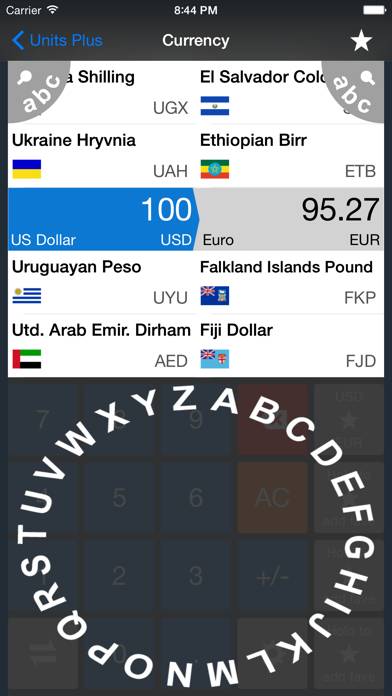
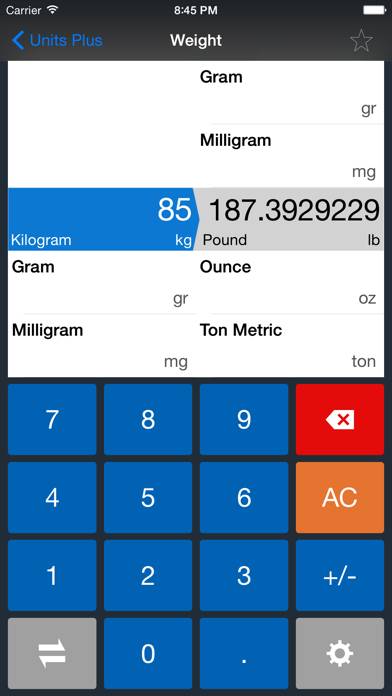
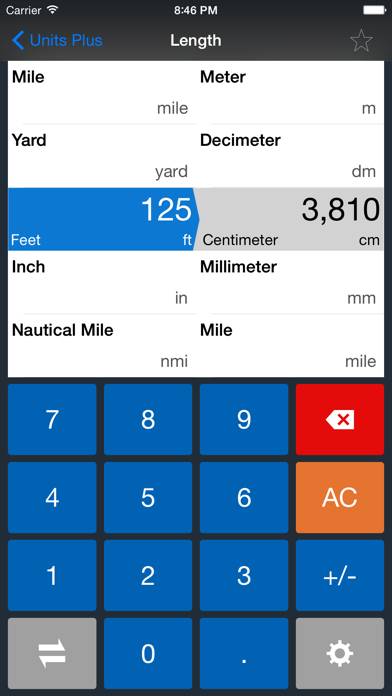
Video: Units Plus Converter Overview
Description
SWAP units by pressing button on keypad (lower left)
OPTIMIZED for iPhone X, XS, XS Max, XR, 5, 5S, SE, 6, 6+, 7, 7+, 8, 8+
OPTIMIZED for iPad Pro 12.9 (1st, 2nd, 3rd gen), 11, 10.5, 9.7, Air, Air 2, Mini (2nd, 3rd, 4th)
iPad Split View supported.
Show more
Download Units Plus Converter
Scan to Get the App!

Using Units Plus Converter on PC or Mac
Units Plus Converter can be played on Windows and macOS using Android emulators such as BlueStacks. Download an APK version and follow our BlueStacks installation guide to get started. For help with downloading or installing APK files, visit our forums.
User Reviews and Ratings
★★★★★ Very convenient
I use it mostly for converting miles to kilometers and metric tonnage Into US tonnage.
I also use it for comparison of temperatures and
Currency exchange rates And comparisons.
I love this app. It comes in super handy when I ever whenever I need a quick conversion.
This this is an app that is indispensable to my needs.
★★☆☆☆ No Conversion to ft + in
The app won’t convert to feet + inches. It converts to a fraction of a foot i.e 8.5ft instead of 8’ 6“
★★★★★ Love it!
I have used the free version since its release and love it. Upgraded to the pro because it’s definitely worth it. One suggestion…I would like to see measurements for cooking.
★★★★★ Used a lot
I use this app a lot when I’m home or traveling. Easy to use.
★★★★★ Add copy feature to results
Read all reviews
As incredibly useful as this app has proven to be for me over the years since I’ve purchased it, I have one suggestion.
Is it possible to add a copy function to the conversion results so I can copy and paste between apps while I’m working? I feel like it’s the last step to making this the single most useful app on the store.
Similar Utilities Apps
Morse Code Keys - Audio

Viewer for D-Link Cams
Bean – A Counting App
UH1 PPC
LeakPatrol
Keep Delete Photos