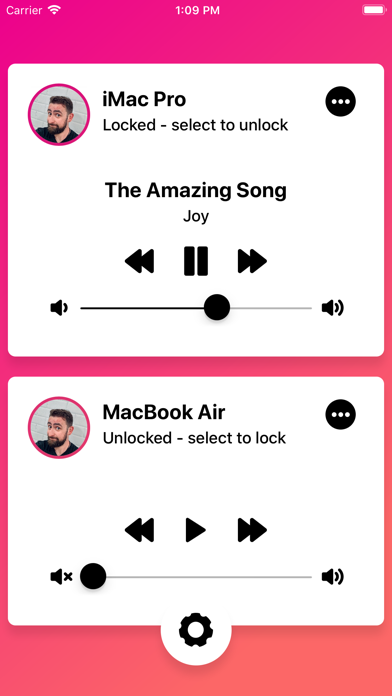
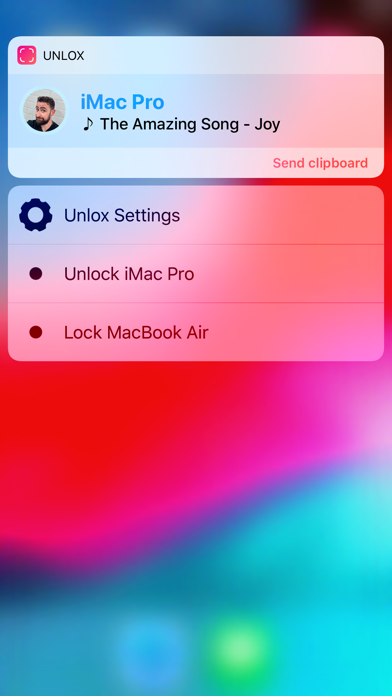
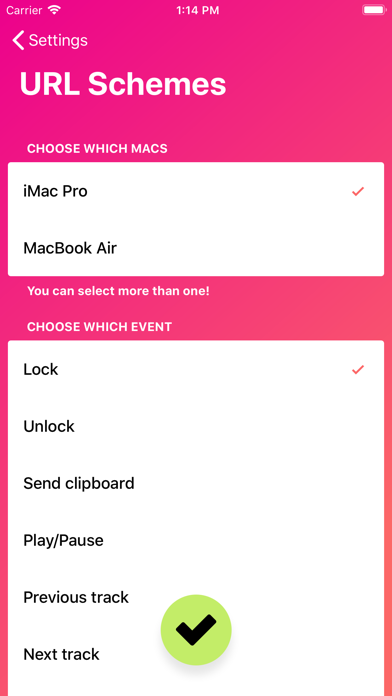
Unlox is a utility app developed by Kane Cheshire. Available for $3.99, it was updated to v3.00 on December 18, 2019, and currently holds a 4.19 out of 5 rating based on 995 reviews. Before downloading, make sure your device has at least 46 MB of free space and runs Android 10.2+ or iOS 11.2+.
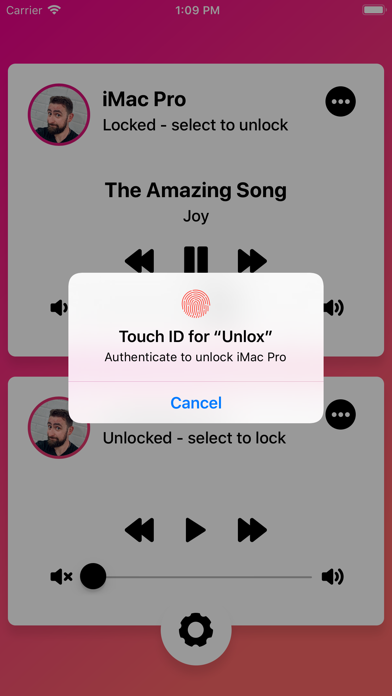
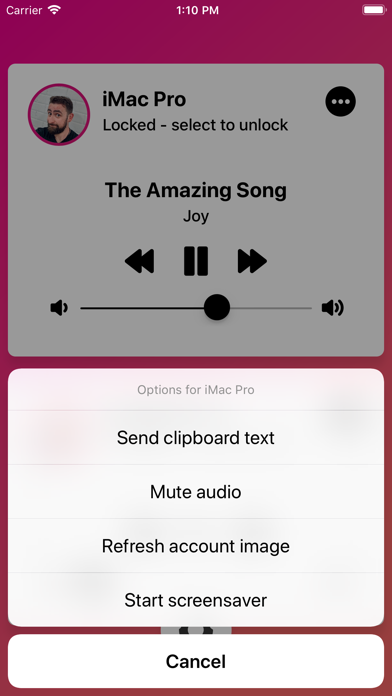
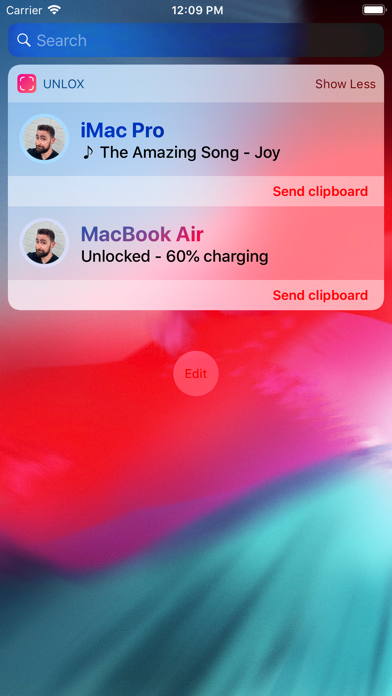
Unlock your Mac with your face
Video: Unlox Overview
Description
Requires a Mac with Bluetooth LE running macOS High Sierra or newer, and an iOS device with Bluetooth LE running iOS 11.2 or newer. Please make sure your devices fully support before purchasing Unlox.
Unlox may be playable on Windows and macOS using Android emulators such as BlueStacks. Follow our BlueStacks installation guide to get started. Looking for Unlox APK? Visit our forums for help finding authorized downloads, installing APK files, and troubleshooting installation issues.
User Reviews and Ratings
★★★★★Better than Apple
It provides an unlocking mechanism for devices like mac mini without touchscreen or facial recognition and is quick. Performs infinitely better than the orginal Apple Watch feature because there's always an excuse for it not to work from Apple.
Nicely done work and thank you .
★★☆☆☆Weird issue
Worked ok for a few days but when my phone was in another room today I got logged out of my Mac ever 20 seconds. Feared a virus but it had something to do with Unloxw. Deleted and problem gone.
★★★☆☆Sonoma issues on Intel Mac
Used to work to automatically wake and login to my intel iMac. After Sonoma the auto wake still works but the auto login is broken. Still works great on M1 Air.
★★★★★Works as expected
Was a little weary as there hasn’t been a recent update and some of the other solutions found no longer seem to be available.
Happy to report this has been working great with my M2 Mac mini and paired with the remote pro app does everything I need.
Hope the dev continues to update as needed, made me a happy customer
★★★★☆Useful tool but a little buggy
It can be a pain to connect to your phone. Sometimes it just won’t work, so you have to disconnect your phone, restart your mac, and pair it to your phone again, but it does work otherwise and very useful when it’s working properly.