US Public Lands
Published by Two Steps Beyond on Apr 12, 2014
Genre: Travel
Ratings: 4.42
Version: 2024.7
Updated: Jul 19, 2024
Downloads: 1,194
US Public Lands is a travel app developed by Two Steps Beyond. Available for $3.99, it was updated to v2,024.70 on July 19, 2024, and currently holds a 4.42 out of 5 rating based on 666 reviews. Before downloading, make sure your device has at least 191 MB of free space and runs Android 11+ or iOS 12.0+.
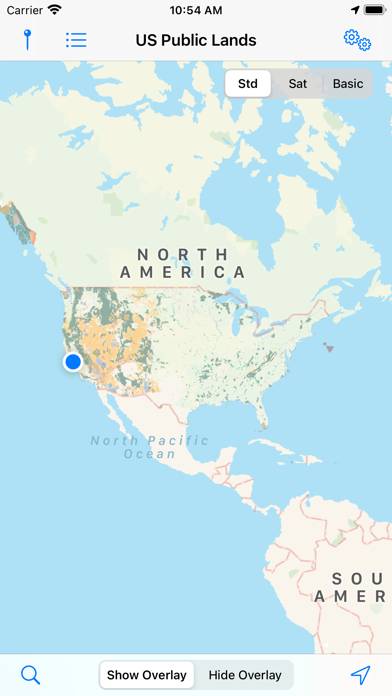
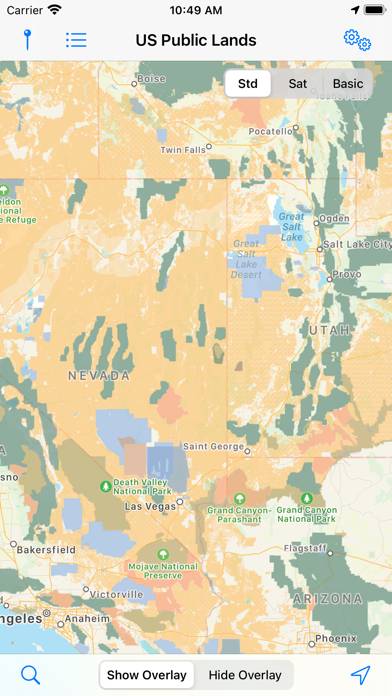
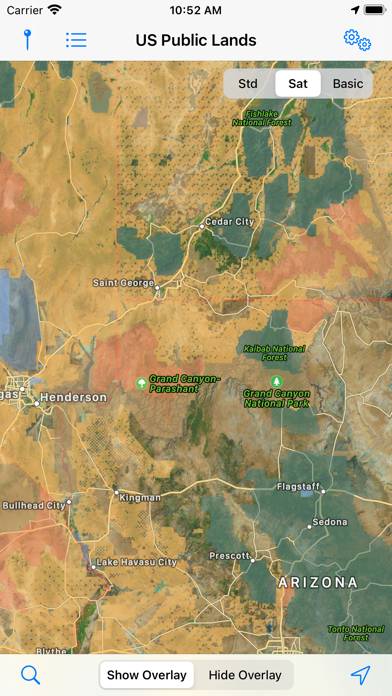
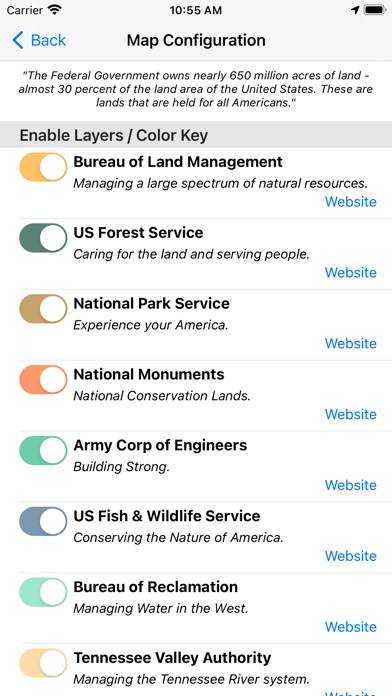
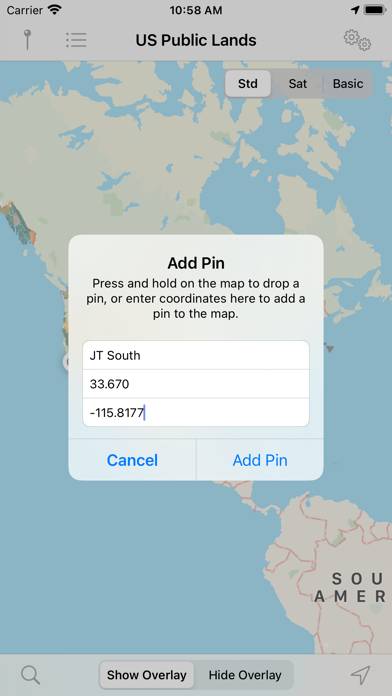
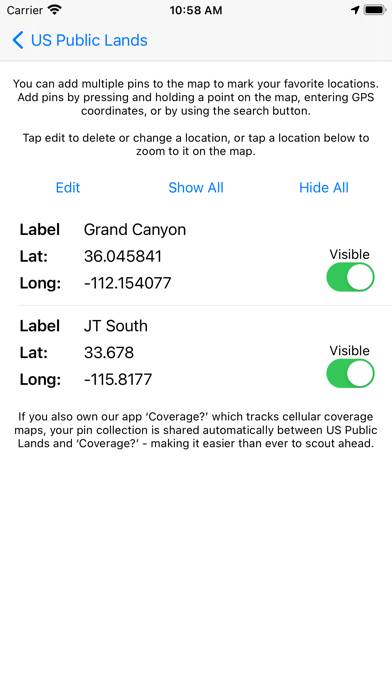
Video: US Public Lands Overview
Description
The US Federal Governments owns nearly 650 million acres of land - almost 30 percent of the land area of the United States. These are lands that are held for all Americans.
Show more
Download US Public Lands
Scan to Get the App!

Using US Public Lands on PC or Mac
US Public Lands can be played on Windows and macOS using Android emulators such as BlueStacks. Download an APK version and follow our BlueStacks installation guide to get started. For help with downloading or installing APK files, visit our forums.
User Reviews and Ratings
★★★☆☆ Yes, as advertised, but…
This app will present you with a map that outlines public lands, assuming that you can figure out which shade of color or very limited symbology a particular spot may correlate with. It does little or nothing to provide even the most basic information on what the public land shown on the map is (name, etc.), let alone whether there is any access to it. I have rarely found it useful as a result.
★★★☆☆ Clunky
You can’t copy the latitude-longitude of a spot you’re interested in to paste into Google maps. This is extremely inconvenient. It really only works for checking if you are, in fact, on public land already and is of little help finding where to go.
★★☆☆☆ Not ready for prime time
At best a work in progress.
★★☆☆☆ Not accurate
In using this app for the last year it has become very clear that the maps within the app do not accurately list or show privately owned lands within BLM and USFS boundaries.
★★★★☆ Nearly Useful
Read all reviews
Wanted an app like this. It's close. The color overlay is ok except green areas because the default map color is green. Must squint and guess. Should let you tap to get management info about a the location. Maybe change default map color or allow configuration of overlay/map colors.
Yes, you can choose "basic map" with white default color to help, but lose roads and whatnot. You can zoom in but some areas have fuzzy, gradient borders. Shouldn't the GIS data be very clear about boundaries?
Similar Travel Apps
Sheremetyevo
Greek Pretati - Speak with Audio Translation
iExit Interstate Exit Guide
Top #90 in Travel Apps
Trafiken.nu Göteborg

ATB Mobile