Usage Widgets

Published by Oleh Stasula on Mar 04, 2015
Usage Widgets icon

Genre: Utilities

Ratings: 4.65

Version: 4.21.0

Updated: Sep 21, 2024

Downloads: 592

Usage Widgets is a utility app developed by Oleh Stasula. Available as a free download, it was updated to v4.21 on September 21, 2024, and currently holds a 4.65 out of 5 rating based on 3.6K reviews. Before downloading, make sure your device has at least 47 MB of free space and runs Android 15+ or iOS 16.0+.

For Lock & Home Screens
Video: Usage Widgets Overview

Description

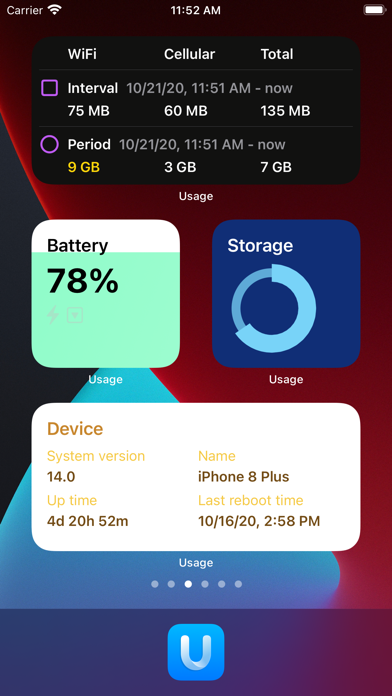
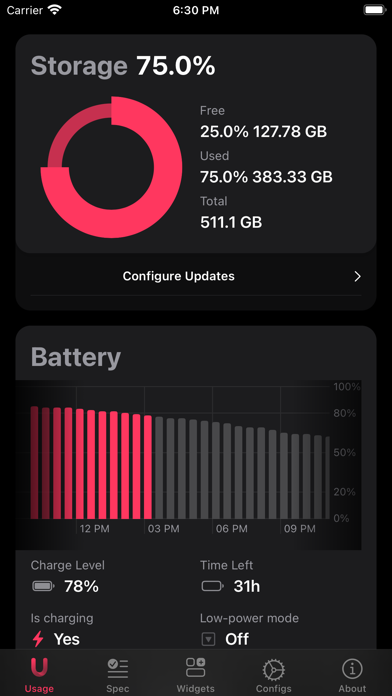
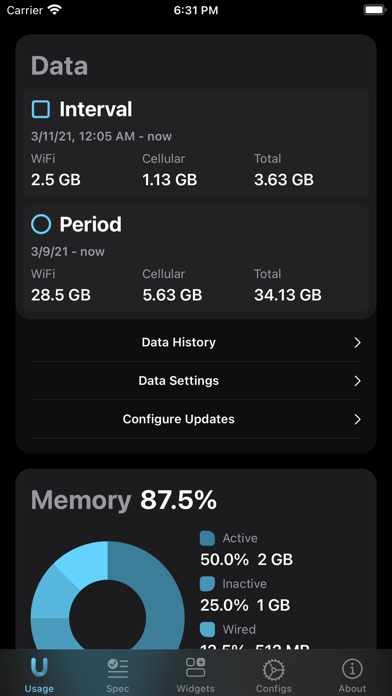
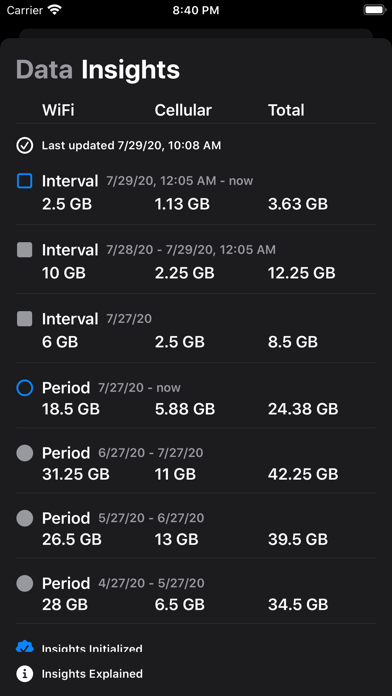
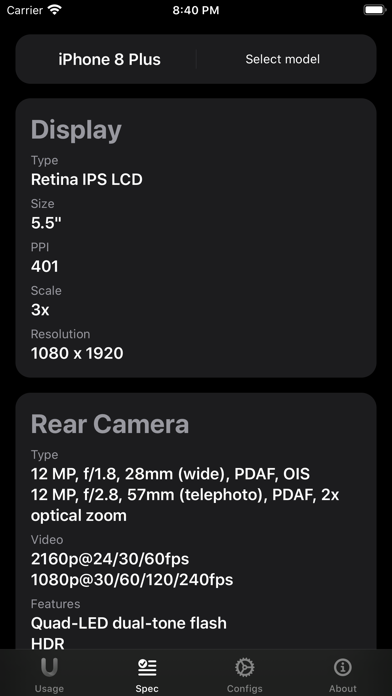
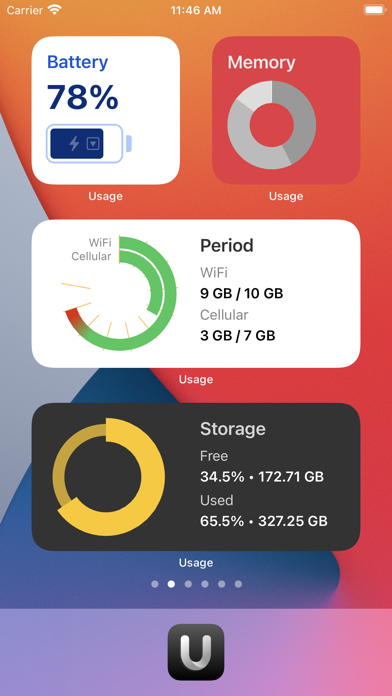
Usage is a tool to monitor your device's activity, data usage, connection speed, and more. It comes with 21 Home Screen widgets, fully customizable Super widgets, and new Lock Screen widgets!
Show more

Available In-App Purchases

Compare Unlock

$0.00

Kind Tip

$0.99

Massive Support

$3.99

Nice Surprise

$1.99

Usage Pro

$3.99

Download Usage Widgets

Scan to Get the App! QR code for Usage Widgets

Using Usage Widgets on PC or Mac

Usage Widgets may be playable on Windows and macOS using Android emulators such as BlueStacks. Follow our BlueStacks installation guide to get started. Looking for Usage Widgets APK? Visit our forums for help finding authorized downloads, installing APK files, and troubleshooting installation issues.

User Reviews and Ratings

★★★☆☆ The application is good,
The only problem is the constant pressure to buy it; it becomes overwhelming the moment you open it. They're always reminding you to buy it, and that's not how it works. You buy the app if you want to; it's not mandatory.
★★★★★ Great info
Provides tons of info that Apple normally wouldnt show you. Very customizable and super helpful. Brings back the old style battery charging graph also
★★★☆☆ Still no transparency or glass effect
Everything about this widget is great... except its a big white box when transparency is applied. Please enable transparency -- it would be nice!
★★★☆☆ What happened to the spec menu
Iv been using this app for years and just recently wanted to check the spec of my new iPhone and the screenshots still show the menu but in the app I no longer find the spec menu that had the information I wanted
★★★☆☆ Storage widget
Why only 2 widgets for storage? I thought Pro version has it but it does not. How can I add the storage widget with graph graphic?
Read all reviews

Similar Utilities Apps

XuntaEu screenshot
XuntaEu
QuickTune 7 screenshot
QuickTune 7
UniRemo - Universal TV Remote screenshot
UniRemo - Universal TV Remote
Top #89 in Utilities Apps
IP4K: Phone cam as IP Camera screenshot
IP4K: Phone cam as IP Camera
Net Status - Server Monitor screenshot
Net Status - Server Monitor