Valence 3D
Published by Hi-Rez, Inc on Mar 14, 2024
Genre: Graphics & Design
Ratings: 4.18
Version: 1.2.0
Updated: Aug 18, 2024
Downloads: 704
Valence 3D is a graphics & design app developed by HiRez. Available for $29.99, it was updated to v1.20 on August 18, 2024, and currently holds a 4.18 out of 5 rating based on 62 reviews. Before downloading, make sure your device has at least 81 MB of free space and runs Android 16+ or iOS 17.0+.
Polygon & Subdivision Modeling
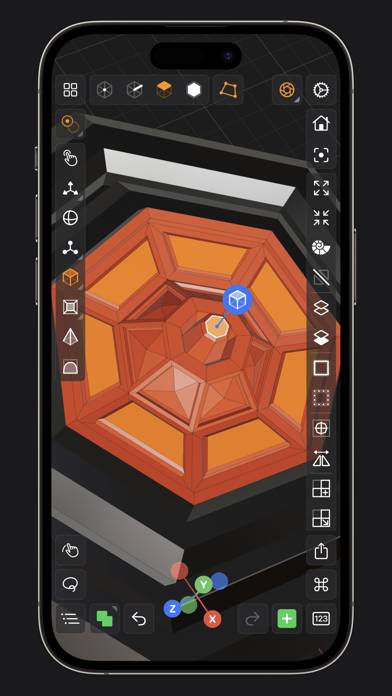
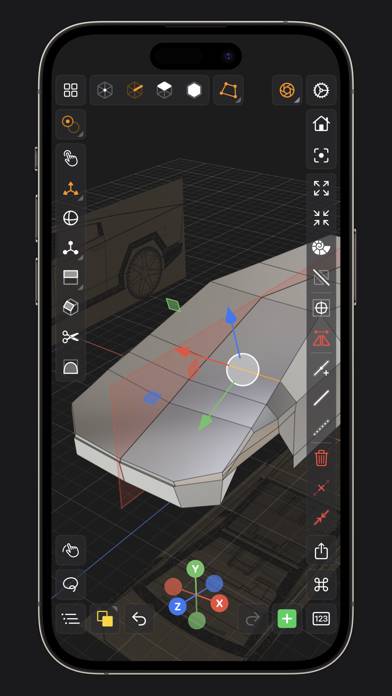
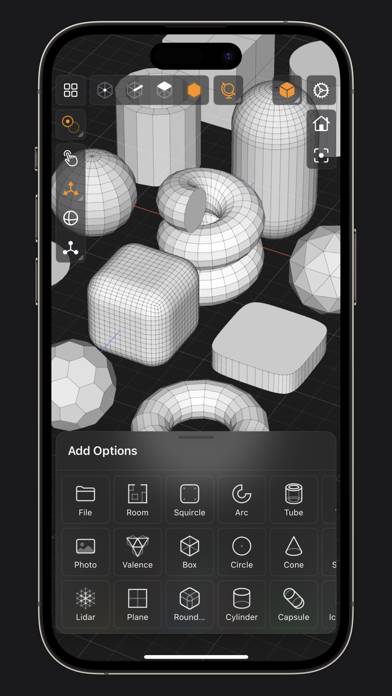
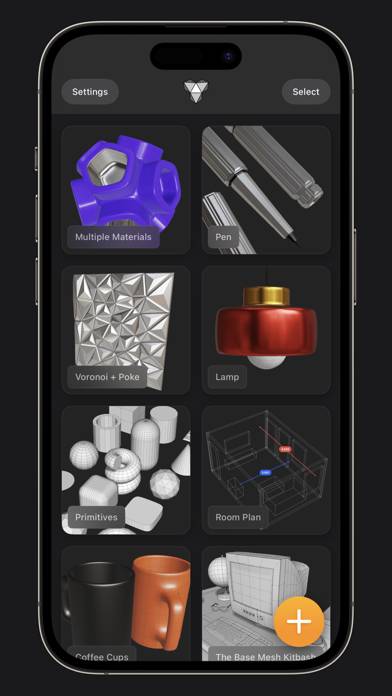
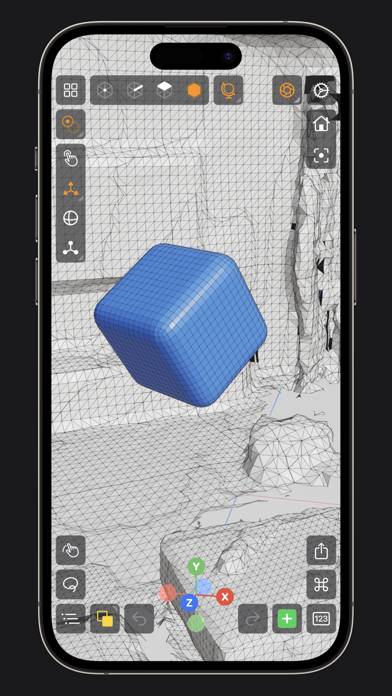
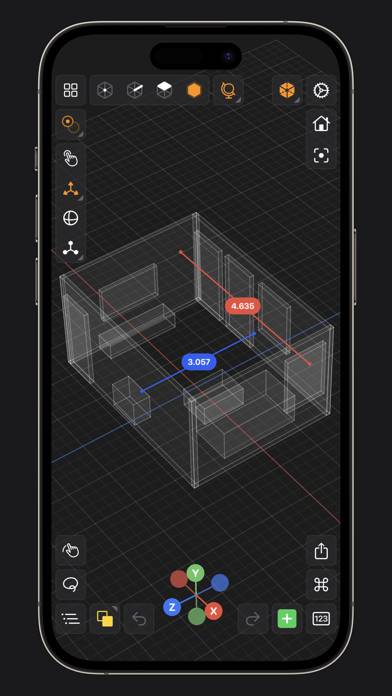
Video: Valence 3D Overview
Description
Valence 3D is a new powerful, beautiful & easy-to-use 3D modeling & design tool built from the ground up for iPad & iPhone.
Show more
Download Valence 3D
Scan to Get the App!

Using Valence 3D on PC or Mac
Valence 3D can be played on Windows and macOS using Android emulators such as BlueStacks. Download an APK version and follow our BlueStacks installation guide to get started. For help with downloading or installing APK files, visit our forums.
User Reviews and Ratings
★★★★★ Incredible app to go hand-in-hand with Blender
Very good UI, ships with its own renderer similar to Cycles. I’m extremely impressed with just the few minutes I’ve spent with it.
Once this app supports booleans and reference images, it will rock for hard-surface blockouts and ideation.
Tested a small model and exported to Blender just fine—needed 10x scale and rotate X.
★★★★★ Missing features?
Keyboard shortcuts for Bluetooth keyboards for iPad/iPhone.
(probably should just copy blenders shortcuts.)
I'm having problems joining Verts and faces missing a edge or two.
I do enjoy the app.
★★★★★ Growing and Improving
Keep improving and add feature and you will always have 5 stars
★★★☆☆ Powerful, but Buggy
App seems like a really promising version of Blender on iPad. The UI is great, but unfortunately it’s plagued with bugs. When I enter selection mode, the app gets stuck and won’t let me leave. Any movement causes the app to keep zooming out until my model is infinitesimally small. This has happened 3 times already. The reliance on gesture control keeps the UI clean at the cost of usability. I’d much prefer modifiers on the screen like Z brush
★★★★★ Incredible. Period.
Read all reviews
Amazing software. Feels like blender on my phone, which I hope is taken as a complement to the developer. I don’t do reviews often. This was worth my money.
I can’t wait to see what future updates may include.
Thank you
Similar Graphics & Design Apps
Poetics
Secret Island : Hidden objects
Redecor - Home Design Makeover
Graffiti Spray Can Art - KING
SketchAR: learn how to draw
LOOMY FONT Captions for TikTok