VESC Tool
Published by Jeffrey Friesen on Mar 30, 2022
Genre: Utilities
Ratings: 3.95
Version: 6.05
Updated: Sep 04, 2024
Downloads: 2,789
VESC Tool is a utility app developed by Jeffrey Friesen. Available for $3.99, it was updated to v6.05 on September 04, 2024, and currently holds a 3.95 out of 5 rating based on 21 reviews. Before downloading, make sure your device has at least 146 MB of free space and runs Android 11+ or iOS 12.0+.
Configure your VESC Ecosystem
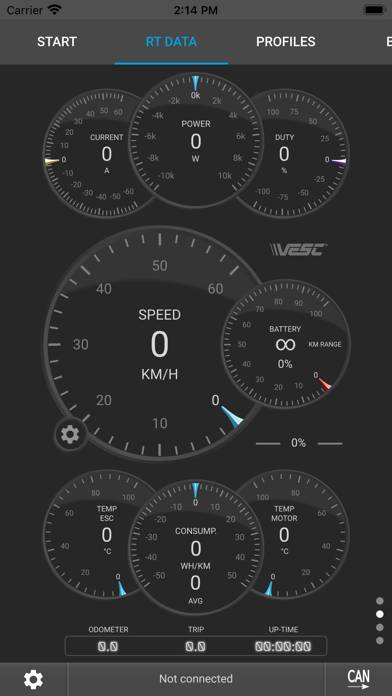
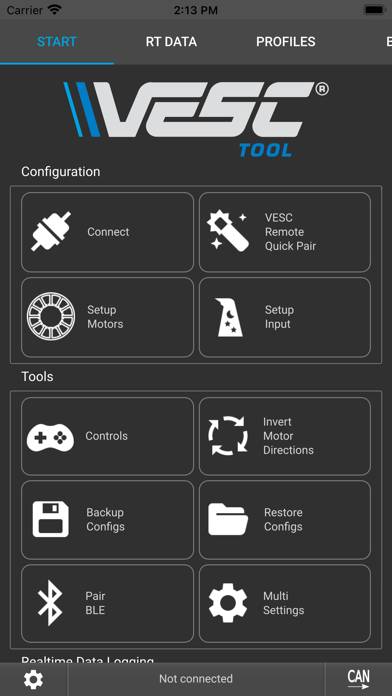
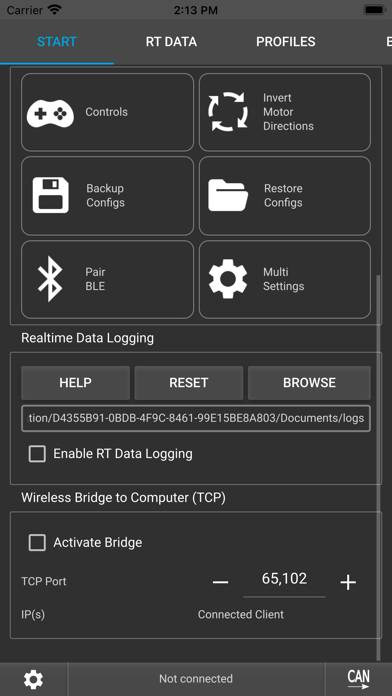
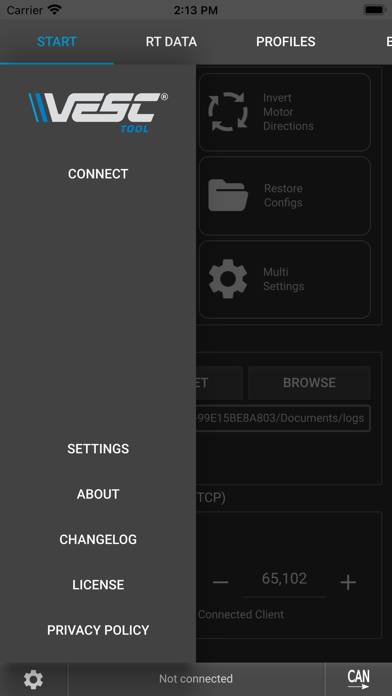
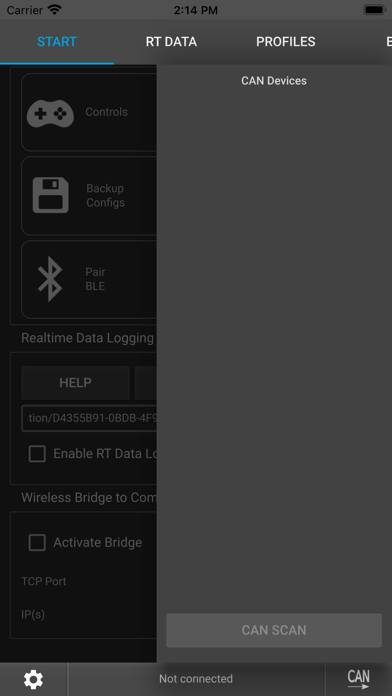
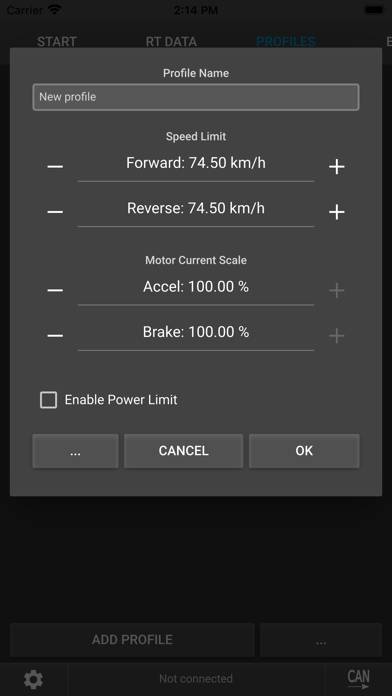
Video: VESC Tool Overview
Description
This is the mobile version of VESC Tool, which can be used to configure VESC-based hardware over BLE.
Show more
Download VESC Tool
Scan to Get the App!

Using VESC Tool on PC or Mac
VESC Tool can be played on Windows and macOS using Android emulators such as BlueStacks. Download an APK version and follow our BlueStacks installation guide to get started. For help with downloading or installing APK files, visit our forums.
User Reviews and Ratings
★★★★★ Great App
Well made app, works great!
★★☆☆☆ BREAKS TO EASLY
I have two VESC 75100 V2.0 Pro controllers—one I bought on Amazon and one from the official website. I spent around $200 total. They told me I could only return them if they were broken. I have a spare controller, but one of them short-circuited for no reason, blowing my fuses. The second one was having throttle issues, which I was able to fix, but one day the 5V port just stopped working. I reached out to have it repaired, and the repair cost was around $100 USD—the same price as buying a brand
★★★★★ Super helpful tool
This is a super helpful to to help me debug my DIY efoil I’m building with my 8 year old son. Now that I have my nrf51 Bluetooth module plugged into my FSESC 75100 UART2 port, I can see real time motor current and duty cycle and I don’t have to disassemble my waterproof box to plug a laptop into the USB port in the water. And it is also wonderful to adjust motor and battery settings from this App. Thank you so much.
★★★★☆ Little to learn
missed the last button click to actually save my default config.
Updated the firmware thinking I had a config saved.
Was bummed.
But With a little help from the community and float hub I got it set up again making most of the final adjustments with Vesc tool.
Have my default config saved and am pleased with how well Vesc tool works.
★★★☆☆ Uses wrong keyboard for data entry
Read all reviews
Numeric fields use numberPad instead of decimalPad on iOS, preventing decimal entry. Fields that require a decimal value are nearly impossible to enter. There’s no decimal key, ‘enter’ key and no way to move the cursor
Similar Utilities Apps

Authenticator: Secure 2FA App
Top #70 in Utilities Apps
Wire Tun
floccus
RTA Pro

Louder Sound App

Big Time Clock - Digital