Vibes - Friend Live Activity is a social networking app developed by Nibble Audio. Available as a free download, it was updated to v3.10 on September 16, 2024, and currently holds a 4.63 out of 5 rating based on 1.9K reviews. Before downloading, make sure your device has at least 212 MB of free space and runs Android 15.1+ or iOS 16.1+.
Lock screen friend updates
Video: Vibes Overview
Description
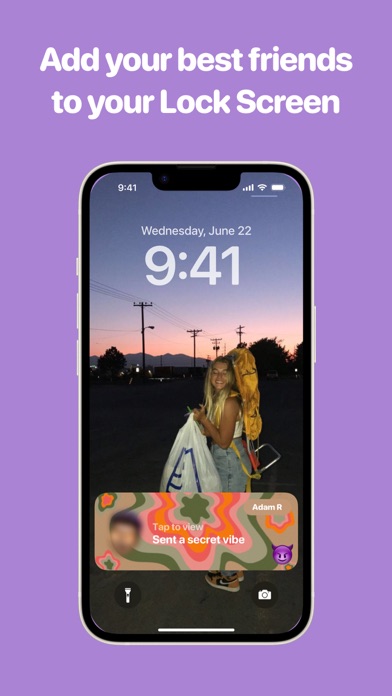
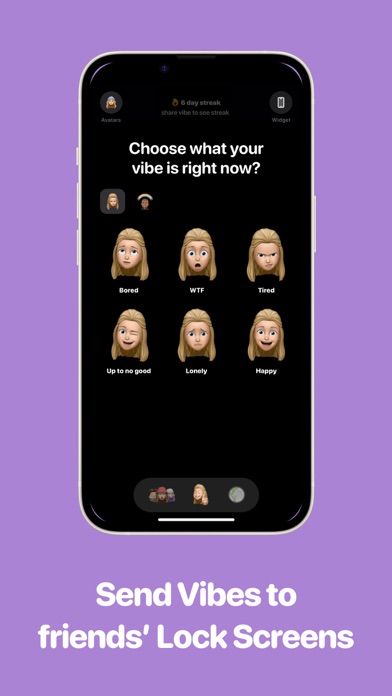
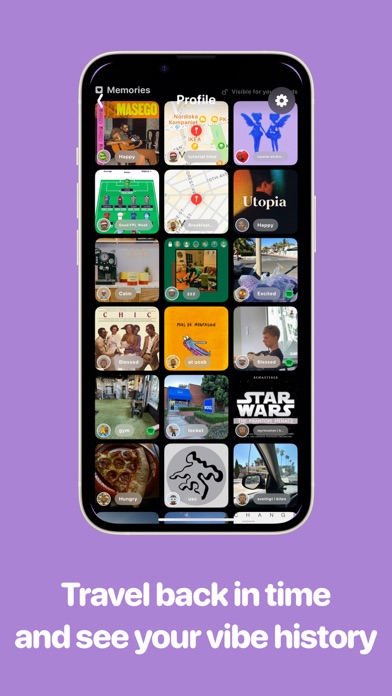
On Vibes you share your current mood and status with your close friends, live on their Lock Screens.
Vibes - Friend Live Activity may be playable on Windows and macOS using Android emulators such as BlueStacks. Follow our BlueStacks installation guide to get started. Looking for Vibes APK? Visit our forums for help finding authorized downloads, installing APK files, and troubleshooting installation issues.
User Reviews and Ratings
★★★☆☆good but could be better
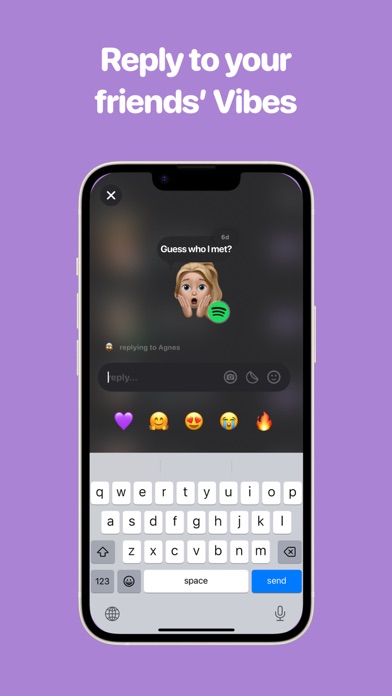
i love how you can text, send pics, call, and vibe. i also love how their are streaks like snap but one improvement i would love is if you added filters. so that when you took pics you could have the opportunity to put a filter on. also if you could put a caption on your pics. some filter ideas are the ski mask filter and also if you do add filters please make them for multiple people!! overall it’s a pretty good app if you are looking for an alt to snap but if you added these things then more p
★★☆☆☆Great ‘till it’s NOT
The app works great Mtill it doesn’t. It’ll lag updating our vibe. It won’t let us comment so it kicks us off the app. It freezes. It won’t updated and sync in real time with music.
★★★★★Vibes
Vibes is a fun way to know what your friends or family are feeling. 😁😁😁😁😁
★★★★★Love
I love it I wish it was for free but it’s good
★★★☆☆Help with vibemoji
Overall the app is simple and a fun way to allow others to check in on how you’re doing mentally throughout the day vice versa. I decided to pay for the vibe emoji and feel emoji etc. And I wasn’t really sure on the specifics of how to create the vibe emoji I uploaded a random picture and now I can’t figure out how to change my vibe emoji after. I was unclear that once you uploaded when you can’t change it after I don’t know if that’s what’s going on, but please help. How do I change the picture