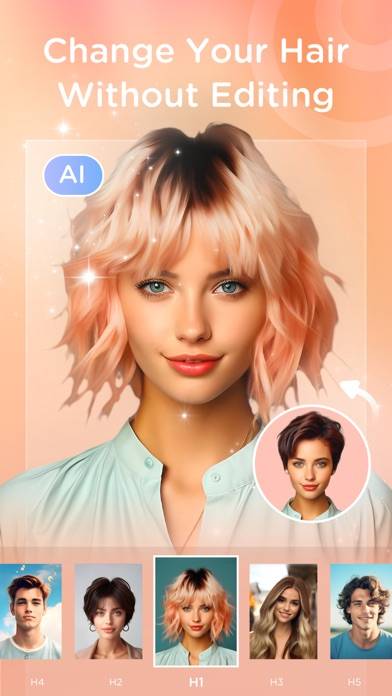
Videocraft - Video Editor Pro is a photo & video app developed by Gamelarious. Available for $2.99, it was updated to v6.00 on March 28, 2022, and currently holds a 4.56 out of 5 rating based on 386 reviews. Before downloading, make sure your device has at least 29 MB of free space and runs Android 11+ or iOS 12.0+.
All features, no subscription
Video: Videocraft Overview
Description
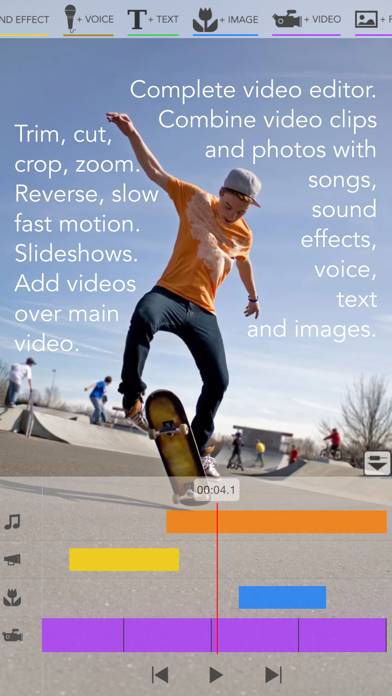
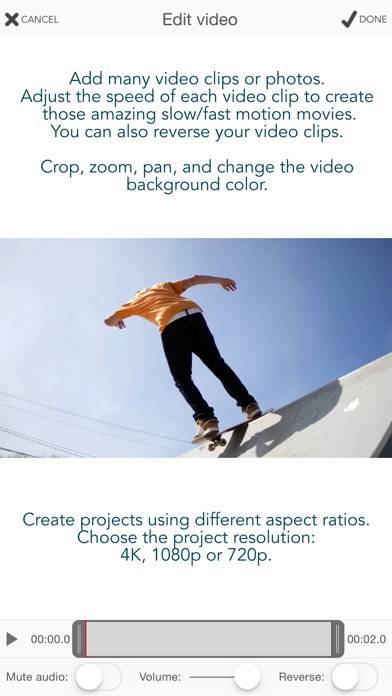
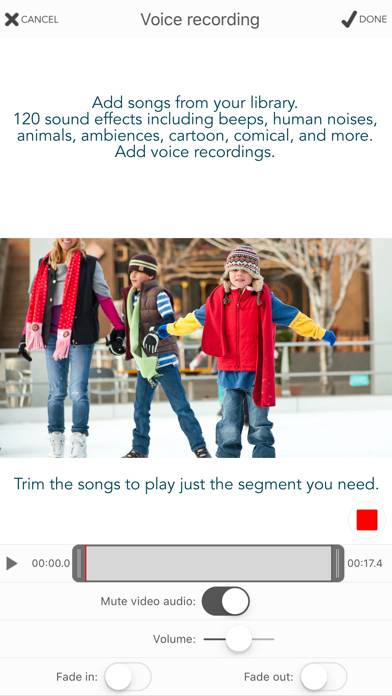
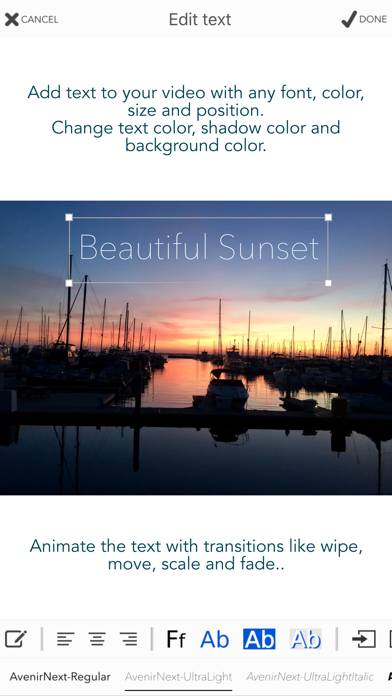
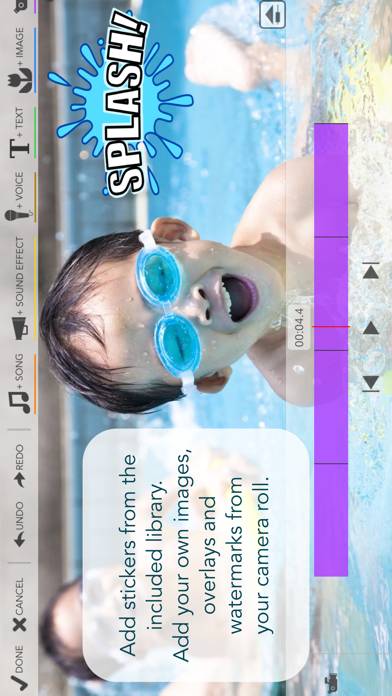
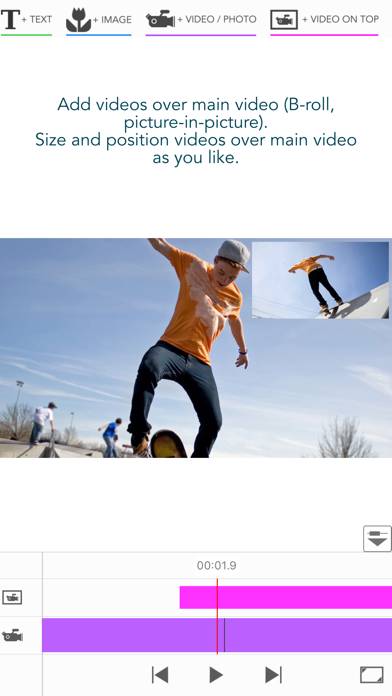
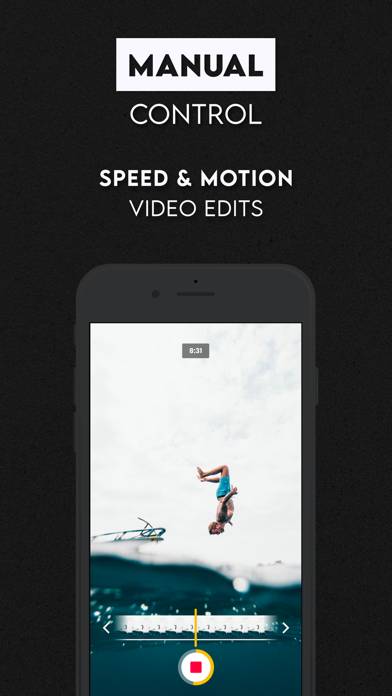
Videocraft is the complete multi-track video editor, photo slideshow and movie maker app. All features one needs to combine video clips and photos with music, sound effects, voice over, images, GIFs and text.
Videocraft - Video Editor Pro can be played on Windows and macOS using Android emulators such as BlueStacks. Download an APK version and follow our BlueStacks installation guide to get started. For help with downloading or installing APK files, visit our forums.
User Reviews and Ratings
★★★★★Easy
Made a video in no time at all.
★★★★★The best video editor I've used
I have tried out a variety of video editors for the videos I've designed, ranging from 1 to 45 minutes, and varying in complexity, and recently I have confined my work almost entirely to Videocraft. Versatile, dependable, sophisticated (for instance, all those colors and fonts for text!), and easy to use. Bravo to the developers!
★★☆☆☆Tried using the camera feature to no avail
I used the camera feature to take a picture several times, but each time I chose settings to process it (whether the lowest setting at 700 or at the highest 4K, it just froze- nothing would happen. I would swipe out and restart to have the same problem happen. I am on iOS16 so perhaps that has something to do with it? I don’t dare giving access to my photo album to try that way, if a single photo I just snapped through the app can’t even process.
★★★★★I took one star out
I send this email to “support” from which I received no reply so I’m writing it here:
There’s this bug when the video I select doesn’t appear in the centre and I have to use “crop” option to readjust it. (I attached a video in the email to show you what I mean)
Also, the ratios of video editing are limited. I’d like to suggest an option to keep the original video ratio, it would be VERY helpful.
★★★★★El mejor editor de video
Para mí ha sido muy útil y tiene una variedad de herramientas que logran hacer una buena edición de videos.