Visual Acuity Charts
Published by zijian huang on Nov 29, 2018
Genre: Medical
Ratings: 3.53
Version: 3.2.1
Updated: Sep 29, 2024
Downloads: 877
Visual Acuity Charts is a medical app developed by zijian huang. Available for $4.99, it was updated to v3.20 on September 29, 2024, and currently holds a 3.53 out of 5 rating based on 30 reviews. Before downloading, make sure your device has at least 27 MB of free space and runs Android 13+ or iOS 14.0+.
check and track distant vision
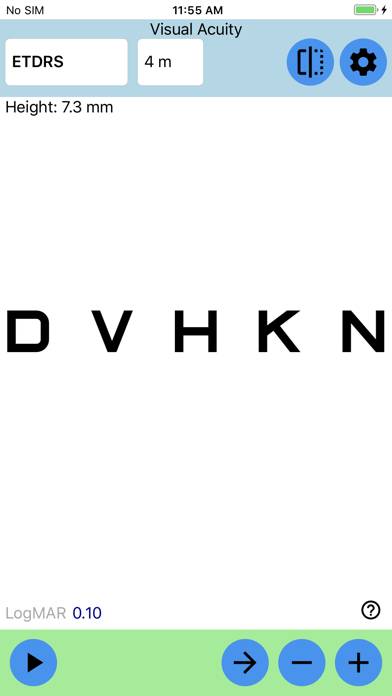
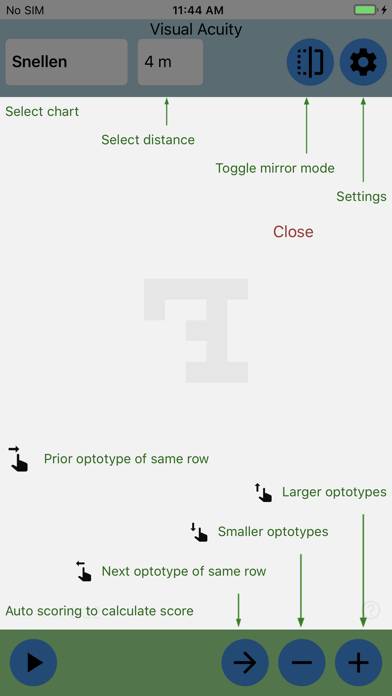
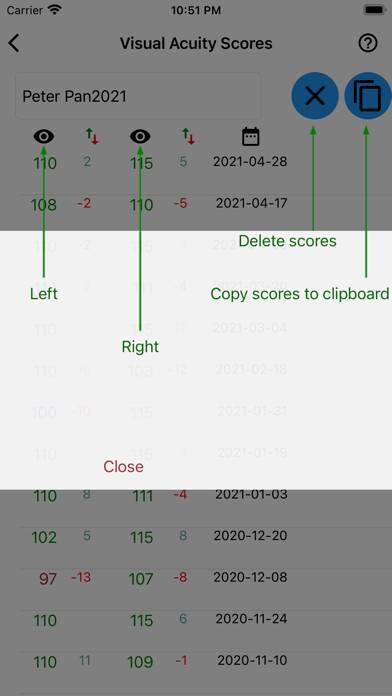
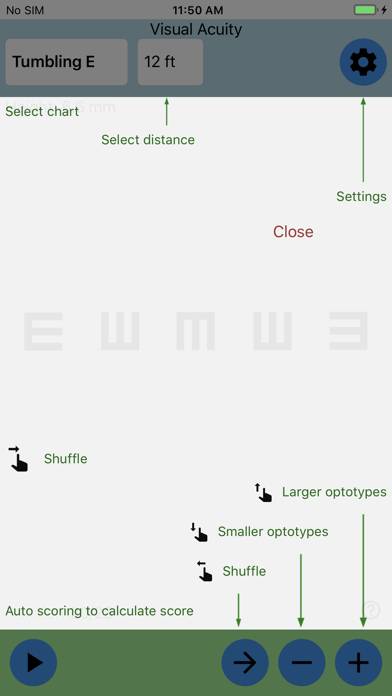
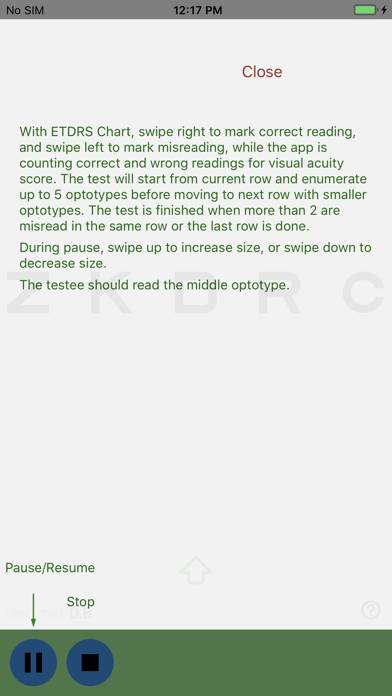
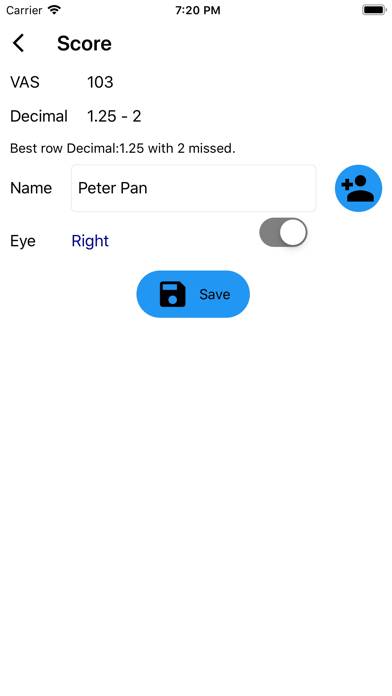
Video: Visual Acuity Charts Overview
Description
Prevention is better than cure. Designed for children older than 6, parents with young children, and general practitioners, this eyechart app displays optically precise optotypes of eye charts for you to measure distance vision accurately in order to detect myopia early, so you can take preventive measures and seek help from medical professional early to prevent pseudomyopia from progressing to myopia, or prevent nearsightedness from getting worse.
Show more
Download Visual Acuity Charts
Scan to Get the App!

Using Visual Acuity Charts on PC or Mac
Visual Acuity Charts can be played on Windows and macOS using Android emulators such as BlueStacks. Download an APK version and follow our BlueStacks installation guide to get started. For help with downloading or installing APK files, visit our forums.
User Reviews and Ratings
★★★★★ convenient and accurate.
convenient and accurate. At least in iPhone XS Max, the letters displayed are precise as I had measured with a ruler.
★★★★★ Decent design for smart phone users
I tried a few eye chart apps however, most are just replicates of paper based eye charts. This one utilizes advantages of iPhone, delivering pretty user experiences while maintaining accuracy of detecting near-sightedness.
★★★★★ Great
Mirror mode is great. Easy to use.
★★★★★ Better than Snellen chart on paper
I have been wondering how come the top row of the Snellen chart could be suitable for both 20 feet and 6 meters, as marked in paper base Snellen charts, since 20 feet is 6.096 meters. This app actually gives slightly larger optotype for a 20 feet distance than for a 6 meters distance.
The UI design is mobile friendly. The hint is brief, so it took me some fail and try to figure out how to use. After all, intuitive and smooth.
★★★★★ missing english units
Read all reviews
I rarely use metric. It would be great if I were able to switch units to english. Thanks
Similar Medical Apps
Estrategias en Urgencias
Affidea Connect Italy
OrthoRef
Blood Pressure H+
Symmetry Exercise for Low Back Pain
ECG Test Pro for Doctors
Top #97 in Medical Apps