Watchla for Tesla
Published by Villegas Ventures LLC on Feb 16, 2021
Genre: Utilities
Ratings: 4.18
Version: 3.8.3
Updated: Sep 10, 2024
Downloads: 1,308
Watchla for Tesla is a utility app developed by Villegas Ventures LLC. Available for $7.99, it was updated to v3.80 on September 10, 2024, and currently holds a 4.18 out of 5 rating based on 1.4K reviews. Before downloading, make sure your device has at least 147 MB of free space and runs Android 14+ or iOS 15.0+.
A watch app for Tesla
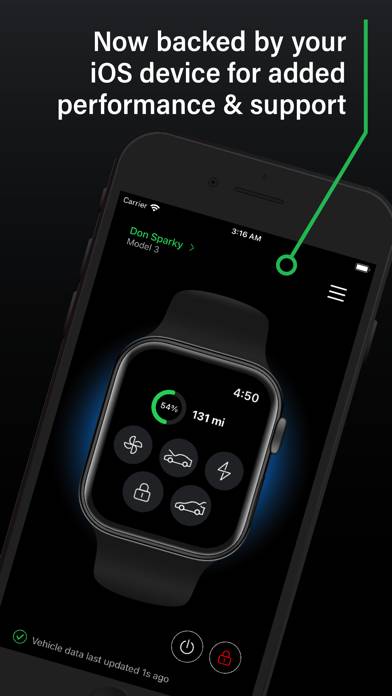
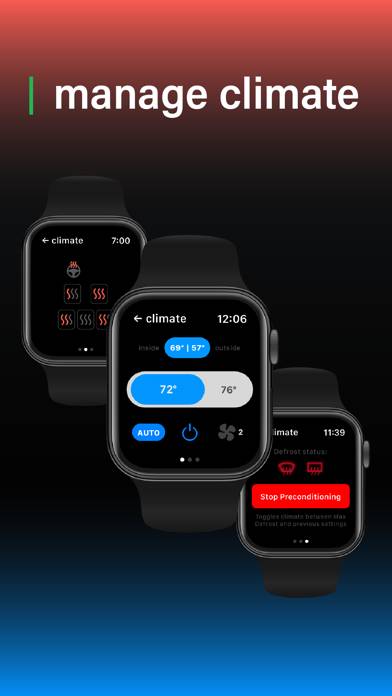
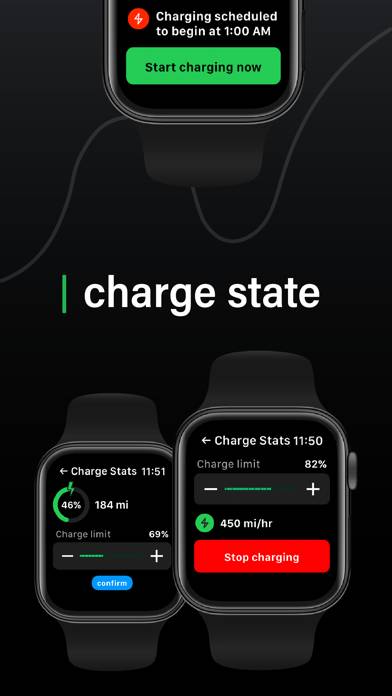
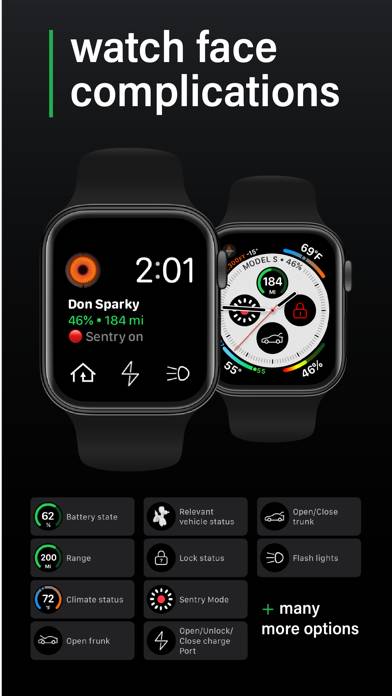
Video: Watchla for Tesla Overview
Description
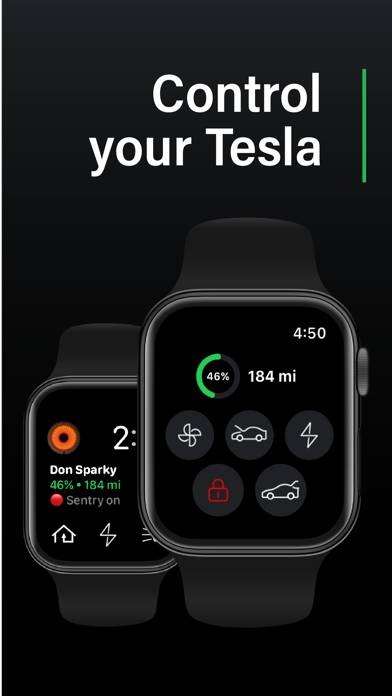
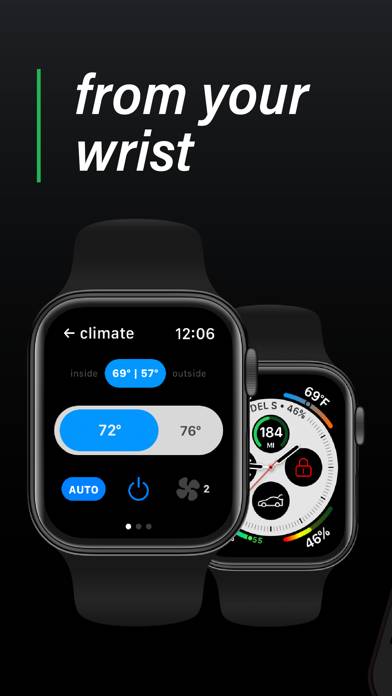
Watchla delivers full control of your Tesla to the convenience of your wrist. With a beautiful, clean & effective UI, Watchla is a watch app for Tesla that aims to replace your phone for most of your remote access needs with your Tesla.
Show more
Download Watchla for Tesla
Scan to Get the App!

Using Watchla for Tesla on PC or Mac
Watchla for Tesla can be played on Windows and macOS using Android emulators such as BlueStacks. Download an APK version and follow our BlueStacks installation guide to get started. For help with downloading or installing APK files, visit our forums.
User Reviews and Ratings
★★★☆☆ Couldn’t find vehicle
App is not finished. Issues with first time sign-in (had to restore purchase immediately after signing up). Car is not found after signing. Uninstalling and cancelling.
Nice features, if we are able to get to them. :)
★★☆☆☆ Rarely worked like it was supposed to
Bought this so I could surf with my watch and not carry a key. Never worked well enough for me to actually depend on it. Constant performance issues on my Ultra. Was very slow before, but now is basically unusable after the transition to the new API. Now they announce they’re basically cutting all the functionality I originally purchased the app for? Disappointing…
★★☆☆☆ Nice, when it works…
Every time they update the app, it breaks its ability to connect to my Model Y.
★★☆☆☆ This is a $1.99 One Time Purchase App
This is insane that developer is trying to grab $1.99 per month for a Bluetooth only app. This app should be between $.99 and $1.99 for a flat out purchase. There is absolutely no reason whatsoever to try and grab a monthly subscription price. Shame on you for even attempting this to unsuspecting consumers that don’t know any better.
★★★★☆ Using Apple watch as your key.
Read all reviews
Took a few tries to connect to Bluetooth. But it seems to be working now.