Wenea

Published by Wenea PRVE on Aug 17, 2019
Wenea icon

Genre: Navigation

Ratings: 1.50

Version: 3.0.7

Updated: Feb 28, 2024

Downloads: 596

Wenea is a navigation app developed by Wenea PRVE. Available as a free download, it was updated to v3.00 on February 28, 2024, and currently holds a 1.5 out of 5 rating based on 6 reviews. Before downloading, make sure your device has at least 43 MB of free space and runs Android 15+ or iOS 16.0+.

Puntos de recarga VE

Video: Wenea Overview

Description

Network of electric vehicle charging points with the best insurance coverage. Wenea is the largest independent charging network in the country.
Show more

Download Wenea

Scan to Get the App! QR code for Wenea

Using Wenea on PC or Mac

Wenea may be playable on Windows and macOS using Android emulators such as BlueStacks. Follow our BlueStacks installation guide to get started. Looking for Wenea APK? Visit our forums for help finding authorized downloads, installing APK files, and troubleshooting installation issues.

User Reviews and Ratings

★★☆☆☆ Poorly implemented location
I just used a charger in the Westfield Glories shopping center in Barcelona. The app seemed to work ok but there is not sufficient mobile reception where the charger is to allow the app to function. I had to go up a level to get the app to work. Then I had to start the charge in the app and run back down a level to connect the car and start the charge. Then while the charge was happening the app was giving me a message that the charge failed and would have like to try again or cancel. In the end
Read all reviews

Similar Navigation Apps

TVMDC Sailing & Marine Navigation Calculator screenshot
TVMDC Sailing & Marine Navigation Calculator
Top #85 in Navigation Apps
RocKr - Motorcycle Routes screenshot
RocKr - Motorcycle Routes
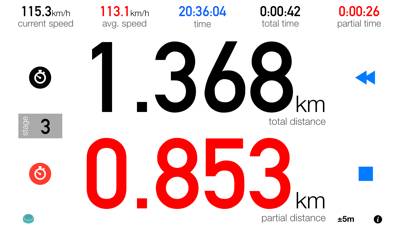
3pRally - TSD Rally screenshot
3pRally - TSD Rally
Top #81 in Navigation Apps
Map Chart Mosaic screenshot
Map Chart Mosaic
Top #50 in Navigation Apps
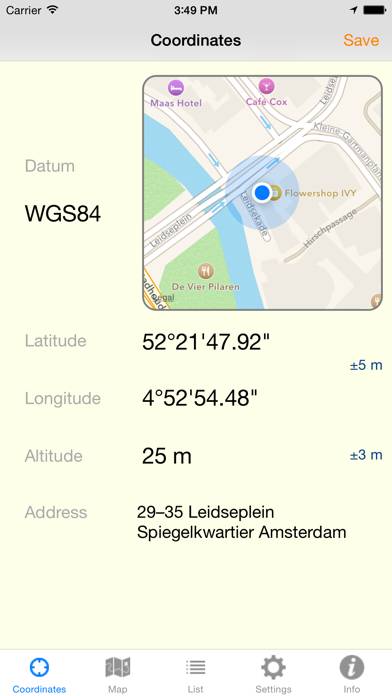
WGS84 screenshot
WGS84
Top #49 in Navigation Apps
tabUi: dove andare, cosa fare screenshot
tabUi: dove andare, cosa fare