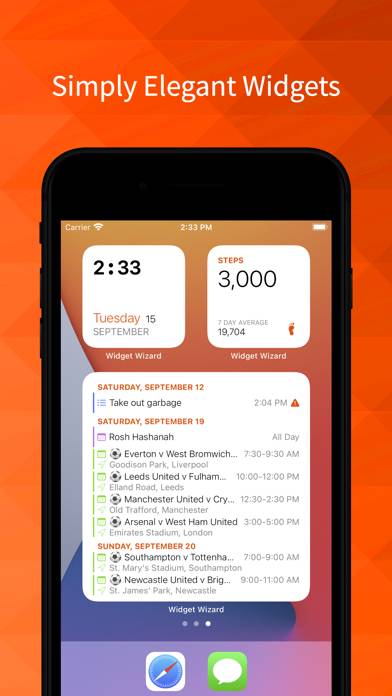
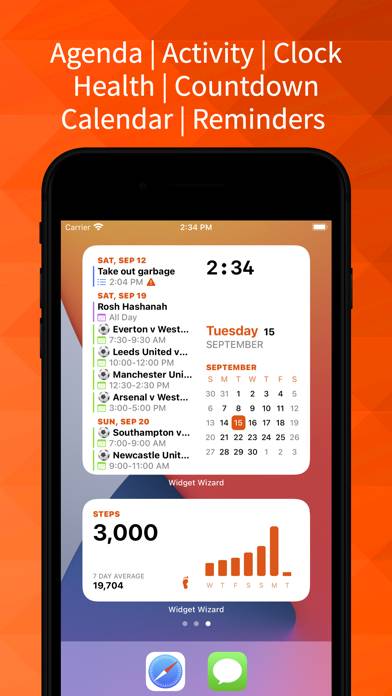
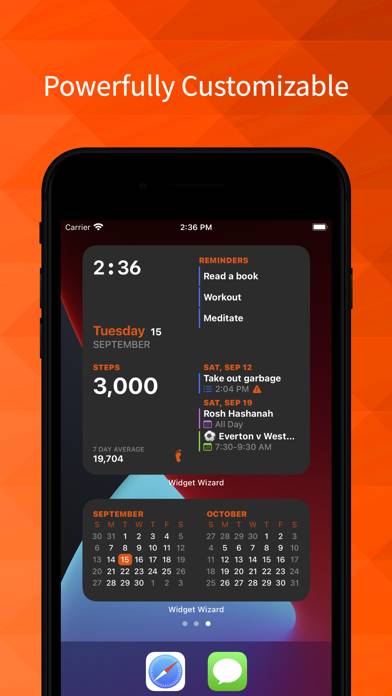
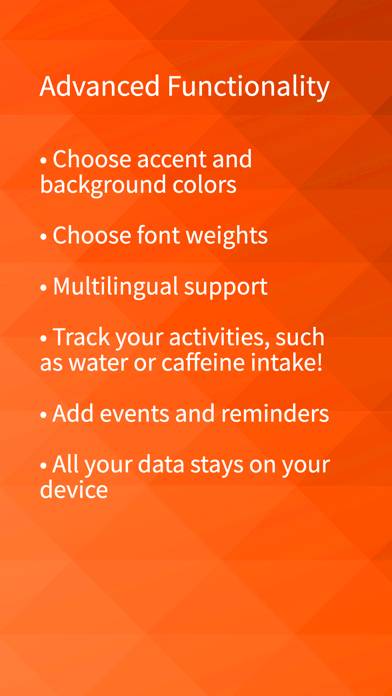
Widget Wizard is a utility app developed by Ahmed ElKhuffash. Available as a free download, it was updated to v1.13 on January 30, 2024, and currently holds a 4.23 out of 5 rating based on 52 reviews. Before downloading, make sure your device has at least 11 MB of free space and runs Android 16+ or iOS 17.0+.
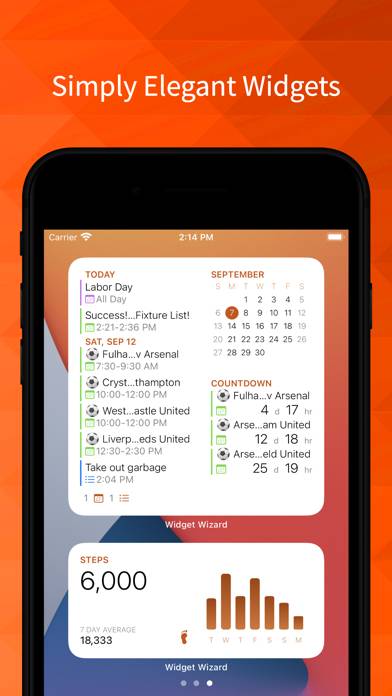
Steps, Weather, Agenda, More!
Video: Widget Wizard Overview
Description
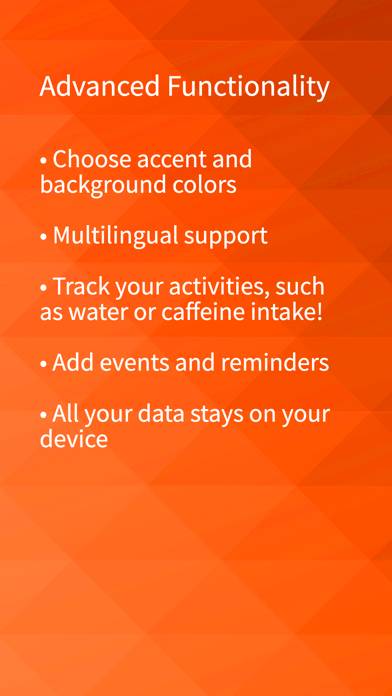
Simple, elegant and highly customization widgets. TRACK YOUR HEALTH AND FITNESS GOALS! View your 35+ health and nutrition stats at a glance and keep track of your goals!
Widget Wizard can be played on Windows and macOS using Android emulators such as BlueStacks. Download an APK version and follow our BlueStacks installation guide to get started. For help with downloading or installing APK files, visit our forums.
User Reviews and Ratings
★★★★★Please add search to Agenda page
Hello, I like how much information you’ve packed into the widgets! Please add search to the widget page so I can find my events easier.
Also, could you make the countdown in “One” view more compact so that I can see 6+ countdowns instead of 3? (So the spacing is tight like the Agenda view) Maybe as an option? I don’t need to see if it’s a calendar event or to-do, and there’s a lot of white space around the perimeter. I’d rather see just the countdown and the abbreviated title. Thanks for consid
★★★☆☆Health Functionality Needs Improvement
Aesthetically pleasing widgets but sleep data is not importing correctly and vitals aren’t supported at all.
★★★★★2 month side by side widget is essential
Great app that lets me see 2 months at a time in a widget!
★★★★★Best agenda
Best agenda hands down. Can see everything finally on Home Screen. One wish: could link click on calendar items to open Apple calendar.
Mind you I am only using this for agenda. My review only reflects agenda as I don’t need or use the other items.
★★★☆☆Nice, but uninstalling for now
I just wish the widgets would show past events and overdue reminders. Some of my calendars have times such as 12am-12am like my canvas one. Basically that means on the day it's due it becomes useless to me as it doesn't display on the widget. I can't change the due time on the event. I think at least one other person will have a problem with this. I bought it for that so that kind of negates what I want to use it for. Another problem I've come across is that the sleeping time doesn't update thr